Category: Kindergarten

Kindergarten Coin Flashcards

Today kindergarten students at Johnson Elementary created their own interactive flashcards using Keynote. I gave them a template which you can download by clicking here. The first slide has some animations so we watched that first so the students would know what an animation was. Their task was to create two slides. One would ask viewers to identify the name of the pictured coin, and the other would ask viewers to identify the value of the pictured coin. Students could choose which coin they wanted to use. So on each slide, they added a text box and typed the answer. Then they copied and pasted a coin from the first slide onto the other slides to cover the answers. Finally they added an animation to the coins so that when the viewer clicked on it, the answer would be revealed. The students could watch each others’ slideshows for practice and they could even be posted online, like this student sample (be sure to click repeatedly to see the animations).

Tags:


Kindergarten Measurement

Today at Holladay Elementary, kindergarten students practiced measuring things using digital nonstandard units of measurement. I gave them a Keynote template that you can download by clicking here. It has a variety of pictures and students use shapes to measure the pictures. They can either click the Shapes Tool to add more shapes, or they could copy and paste the shapes (this is a good skill to teach, even in kindergarten). Students could change what the shapes look like by changing the Theme of the slide or just changing the color. You could also allow students to chose their own shapes to measure with as well as their own pictures (depending on time and your students’ skill levels). On the last slide students add a picture of their face (from Photo Booth) and measure it with shapes. If students click in the center of each shape, they can add a number to it. I stressed the importance of making sure the shapes are stacked evenly and touch each other. I also pointed out the yellow alignment guides that pop up when students are moving the shapes around to help them. Finally students type the answer in the ? on each slide. As a follow up activity, students could measure each others’ pictures. Take a look at a student sample by clicking here.


Kindergarten Thanksgiving Resources

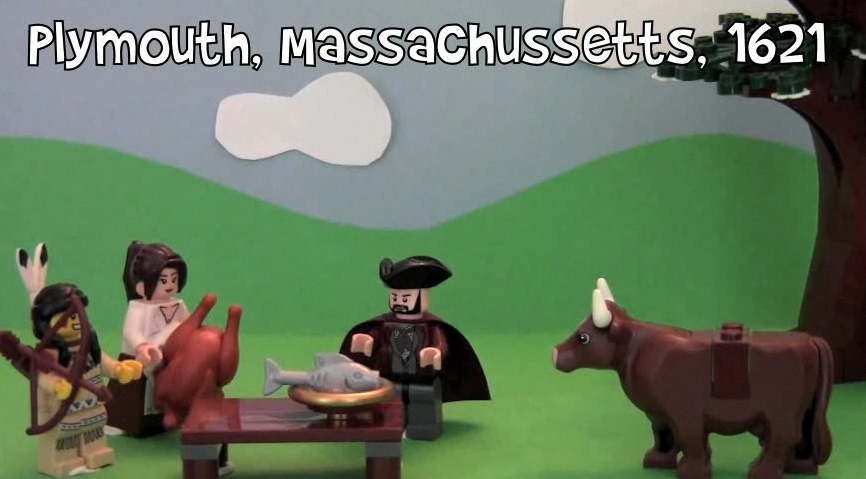
Thanksgiving is fast approaching, and several kindergarten classes have been working on technology projects (K.1b). Today at Holladay, they put themselves back in time at the first Thanksgiving and set food on the table in Pixie. They also recorded their voices telling about their Thanksgiving traditions and what they are thankful for. Click to watch a few student samples: Cameron, Fatima, Jace. Next week at Johnson we will be working on Thanksgiving Past & Present using Comic Life and a folder of pictures that you can download by clicking here. You can actually use those photos for a variety of projects… use them as a background in Photobooth, create a Keynote, or make a Thanksgiving video in iMovie. Did you know the first official Thanksgiving was actually held right here in Virginia? I filmed a video for the Virginia Trekkers at Berkeley Plantation where you can find out all about it. I also included several kid-friendly links for your students to research Thanksgiving. Hope you enjoy your holiday next week!


Kindergarten Schools of the Future

At Pinchbeck Elementary they are celebrating “Five Decades of Learning” (founded in 1961, this year marks their 50th anniversary). Each class is taking a decade and doing a special project. The kindergarten classes were focused on the future. So today in Ms. Houghtaling’s class we created “Schools of the Future” videos. First we imagined what a school of the future would look like. Then they illustrated their ideas using the drawing tools in Pixie. Next the students used Photo Booth to record themselves explaining their pictures and their ideas. The results were pretty amazing – alien teachers, flying busses, classrooms on Mars! Click here to see some student samples.


Kindergarten Egg Slideshows

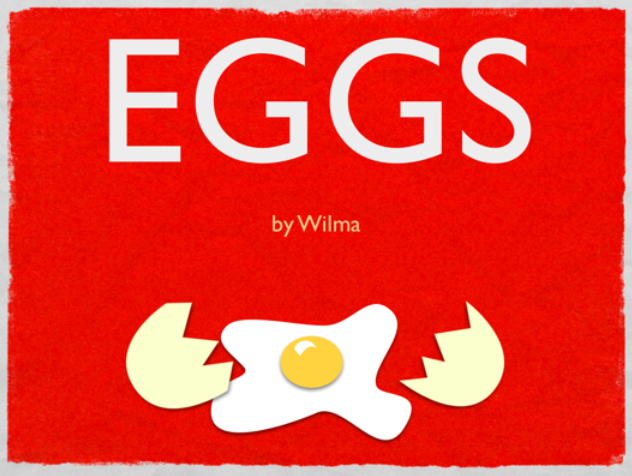
Today at Pinchbeck Elementary students made slideshows about egg-laying animals using Keynote. I gave them a template and a folder of pictures to use that you can download by clicking here. The students could choose which egg-laying animals they wanted show. You probably know that fish, birds, insects, reptiles and amphibians lay eggs, but do you know which two mammals lay eggs? The platypus and the spiny anteater! So after the students chose an animal, they dragged a picture of the animal’s egg to a slide, added an arrow shape, then dragged in a picture of the adult animal. Next they added transitions and builds using the Inspector to make it animated. Students could make as many slides as they wanted within the time limit. A final step could be to record your voice explaining each slide, but we didn’t get to that part. You can take a look at a sample by clicking here.


Kindergarten Colors Graphs

Do you know what’s the favorite color of most people around the world? According to this international study, blue was preferred across genders, countries, and age groups. (My personal favorite color is orange… what’s yours? Leave a comment 🙂 Today kindergarten students at Laburnum did their own research and created graphs about their favorite colors. I gave them a template that you can download by clicking here. The students collected and added the data. The template is set up to automatically build the graph as the data is entered. Next I showed them how to change the colors of the bars so they matched the colors they represented. When they were finished the students answered the two questions at the bottom. They are set to automatically change the color of the word to match the color and to check if the answer is right or wrong. You can see the picture bigger by clicking on it.


Kindergarten Rhyming Words

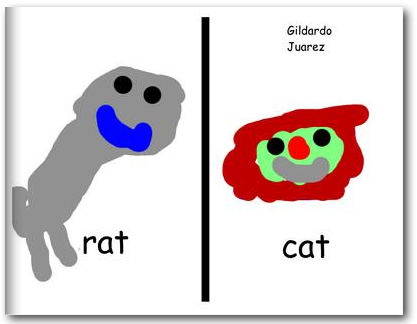
Kindergarten students at Holladay Elementary practiced their rhyming words today and made an online book. First I gave them a Keynote (which you can download here) and showed them how to record their voices as they read different sets of rhyming words (-am, -ap, -at, -ig, -it). The Keynote showcases several “smart builds” to transition between the words so you can see what they look like. Watch and listen to a student sample by clicking here. This activity got them thinking about many types of rhyming words so they wouldn’t all choose the same ones (like rat and cat). Next I gave them a Pixie (which you can download here) and they had to type two rhyming words and draw pictures to go along with each one. We exported them as JPEG files and then I combined them into one Keynote document which I printed as a PDF. Finally I uploaded the PDF to Youplisher. You can see the finished online book here.


Kindergarten Time

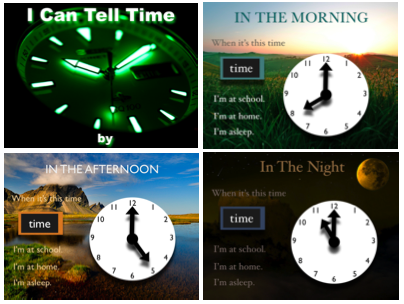
Kindergarten students have been learning all about time, so today they practiced telling time and counting by 5’s using a Keynote activity that you can download by clicking here. Each slide has a picture showing a time of day and a clock. The students have to type the correct time and identify which activity they would be doing at that time. Then I showed them how to record their voices as the slideshow played, and we discussed using a good speaking voice. For each slide, the students recorded themselves telling the time with the activity, and for the last slide, they counted by fives as the hands went around the clock. You can see a student example here.


Tags:


Kindergarten Living & Nonliving Things

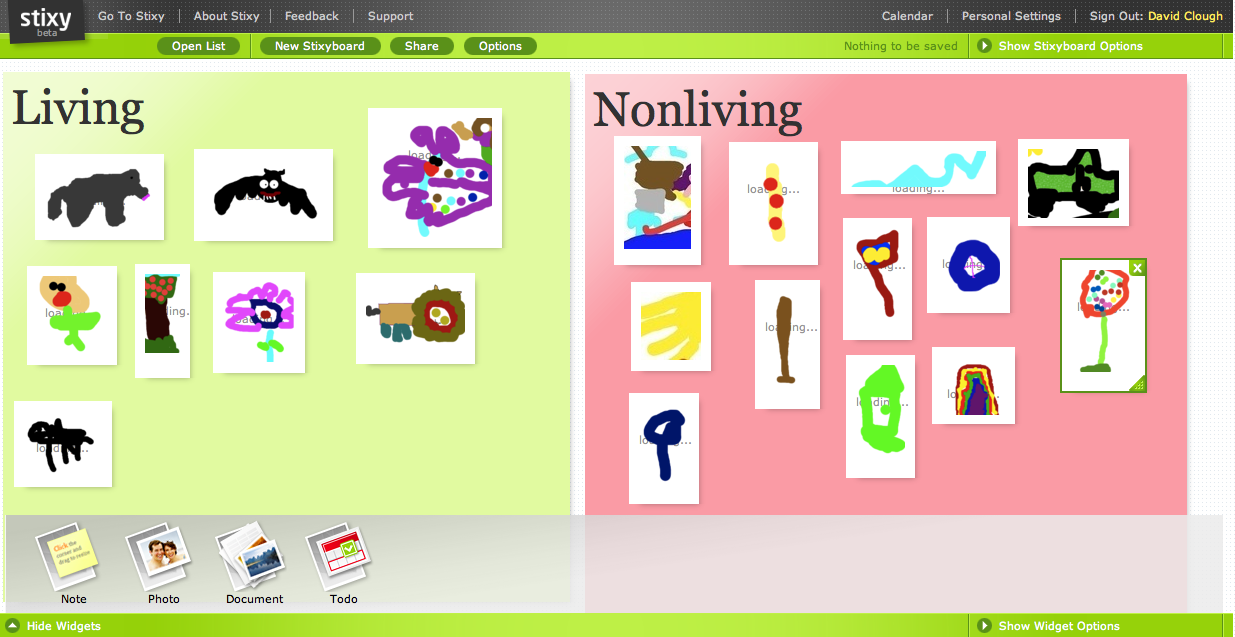
Kindergarten students at Pinchbeck Elementary demonstrated how to classify living and non living things using a web tool called Stixy today. First they chose whether to draw a living or non living thing using Pixie. As they finished their drawings, the teacher and I exported them as .jpg files and saved them to the students’ folders. When everyone was done I sent them to a link in Stixy that I had made editable by guests. I showed the students how to upload their photos and put them in the correct box. Students were able to see each others’ drawings almost instantly. However, after using this tool and comparing it with Scribblar, I think Scribblar is better.


Kindergarten Google Earth & Maps

Today Ms. Hall’s kindergarten class at Laburnum Elementary used Google Earth to locate their school. We even zoomed down so close that we could see the U.S. map on the blacktop! Next we tried to locate their houses. Ms. Hall has been working with them on memorizing their addresses, so this was a great way to practice. They would tell me their address and I would enter it into Google Maps and put a pushpin where they lived. Then they drew an icon of themselves in Pixie and we used those icons to replace the pushpin. So in the final map, you can see a picture of the student in the location where they live (click on the picture…I can’t show the embedded Google map because it has the addresses of students, but it’s an actual interactive Google map that you can click and drag and zoom and explore)!