
Social Studies Workshop
 This week my fellow ITRTs, Frank, Brad, and I have been teaching the social studies contacts and your principals about how to improve social studies performance using technology. Today’s students, called Millennials, are also known as the digital generation because they have grown up with technology. Some are even creating YouTube videos and keeping blogs of their own, like the girl in the cartoon. Using technology in your classroom is a great way to tap into their natural abilities and interests. I created a website in GoogleDocs that I’d like to share with you because it has links to many valuable resources. First there’s an online poll using a site called PollEverywhere that you might like to use in your classroom. It provides a live updated graph as your students vote or respond to whatever topic you post… and it’s free! After trying the poll, you can take the Millennials Quiz to see how well you relate to today’s generation of students. Next, get inspired by projects that students are working on in Henrico and across the country by clicking the video links. Finally, you can learn how to use some of the programs I’ve mentioned in this blog by clicking the tutorial links. I hope the site is helpful, and let me know if you have any questions.
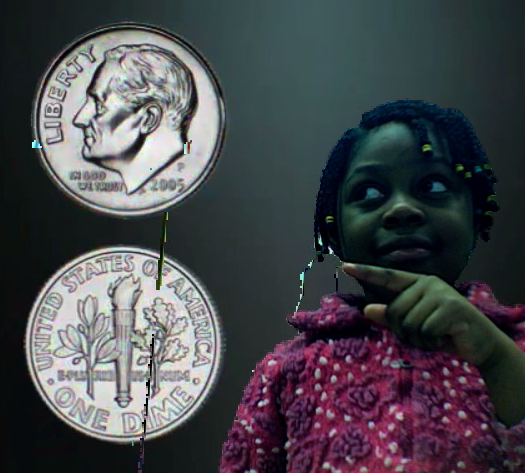

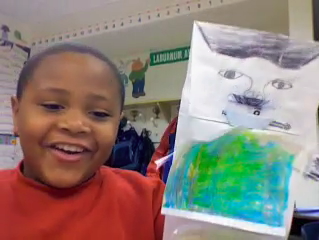
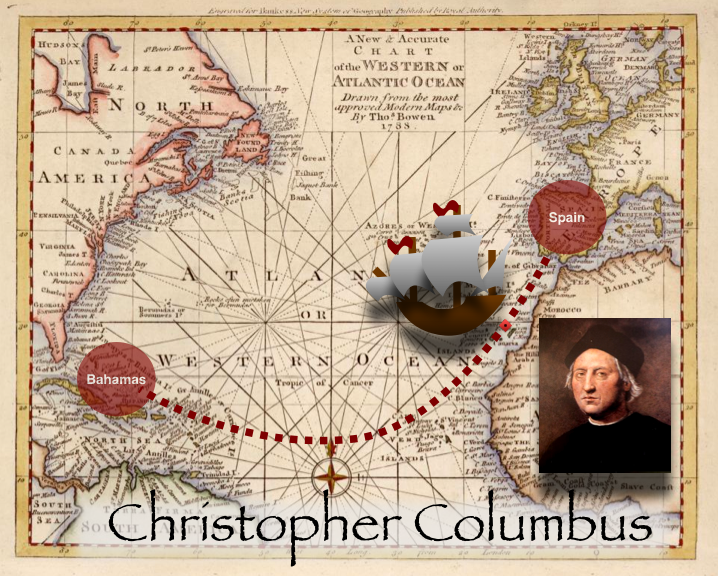
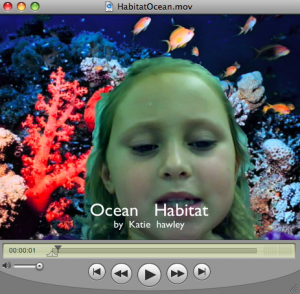 Third graders at Holladay are learning all about habitats (SOL 3.5), and they are sharing their knowledge with videos that look like they are actually IN the habitat they are talking about. They are doing this with the special “green screen” feature on PhotoBooth. I’ve used this before with
  First graders are currently studying force and motion, especially pushing and pulling (SOL1.2c). So one class made Pixie animations. You may not know this hidden trick of Pixie’s, but if you copy and paste the same picture to multiple Pixie pages, move the picture a little bit in each document, and then Share it as a QuickTime movie, you can make some pretty cool animations. I gave the class a Pixie template with a hill on it to help them get started. They had to decide whether they wanted to push or pull an object up the hill and they wrote that word in the sentence. Then they went to Stickers and chose one to be the object. Next the took a picture of their face using the built-in webcam and painted their body using the Paintbrush tool. I did the final conversions for them and added the music. Take a look at their push and pull animation by clicking
 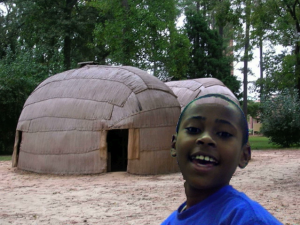 Fourth grade students at Holladay and Laburnum have been working on creating movies about the regions of Virginia. They are using the Backgrounds in Photo Booth to create a green screen effect that makes it look like they are right there in the region! You can download all the photos for this project by clicking the link on my