Tag: video

Kindergarten Egg Slideshows
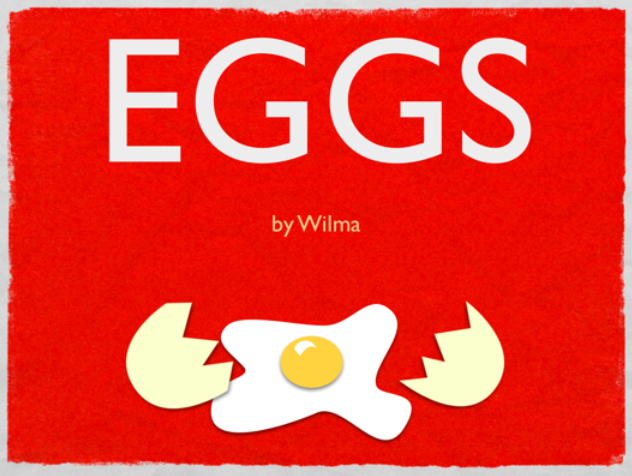
Today at Pinchbeck Elementary students made slideshows about egg-laying animals using Keynote. I gave them a template and a folder of pictures to use that you can download by clicking here. The students could choose which egg-laying animals they wanted show. You probably know that fish, birds, insects, reptiles and amphibians lay eggs, but do you know which two mammals lay eggs? The platypus and the spiny anteater! So after the students chose an animal, they dragged a picture of the animal’s egg to a slide, added an arrow shape, then dragged in a picture of the adult animal. Next they added transitions and builds using the Inspector to make it animated. Students could make as many slides as they wanted within the time limit. A final step could be to record your voice explaining each slide, but we didn’t get to that part. You can take a look at a sample by clicking here.
5th Grade GoogleEarth Video Tours

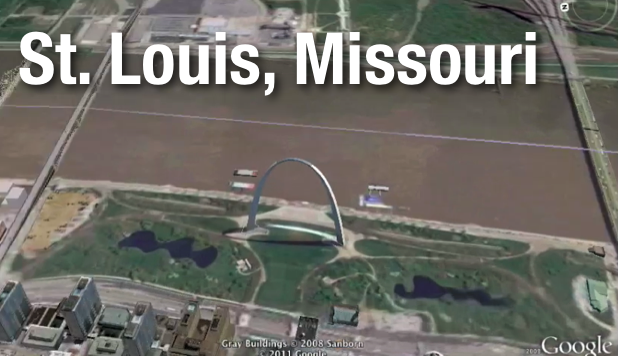
Fifth graders have been learning about the regions of the United States, which is a new SOL for them this year. Here’s a cool project you can do with your students to highlight the special features and landmarks of each region. Open GoogleEarth and be sure that 3D buildings is turned on (it’s in the left side panel). Then zoom in on features and famous landmarks in the region and place pushpins to mark the locations. Finally click the “Record a Tour” button in the top toolbar (it looks like a video camera) and click the pushpins in the “My Places” menu. As you zoom to each place, record yourself narrating the important information. You can save the video as a .kmz file which would open in GoogleEarth on any computer. However, if you want to add titles or a soundtrack, you could use a screen capture tool like Screencast-O-Matic, save your video and open it in iMovie or GarageBand. Take a look at this student sample about the midwest region from Chamberlayne Elementary. Let me know if you’d like me to help teach a lesson like this in your classroom!


3rd Grade Mali Song

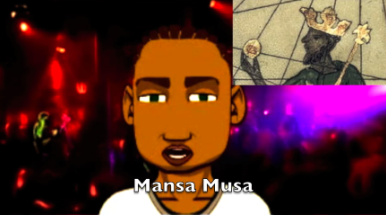
Mali (SOL 3.2) is one of the third grade units that does not have as many resources as other units (although I do have some resources listed here), so it’s a great opportunity to plan some project-based learning lessons! I’ve already described one idea for making a Google slideshow, but here’s another one: make a song about Mali using GarageBand. The griots of Mali were famous for sharing their history through singing and oral storytelling, so why not have your students do the same thing? Your students can research a topic using the resources listed above, then they can write a song to convey the information. They can then record the song in GarageBand and add music to it. If you want, you can even add a video with a real or virtual singer. Your students could film themselves singing in PhotoBooth or create a virtual singer using Voiki or SitePal. They could use a screen capturing tool like ScreenToaster or Screencast-O-Matic to record their virtual singer. You can see a sample “Mali Song” with a virtual singer here and you can download a folder of pictures to use for your project here.


3rd Grade Human Impact Videos

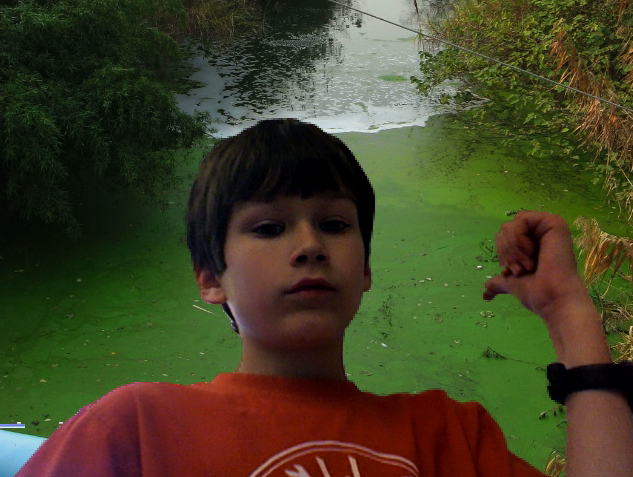
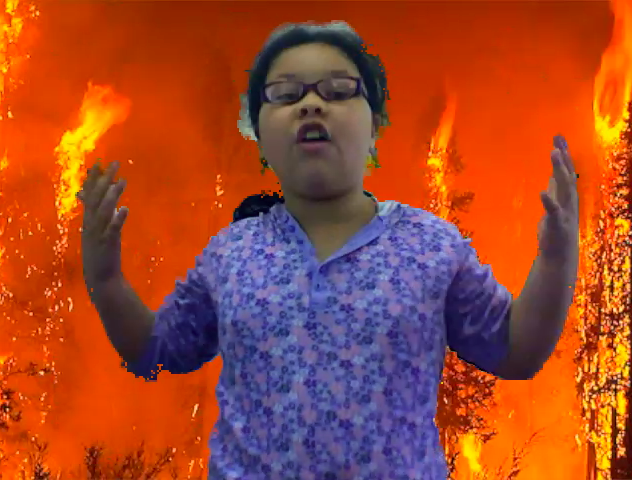
Third graders at Pinchbeck Elementary have been learning about human impact on the environment (SOL 3.10). Partners selected a topic (forest fires, floods, disease, deforestation, pollution, etc) and researched the topic together. Then I collected a variety of photographs about each topic for the students to use. You can download them all by clicking here. Many of the photos I got from Flickr and The Big Picture which are two great resources for photos. Next I showed the students how to drag the photo into Photo Booth as a background image. After a bit of coaching about how to use your “television voice” the students were ready to record their videos. You can see a couple of student samples here: forest fires and floods.


5th Grade Henrico Place Names

The Henrico History unit in 5th Grade presents a great opportunity for you to try some technology projects with your class. You could make a comic in Comic Life, a slideshow in Keynote, or a podcast in Garage Band. Examples of these types of projects are found throughout my blog. Today at Pinchbeck we made movies about the history of the different street names… and students went to those streets virtually via Google Maps! First partners were assigned a road to research using the Henrico website. Then they went to Google Maps and typed in the name of the road. Once they found it, they located an intersection and went to street view to see if they could get an image of the road with a road sign. They snapped a picture of it using Apple+Shift+4 (snapshots now go into the Documents folder), and used the picture as a background image in Photo Booth. Finally they recorded a video of themselves standing in front of the picture of the road, sharing what they learned about its history. Here’s a great student example about Pouncey Tract Road. And this guy is destined to be a TV announcer. Here’s the sample video I showed the students. If you’d like to download the activity click here.


5th Grade Oceans Videos

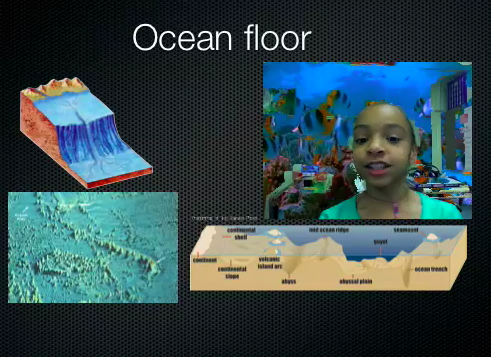
5th grade students have been working on a special project to review the oceans. Unfortunately they weren’t able to finish in time, but I’m going to go ahead and post what they did. Using a Keynote template I created for them (which you can download by clicking here) they added pictures to each slide to explain the different concepts like the ocean floor, ocean tides, and an ocean food chain (SOL 5.6). Then they recorded videos of themselves explaining the concepts using Photo Booth. The first slide turned out great! You can see some students samples here and here. Since they weren’t able to finish all the slides, you can take a look at my completed sample by clicking here. Doing a special project like this is a great way to review a topic the students are having trouble remembering. One thing I might do differently next time is have different groups of students complete a slide about each topic, then we can put them together. That way we could finish the project more quickly and still explain all the concepts. Live and learn!


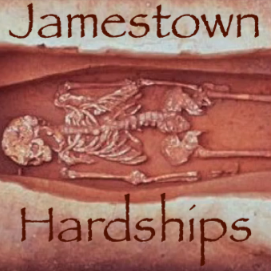
4th Grade Podcast “Jamestown Hardships”

The end of the year is sometimes the best time to try out something new with technology. Maybe you haven’t had time during the year to really delve into a project, but now that the pressure of testing is over, you have some free time. Instead of just watching videos, why not have your students make their own videos or podcasts. Here’s one example that I’ve set up for you in GarageBand. It goes through the hardships of Jamestown. I have a picture of each hardship (swampy land, brackish water, disease, and lack of skills, SOL VS.3f) and students must record their voices explaining the hardships. They can also add in background music and sound effects. I’ve created a how-to video here, and in the video I explain how to put a copy of the template into each student folder quickly using an automator. You can download the automator on this page. Click here to download the “Jamestown Hardships” template, and you can see a sample podcast by clicking here. Go ahead and try something new here at the end!


Happy Spring Break!

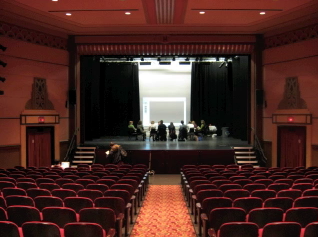
During my spring break I did a lot of video editing. Mostly it was for a side job, but two of the videos were just for fun, and they kind of relate to education so I’ll share them here. The first video highlights one of the computer contact meetings we had at the Henrico Theater earlier this year. The computer contact at your school came and learned about GoogleEarth, Pixie, DigiTemps, ProScopes, and more! So ask them to tell you about it… or just watch the video. The second video highlights a fundraiser that Echo Lake Elementary had for their counselor’s son who was injured in an accident. We were able to video conference with him all the way out in Denver, Colorado so the students could ask him questions live! I would love to try some more video conferencing with our students, so if you are interested in doing that, please let me know. Anyway, my fellow ITRT, Alfonso, and I DJ-ed the event. And speaking of DJ-ing, remember the Virginia Trekkers are holding a contest, and the winning school gets a free dance DJ-ed by the Trekkers! The deadline for submissions is May 1st, so get your entries to us! More details here.


Tags:


3rd Grade Energy & the Environment

Earth Day is coming up, and third graders at Trevvett elementary are working on special projects about the sources of energy and the environment (SOL3.10). They will be using a combination of PhotoBooth, Keynote, and iMovie to create their projects. I’ll put up the link when they are done, but I wanted to share the resources with you now. I gave them a folder of pictures to use with examples of the different types of energy sources as well as examples of recycling, conservation, and pollution. You can download the folder by clicking here. I also created a special site for their research with lots of great links to interactive webpages about energy and the environment. If you’d like to show your students what happens in a real recycling facility right here in Virginia, take a look at the Trekkers podcast! Here are a couple of examples of what the students are doing: Water Pollution Video, Land Pollution Video.


Earth Hour this Saturday!

You’ve heard of Earth Day, but have you heard of Earth Hour? Earth Hour started in Sydney, Australia in 2007 when homes and businesses turned off the lights for an hour to show support for conservation. We teach our students about conservation (SOL K.10c, 3.9d, 3.10d) so it’s a great idea to encourage them to take part this Saturday, March 27th at 8:30pm. I created a video using pictures from around the world showing how many of the countries we study celebrate Earth hour. Watch the lights go out in China, Egypt, Greece (the Parthenon), and Italy (the Colosseum)! The Earth Hour website also has a cool video that your students can watch that looks totally different when the lights are off in the room! Your students may even be inspired to create their own Earth Hour animations in Pixie like this class did. If the link doesn’t work here’s a few examples: 1, 2, 3, 4, 5.