Tag: keynote

2nd Grade Fossils

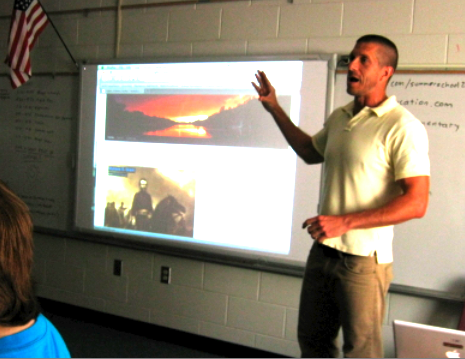
Today 2nd Graders in Ms. Stewart’s class at Laburnum Elementary made Keynotes about fossils (SOL 2.5). Since this was their first time using Keynote, I wanted to teach them some of the special features of making a slideshow like how to play it back and how to add photos, transitions, and animations. So I gave them a template and a folder of pictures that you can download by clicking here. First I played the sample which you can see by clicking here. Then I showed them how to add the photos and animations to each of their own slides. A good idea would have been to allow the students to record a voiceover for their slideshow, but we didn’t have time to do that. You could also instruct your students to do their own research. I have created a page of great interactive fossil links here.


Kindergarten Measurement

Today at Holladay Elementary, kindergarten students practiced measuring things using digital nonstandard units of measurement. I gave them a Keynote template that you can download by clicking here. It has a variety of pictures and students use shapes to measure the pictures. They can either click the Shapes Tool to add more shapes, or they could copy and paste the shapes (this is a good skill to teach, even in kindergarten). Students could change what the shapes look like by changing the Theme of the slide or just changing the color. You could also allow students to chose their own shapes to measure with as well as their own pictures (depending on time and your students’ skill levels). On the last slide students add a picture of their face (from Photo Booth) and measure it with shapes. If students click in the center of each shape, they can add a number to it. I stressed the importance of making sure the shapes are stacked evenly and touch each other. I also pointed out the yellow alignment guides that pop up when students are moving the shapes around to help them. Finally students type the answer in the ? on each slide. As a follow up activity, students could measure each others’ pictures. Take a look at a student sample by clicking here.


Kindergarten Thanksgiving Resources

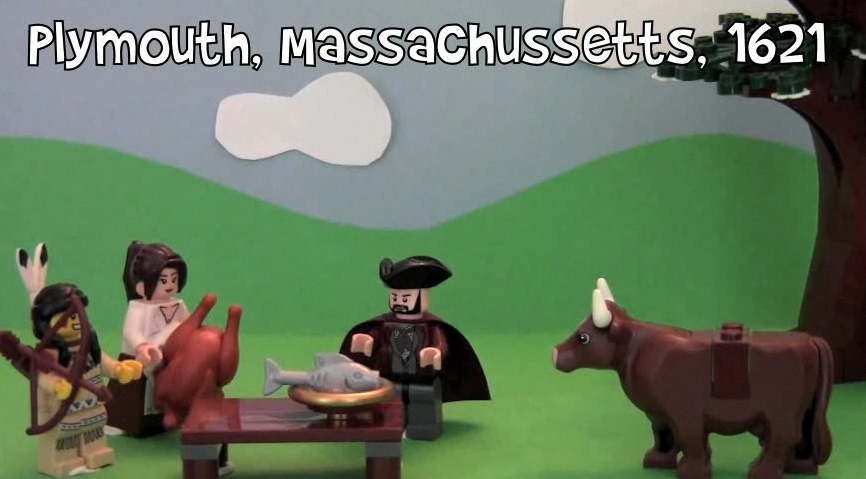
Thanksgiving is fast approaching, and several kindergarten classes have been working on technology projects (K.1b). Today at Holladay, they put themselves back in time at the first Thanksgiving and set food on the table in Pixie. They also recorded their voices telling about their Thanksgiving traditions and what they are thankful for. Click to watch a few student samples: Cameron, Fatima, Jace. Next week at Johnson we will be working on Thanksgiving Past & Present using Comic Life and a folder of pictures that you can download by clicking here. You can actually use those photos for a variety of projects… use them as a background in Photobooth, create a Keynote, or make a Thanksgiving video in iMovie. Did you know the first official Thanksgiving was actually held right here in Virginia? I filmed a video for the Virginia Trekkers at Berkeley Plantation where you can find out all about it. I also included several kid-friendly links for your students to research Thanksgiving. Hope you enjoy your holiday next week!


Summer School 2011 “Lights, Camera, Action!”

During the week of July 25-28 I taught a summer school class at Springfield Elementary called “Lights, Camera, Action!” I had rising 4th and 5th graders and our goal was to create educational videos for teachers to use in their classrooms about different famous people. Students chose to work with a partner or solo, and they selected a famous person to research. They created all the parts of the video themselves, including the animations and music, using software on the computer (Photo Booth for the interview/green screen, Keynote for animations, Google Earth for satellite imagery, and iMovie for video editing) as well as web tools (SitePal for voiceovers, Aviary Education for soundtracks, Screencast-O-Matic for recording, and Blabberize for the “talking heads”). You can see my sample below and take a look at all the student samples on this website. Be sure to leave a comment on the videos to let my summer school students know what you think of their projects!

Woodrow Wilson from Henrico Students on Vimeo.


Kindergarten Schools of the Future

At Pinchbeck Elementary they are celebrating “Five Decades of Learning” (founded in 1961, this year marks their 50th anniversary). Each class is taking a decade and doing a special project. The kindergarten classes were focused on the future. So today in Ms. Houghtaling’s class we created “Schools of the Future” videos. First we imagined what a school of the future would look like. Then they illustrated their ideas using the drawing tools in Pixie. Next the students used Photo Booth to record themselves explaining their pictures and their ideas. The results were pretty amazing – alien teachers, flying busses, classrooms on Mars! Click here to see some student samples.


Kindergarten Egg Slideshows

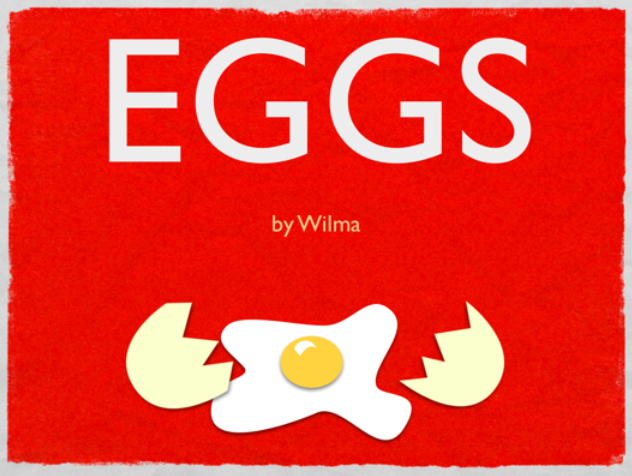
Today at Pinchbeck Elementary students made slideshows about egg-laying animals using Keynote. I gave them a template and a folder of pictures to use that you can download by clicking here. The students could choose which egg-laying animals they wanted show. You probably know that fish, birds, insects, reptiles and amphibians lay eggs, but do you know which two mammals lay eggs? The platypus and the spiny anteater! So after the students chose an animal, they dragged a picture of the animal’s egg to a slide, added an arrow shape, then dragged in a picture of the adult animal. Next they added transitions and builds using the Inspector to make it animated. Students could make as many slides as they wanted within the time limit. A final step could be to record your voice explaining each slide, but we didn’t get to that part. You can take a look at a sample by clicking here.


3rd Grade Ancient Rome Slideshows

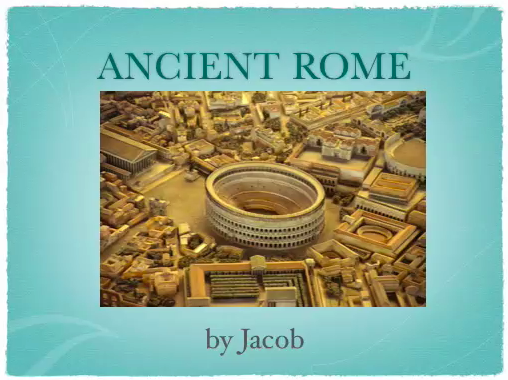
Today third grade students at Holladay Elementary created narrated slideshows about ancient Rome (SOL 3.1, 3.4, 3.7, 3.8). I gave them a folder of pictures that you can download by clicking here. The students opened Keynote, chose a theme, and made several slides about different aspects of life in Rome (government, agriculture, art, Colosseum, aqueducts, etc). Each slide just had a picture and a title, and the facts were all conveyed verbally using the record feature. It was a great way to really see what the students have learned. Finally, I showed them how to add transitions and builds to their show and export it as a QuickTime video. You can see a student sample by clicking here.


Tags:


Kindergarten Rhyming Words

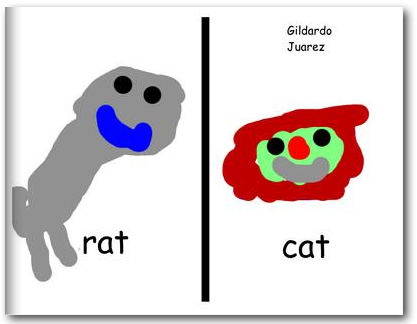
Kindergarten students at Holladay Elementary practiced their rhyming words today and made an online book. First I gave them a Keynote (which you can download here) and showed them how to record their voices as they read different sets of rhyming words (-am, -ap, -at, -ig, -it). The Keynote showcases several “smart builds” to transition between the words so you can see what they look like. Watch and listen to a student sample by clicking here. This activity got them thinking about many types of rhyming words so they wouldn’t all choose the same ones (like rat and cat). Next I gave them a Pixie (which you can download here) and they had to type two rhyming words and draw pictures to go along with each one. We exported them as JPEG files and then I combined them into one Keynote document which I printed as a PDF. Finally I uploaded the PDF to Youplisher. You can see the finished online book here.


Kindergarten Time

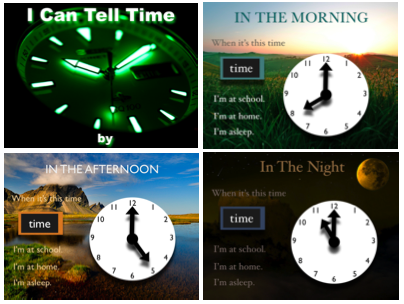
Kindergarten students have been learning all about time, so today they practiced telling time and counting by 5’s using a Keynote activity that you can download by clicking here. Each slide has a picture showing a time of day and a clock. The students have to type the correct time and identify which activity they would be doing at that time. Then I showed them how to record their voices as the slideshow played, and we discussed using a good speaking voice. For each slide, the students recorded themselves telling the time with the activity, and for the last slide, they counted by fives as the hands went around the clock. You can see a student example here.


Tags:


Famous Americans & Student Choices

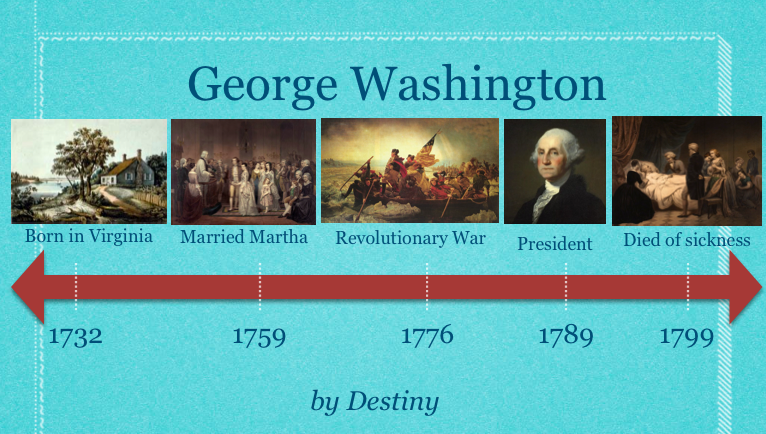
An important 21st century skill to include in your lessons is making choices. The famous Americans unit is a great opportunity to provide choices for your students. Not only could you let them choose which person they want to research, but they they could also choose how they want to present the information. As long as you’ve introduced the programs, let your students select the one they want to use… or they could even choose to use multiple programs. Students could do a Comic Life, a Garage Band podcast, a Keynote slideshow, or use some of the online web tools for their projects. Just to give you a couple of examples from recent lessons: in first grade, this student did a Keynote and video about Benjamin Franklin, and this student did an animated timeline about George Washington (you can download the template by clicking here); in second grade, this student made a podcast with music about Jackie Robinson, and this student should really just have his own talk show. Most of the pictures of the famous Americans can be downloaded on this post. Go ahead, give your students choices! What could be more American?