Category: Kindergarten

Kindergarten Measurement in Pixie

KMeasureKindergarten students at Chamberlayne Elementary are learning about measurement using nonstandard units (SOLK.10), so today we measured our virtual selves using nonstandard units in Pixie. First I showed them how to take their photo with the webcam tool and paint a body with the paint brush tool. Next we used the stamp tool to find a stamp of something we wanted to use for our unit of measurement. We discussed and modeled the correct way to measure: start at the top or bottom, stack the units neatly on top of each other, stop when you get to the other end, and then count the units. After they measured themselves, I showed them how to record their voice saying their measurements. Click here to see a student sample.



Kindergarten Summer Plans… with a Twist

I’m amazed at the opportunities technology provides for students to publish their work. Just a few short years ago the only way to publish your students’ work was to post it in the school hallways. Now students’ work can be easily published online for the whole world to see! I’ve been using Checkthis a lot lately with students because it is an incredibly simple way for them to publish a one page website with many advanced options such as adding pictures, videos, maps, and polls. I’ve used it from kindergarten to fifth grade. You can search my blog for checkthis to see some of the lessons I’ve done with it. Today I used it in kindergarten with two classes. They were learning how to write complete sentences with capitals and periods, and their assignment was to type a sentence or two about their summer plans. This is a typical end-of-the-year assignment, so we added a twist by showing them how to turn that into a website and add a picture of a sun (they could choose which sun picture to use, but we limited their search for the sake of time… plus “sun” was easy for them to spell). Then I collected their links together into one GoogleDoc that you can see here and here. Take a look at a few student samples and feel free to leave a comment: Jabne (she even had an animated sun), Kylie, Daniel, Adriana, and Ashley.


Kindergarten Seasons Movie

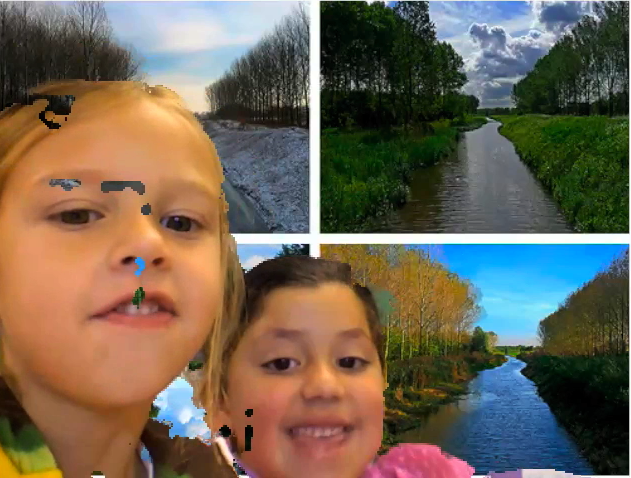
Today kindergarten students in Ms. Brown’s class at Holladay Elementary created a movie about the seasons. First we talked about science shows and how the speakers talk clearly with expression. We also reviewed the facts they had learned about the different seasons including how their clothing and activities change as well as how animals and plants change. The students worked in partners and planned what they wanted to say in general, but we didn’t ask them to write a script because we wanted them to be creative and ad lib. Sometimes having a script with young readers is too distracting for them. When it came time to film, the students used Photo Booth and used custom backgrounds of the different seasons that you can download by clicking here. Each pair spoke about all four seasons, then I took clips from each pair’s video and combined them into a whole class movie. I added a soundtrack, “PB&J” by Kerry Muzzy, and subtitles using iMovie. The students had a few problems with the Photo Booth backgrounds (as you can see in the bloopers), but overall they did an outstanding job. Take a look at their movie here.


Kindergarten Frog Life Cycle Videos

Today Mrs. Brown’s kindergarten students at Holladay Elementary created videos about the frog life cycle using Pixie. I gave them a template that you can download by clicking here. First the students added their photo of their head and painted a body for it. Then they duplicated the picture three times so it would stay the same and just the frog and the speech bubble would change. For the first picture they put some stickers of frog eggs into the pond and changed the text in their speech bubble to say, “Egg.” On the second picture they put stickers of tadpoles in the pond and said, “Tadpole.” On the last picture they put stickers of adult frogs in the pond and said, “Frog.” Finally they recorded a voiceover for each picture and exported it as a movie. It was a simple activity, but it helped them review the stages in a fun way as well as learn some new computer skills. You can change the template for almost any life cycle. To see a student sample click here.


Kindergarten Living & Nonliving Things

Today, Ms. Smith’s kindergarten students at Laburnum Elementary were reviewing living and nonliving things. Instead of showing flashcards with pictures for them to identify, we let the students create their own flashcards for each other to use. First they chose whether they wanted to draw a living or a nonliving thing. Then they used Pixie to paint their pictures and we exported them as JPG files. We needed a quick and easy way to share their photos with their classmates (and with their parents at home), so we used CoMemories. It’s a great webtool because there’s no login and the students just drag their picture onto the site and it shows up almost instantly! They were so excited to see their pictures online. Then as we clicked on each picture the students were eager to identify them as living or nonliving. You can see their finished flashcards here.


Kindergarten Seasons Pixie Videos

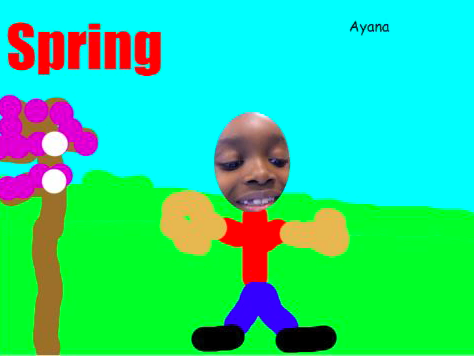
Today, kindergarten students in Ms. Hall’s class at Laburnum Elementary created Pixie videos about the four seasons. It was a complicated process, but they did just fine with it. We started with a basic template they they created themselves. It had a text box with the name of the season, a tree that they painted and a photo of their head. They duplicated that template four times. Then they changed the title of each one to be a different season: Spring, Summer, Fall, and Winter. Next they painted the tree and their clothing to reflect the changes in each picture. They also added stickers that related to that season. Finally they recorded their voice explaining the facts that they had learned. You can see some finished student samples here: Durell and Ayana.


Kindergarten Addition Keynotes

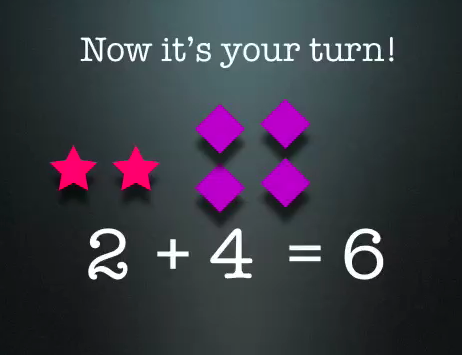
Today at Johnson Elementary, kindergarten students created Keynotes to demonstrate their understanding of addition problems. I gave them a template that you can download by clicking here. We looked at the template as an example of what an animated addition problem looked like. The students were excited about the cool animations and eager to try it out for themselves. So first they came up with their own addition problem. Then they had to create the problem using different color shapes. So I showed them how to make a shape, change its color, and copy and paste it. Next we added text boxes to write the math problem in 3 parts. Then they opened the Inspector and added animations to the text boxes. Finally they recorded themselves saying the math problem along with the animations. That’s a lot of different skills for kindergarteners, but they did it all in just under an hour! You can see some students samples here: Katy and Marina.


Tags:


Online Resources for Music Month (and More!)

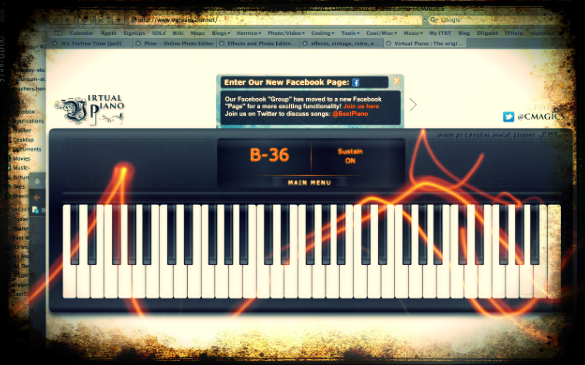
March is Music Month at Laburnum Elementary and Ms. Allison is always eager to try new things. So I set up a website for her of interactive links that range from letting students play a virtual keyboard to learning about the different instruments in the symphony and much more! I worked with her today during a couple of her classes, and then she went on to use the site in all her other classes. The great thing about online resources is that the students can use them at home too. I’ve compiled a more extensive list of resources for a workshop I conducted for elementary and secondary art and music teachers. Many of these web tools can be used by regular classroom teachers as well, such as recording an mp3 or painting a picture. I made a page of Art Resources and Music Resources. There’s plenty to keep you and your students busily creating for months! (The picture used in this post was of an online keyboard funkified with Pixlr-o-Matic).


Even Kindergarteners Can Make a Website!

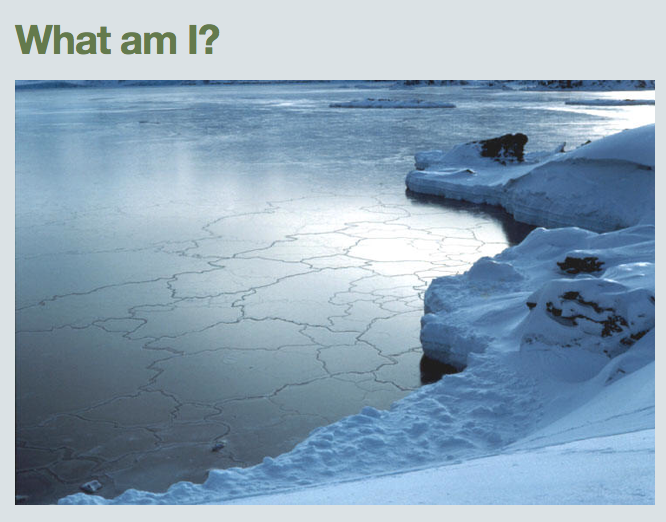
I was really excited to try out a new site called CheckThis that allows you to create a simple webpage in just a few easy steps. So today at Holladay, I tried it with Ms. Brown’s kindergarten class… and they were able to do it! Yep, kindergarteners created their own websites today! They were studying the states of water (SOL K.5) so that’s what we made our websites about. I showed them how to add a title, embed a photo of one of the states of water (solid, liquid, or gas), and then add a question in the form of a poll. Once they created their sites, I put them all on a GoogleDoc so that they could look at each others’ webpages and answer each others’ questions. Go ahead and check them out, take their polls, and maybe even leave a comment! It was a great way for students to review the information as well as publish their work online so they could continue their review at home. To showcase all the cool things that CheckThis can do, I created a site about Mali with an embedded video, map, picture, weblink, and poll.


Kindergarten Presidents Day Birthday Presents

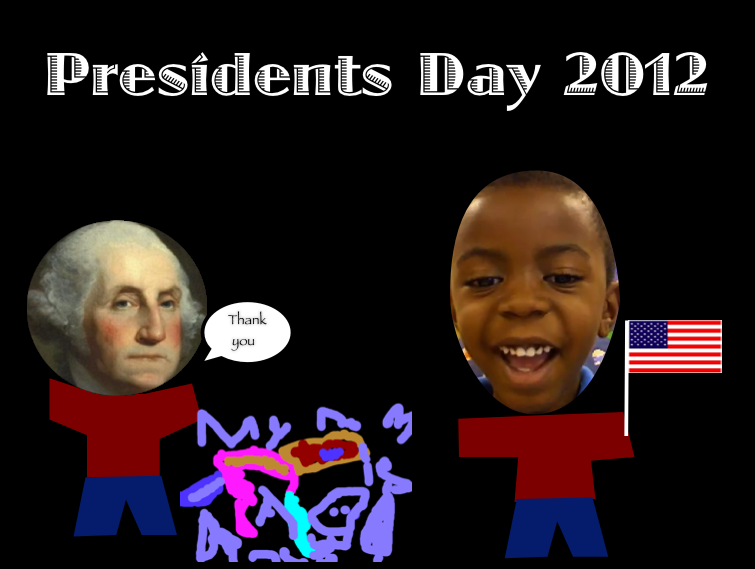
Today kindergarten students at Holladay Elementary thought about what they could give George Washington or Abraham Lincoln for Presidents Day. We talked about how they lived in the past so we couldn’t give them presents that we would want, like Xbox or Legos. We also discussed presents that would be meaningful for them, relating to what they did or what they enjoyed. The students did a great job coming up with ideas: books, axes, top hats, and a big 16 for Abraham Lincoln; a horse, new teeth, a lantern, and a big #1 for George Washington. Next students drew their ideas in Pixie and exported the picture as a PNG file so that it would have a transparent background. We helped them put the picture into a Keynote template that you can download by clicking here. Then the students filmed themselves giving a birthday message to the president, explaining why they gave him that gift. They placed the video in the template as well. You can see some finished projects here:
Daisy giving a horse to Lincoln
Harrison giving an axe to Lincoln
Jack giving a tricorn hat to Washington