
4th Grade Famous People Database
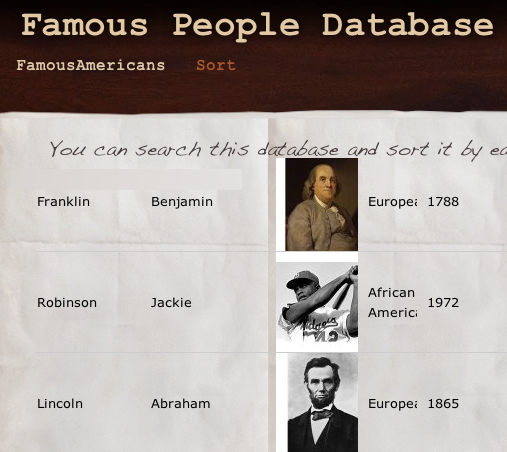 One of the technology requirements for Henrico County is to provide students with exposure to databases. To help meet this goal I’ve been searching for various free online databases and I finally found a great one called MyTaskHelper. It was the only free site I found where you could create your own forms for data entry, upload pictures, and then view all the records, including pictures, for searching and sorting. You can also embed the forms and the entire database into a website! So I created a form for 4th grade students to enter data about famous Americans. You can view the embedded form here. The form gives students experience with entering text, using drop down menus and radio buttons, and uploading pictures. After they complete the form and submit it they can click the “Sort” link at the top of the webpage to view all the records. You can take a look at this view by clicking here. In this view students can sort the data by clicking the column headings. They can also enter a search term to narrow the results (by teacher’s name, for example, since I did this in several classes). I’d be happy to set up a database for you or I can show you how to set up your own database using MyTaskHelper.
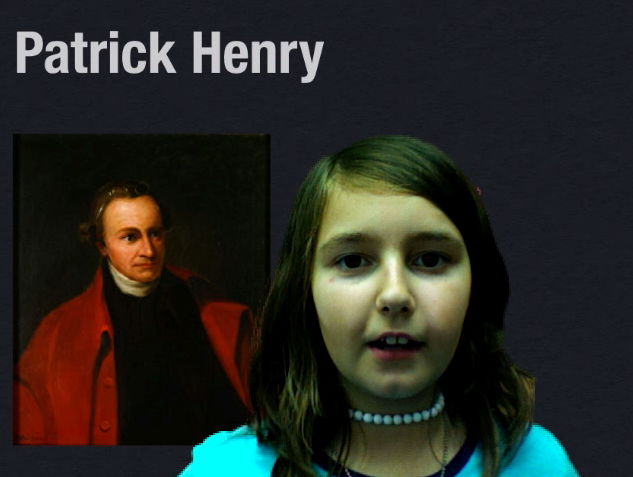
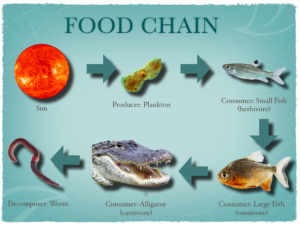 Fourth graders are currently studying food chains (SOL 4.5c) and Keynote animations are a great way to show the flow of energy from the sun to the producers, consumers, and finally to the decomposers. The fourth grade class I worked with knew a lot about Keynote already so I taught them a special feature that not many people know about, voiceovers, and it really improves the final project as you can see in
 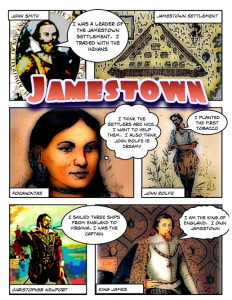 Fourth graders at Laburnum have been creating their very own comic books about Jamestown using Comic Life. It’s a cool way to make a fun study guide. I gave them a template and a folder of pictures to use which you can download by clicking
 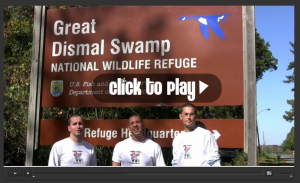 One of the new Social Studies SOLs for 4th Grade is learning about the Great Dismal Swamp and Lake Drummond (the largest of Virginia’s two natural lakes). I’ve mentioned it
 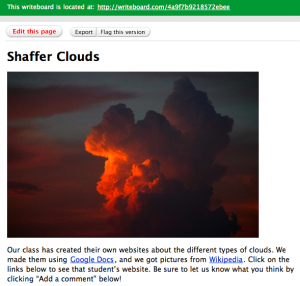 Today in 4th grade at Laburnum each student created their own website about clouds using
 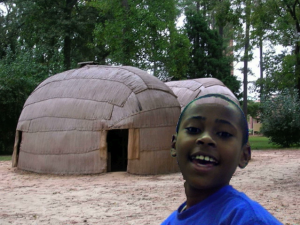 Fourth grade students at Holladay and Laburnum have been working on creating movies about the regions of Virginia. They are using the Backgrounds in Photo Booth to create a green screen effect that makes it look like they are right there in the region! You can download all the photos for this project by clicking the link on my
  A couple of weeks ago on