
4th Grade Revolutionary War Videos
 Fourth graders at Holladay created videos to review the important people and events of the Revolutionary War. They used a combination of PhotoBooth and Keynote to make the movies. You’ll see from the examples that they used a lot of expression and really knew the information! I gave them a very basic Keynote template and a folder of pictures to use which you can download by clicking here. Then they created slides about famous Revolutionary War people and events and added the photos. Next they went into PhotoBooth and recorded a newscast about the topic. Some of the students used the special effects and backgrounds to add excitement and humor to their videos. Finally they dragged the videos into their Keynote, added transitions, and exported it all as a QuickTime video. I posted them to a writeboard online which you can access here (password = rw). Writeboard is a great place to share student work with parents very quickly and easily. If you’d like to see a student sample without visiting the writeboard, click here.
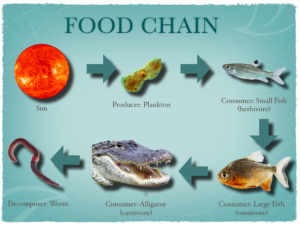 Fourth graders are currently studying food chains (SOL 4.5c) and Keynote animations are a great way to show the flow of energy from the sun to the producers, consumers, and finally to the decomposers. The fourth grade class I worked with knew a lot about Keynote already so I taught them a special feature that not many people know about, voiceovers, and it really improves the final project as you can see in
 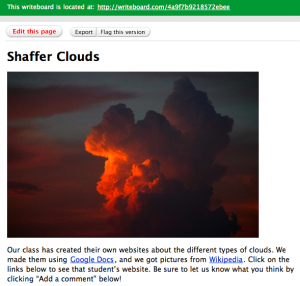 Today in 4th grade at Laburnum each student created their own website about clouds using
 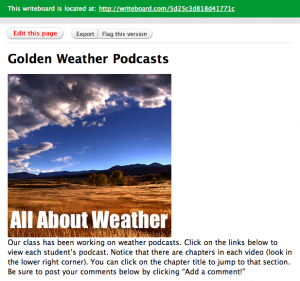 A couple of weeks ago on
  Why not start the year off using technology? Your students could make a “Friend Interview” movie with Photo Booth (see sample