Category: 4th Grade

2012 Video Contest Winners!

Each year the Virginia Trekkers have a video contest where students create their own Trekker video about sites of historical significance near their home town. We got some great submissions this year, but the winners for 2012 were from Lovettsville Elementary in Loudon County. They did a fantastic job filming about their German heritage. They even had their own “Lovettsville Lookouts” tshirts! You can see their winning submission here. Today we drove up there to present them with their reward… a dance party! It was a lot of fun, and we captured all their crazy dance moves on film! If you would like to enter our contest for 2013, you can download the application here. While we up in that part of Virginia, we also filmed at Harpers Ferry (VS.7a) and the George C. Marshall (VS.9b) Center in Leesburg. You can check out that video here. By the way, if you’re ever up in Leesburg, be sure to stop by Mom’s Apple Pie Company. Their homemade pies are amazing!

4th Grade Poetry Online

Fourth graders at Laburnum Elementary have been learning about poetry, so today I showed them some web tools that could help them write and publish their poems. The first tool is WriteRhymes. There is no registration (which I like). You just type your poem, and you can option click on words to find other words that rhyme with them. The students planned their poem using that tool. Then they published their poems using a tool called InstaBlogg. Again, there is no registration, but it allows students to publish their writing online, add a photo, and even comment on each others’ poems. You could use InstaBlogg for publishing all types of student writing, not just poems. The comment feature is blocked at school, but it works at home, so encourage parents to comment as well. I compiled all the fourth graders poems together into one GoogleDoc for easy access that you can view here. Check out a few student samples: The Basketball, My Good Mood, Cheering Times, and Just Me


4th Grade Elapsed Time

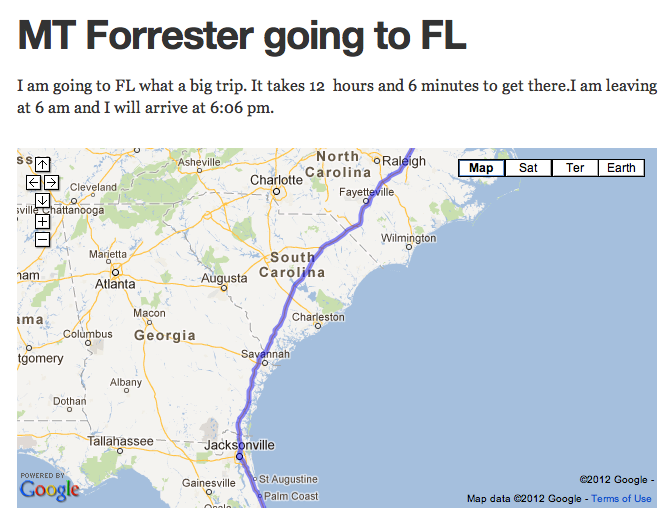
Did you know that tomorrow (April 7th) is International Pillow Fight Day? I wanted to go up to Washington DC to participate, and I used that trip as an example for today’s lesson with Ms. Waggoner’s fourth graders at Chamberlayne Elementary. She wanted her students to gain some real life experience calculating elapsed time. We decided to plan a trip using GoogleMaps. The students would first have to find out how many miles it was and how long it would take to get from Richmond, Virginia to their destination. Once they got that information they had to plan what time they would arrive if they left at a certain time. We published our trips online using CheckThis. The cool thing about using CheckThis is that we could embed the maps that we had created as well as add some pictures and even videos of our destination! I gathered all their URLs into one GoogleDoc that you can checkout here. Take a look at some of their sites and leave a comment if you wish. My site about International Pillow Fight is here (and by the way, I never made it up to DC, but we had our own local Pillow Fight Day right here in Richmond)!


4th Grade Student-Created Review Questions

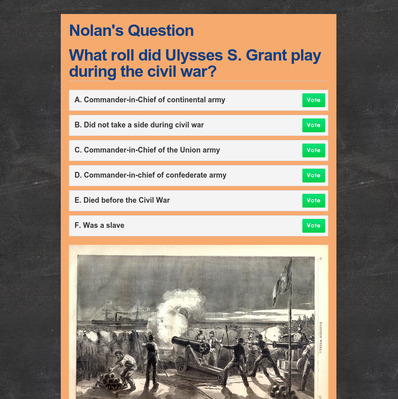
Teachers are always looking for fun, fresh ways to review information with their students. Why not have your students create their own review questions online so that they can review at home? Plus, there’s the built-in motivation of wanting to show off their hard work to each other. That’s what we did today in Ms. Basham’s 4th grade class at Johnson Elementary. We discussed how to create good questions and answer choices (like on a test). We practiced using the ActiVotes (clickers) with some sample online multiple choice answers (students had to make up the questions). You can generate a large number of questions when you only display the answer choices like this, and you get instant feedback from the clickers. If you would like a brief tutorial on using the ActiVotes click here. Once the students understood how to create good questions, I showed them how to make a webpage using CheckThis. They added a title, a picture, and a poll question (so students would have to vote on the answers). I gathered all the URLs into a GoogleDoc so they could visit each others’ websites at home for additional review. The teacher can also use the websites for more ActiVote questions and even share them with her team!


Online Resources for Music Month (and More!)

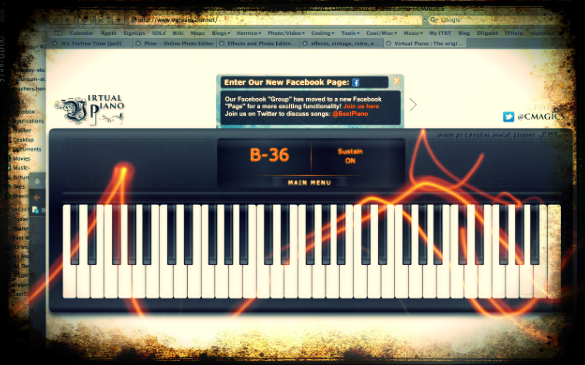
March is Music Month at Laburnum Elementary and Ms. Allison is always eager to try new things. So I set up a website for her of interactive links that range from letting students play a virtual keyboard to learning about the different instruments in the symphony and much more! I worked with her today during a couple of her classes, and then she went on to use the site in all her other classes. The great thing about online resources is that the students can use them at home too. I’ve compiled a more extensive list of resources for a workshop I conducted for elementary and secondary art and music teachers. Many of these web tools can be used by regular classroom teachers as well, such as recording an mp3 or painting a picture. I made a page of Art Resources and Music Resources. There’s plenty to keep you and your students busily creating for months! (The picture used in this post was of an online keyboard funkified with Pixlr-o-Matic).


Rounding Decimals & Whole Numbers

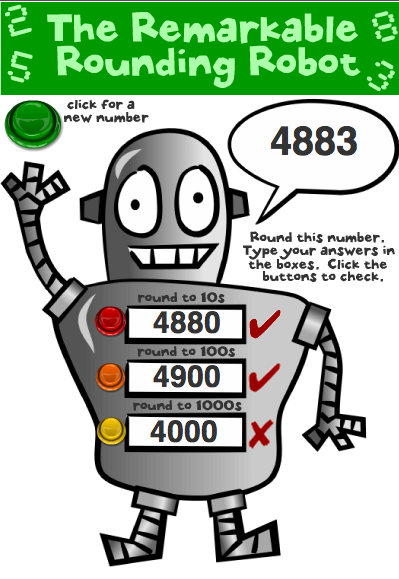
Numbers is one of those programs on the laptops that is underutilized by many students. However it is a powerful way to teach your students to think and solve problems, especially when developing formulas on their own. A fourth grade teacher at Chamberlayne wanted me to help her students with rounding, and I immediately thought of using Numbers. Earlier I had created a website for rounding whole numbers called “Rounding Robot.” I decided to incorporate that concept into a Numbers spreadsheet so the students could see the formulas and figure out how they worked. Then they could use that information to develop their own formulas. I created a spreadsheet for rounding whole numbers that you can download by clicking here and one for rounding decimals that you can download by clicking here. The spreadsheets have formulas so that students can check their own work. They can even make up their own numbers. If you use this activity with your students be sure to encourage them to try to make their own rounding formula.


Tags:


4th Grade Sign of the Beaver Videos

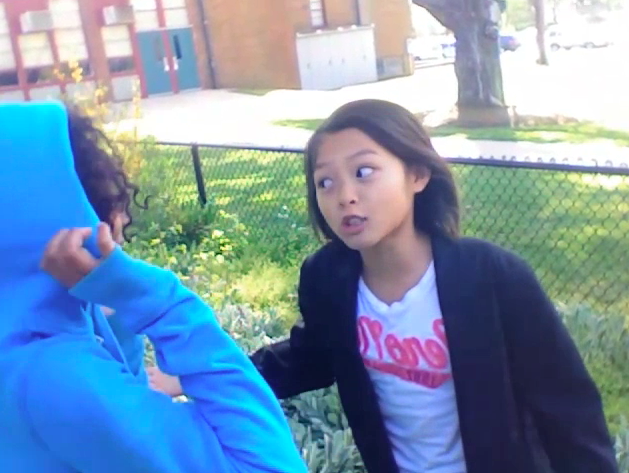
One of the great things about the student laptops is that they all have a built in video camera with Photo Booth. So your students can use it to film anywhere… even outdoors. Today at Johnson Elementary, fourth graders were creating their own movie adaptation of The Sign of the Beaver book. Movie-making is an excellent way to review and check for comprehension of any book your students are reading. It also includes elements of research, collaboration, problem-solving, and creativity! For several days prior to filming, the students had worked in groups to develop their scripts and make their own props. Today was filming day, and I was in charge of holding the laptop/camera while they performed. It was quite entertaining! The students did an excellent job speaking with expression. After I shot the raw footage, the students were going to edit it using iMovie to add in the titles, music, and special effects. You can take a look at the raw footage here:
Group 1 – Scene 1, Scene 2, Scene 3, Bloopers
Group 2 – Scene 1, Scene 2, Scene 3, Scene 4


4th Grade Talking Heads VS.6

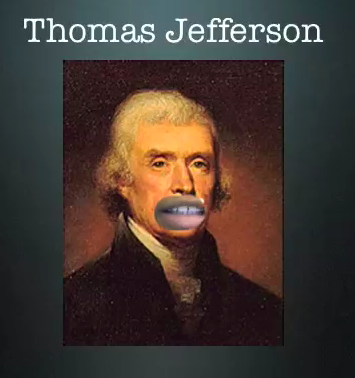
Fourth graders at Laburnum Elementary have been studying famous Virginians and the early documents they wrote declaring our rights and freedoms as Americans (SOL VS.6). We wanted our Founding Fathers to explain the documents themselves, and this is possible with Blabberize, but since we were having trouble with that website, we decided to try something different (you have to be flexible with technology, right?). I gave them a folder of pictures to use that you can download by clicking here. We cut away their mouths in Pixie and exported the pictures as PNG files with transparency (so their mouths would be empty holes). Then we brought them over into Keynote and added a title. Next we used Photo Booth to record ourselves speaking for the famous people, explaining their accomplishments. We put the video into our Keynote and put the picture on top of it, aligning our mouths with the hole in the picture. Then when we played our Keynotes, it looked like the famous person was talking! Take a look at a couple of student examples: Alicia – Thomas Jefferson and Nyesha – George Washington.


4th Grade Fractions Flipcharts

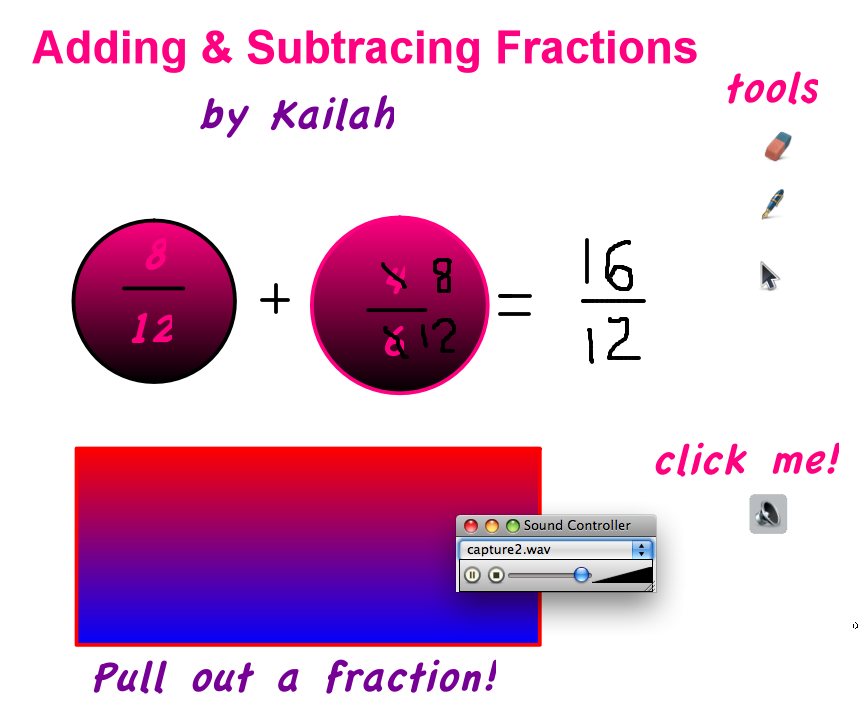
Many classrooms in Henrico County have Promethean Boards now, and teachers have been busy creating their own flipcharts as well as downloading some from Promethean Planet. But did you know your students can create their own flipcharts for each other to use? Once they learn how to do it, there’s no stopping them! The software for creating them, ActivInspire, can be found in the Applications folder on all student laptops. Today in fourth grade at Laburnum Elementary we created Fractions Flipcharts. I showed them how to make a container so that users could drag fractions out of a box and then decide whether to add or subtract them. I also showed them how to add tools to the flipchart so that users could click on the arrow or the drawing tool as they needed them. Finally, we recorded the answer so that when users click the audio button they would hear the correct answer. You can download a sample student flipchart by clicking here.


3rd Grade Famous African Americans

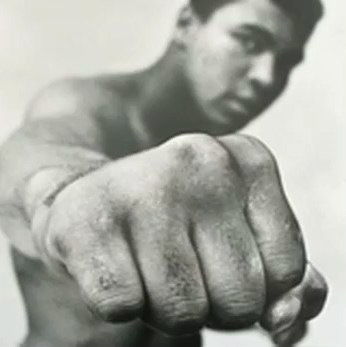
Third graders at Chamberlayne Elementary have been researching famous African Americans for African American History Month. Today I helped them create movies (podcasts) about their people in Garage Band. The students were able to choose the famous person they wanted to research and they worked with a partner to plan a script. I gave them a folder of images that you can download by clicking here. Students also had the option of finding pictures online. Our first step was to drag the pictures into the Garage Band project. Next, the students recorded their voiceovers and adjusted the length of their pictures to match the audio narration. Our last step was to add some background music. I exported them as QuickTime videos so that they could be posted to a blog or website. Take a look at some student samples: Muhammad Ali and Michelle Obama.