Tag: photobooth

4th Grade Math Movies
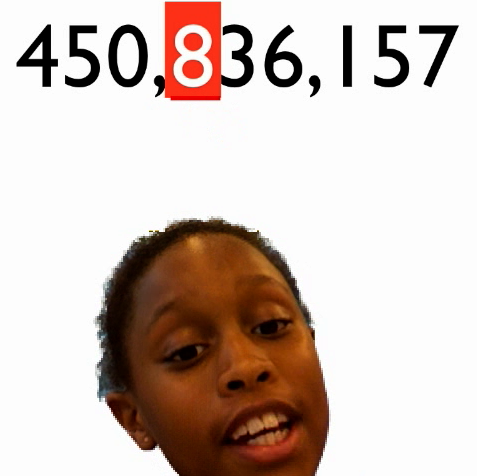
I’ve written several posts about using Photo Booth backgrounds to make cool videos. Just click on the photobooth tag over in the tag cloud to view them. But we’ve never made a math video… until now! You can use any photo or video as a background in Photo Booth. So for this lesson I created some animated math problems using Keynote. Then I exported them as QuickTime videos. You can download the videos by clicking here. Or you can make your own based on what your students need practice with. Students drag the videos into the Photo Booth backgrounds. Then they recorded themselves explaining the math concept. You can see some sample videos by clicking here and here.

4th Grade Revolutionary War Videos

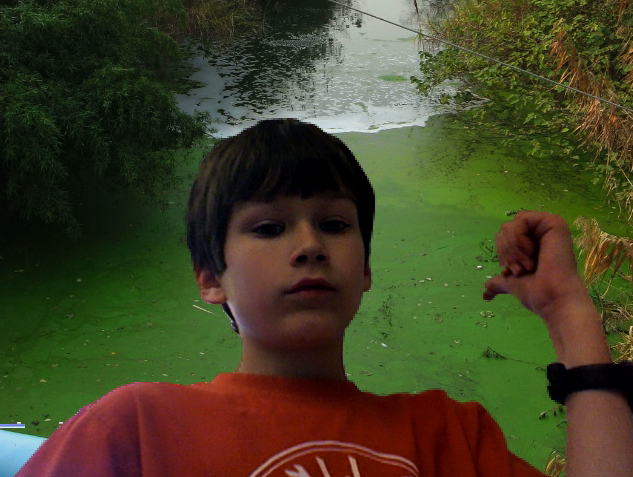
Fourth graders at Holladay created videos to review the important people and events of the Revolutionary War. They used a combination of PhotoBooth and Keynote to make the movies. You’ll see from the examples that they used a lot of expression and really knew the information! I gave them a very basic Keynote template and a folder of pictures to use which you can download by clicking here. Then they created slides about famous Revolutionary War people and events and added the photos. Next they went into PhotoBooth and recorded a newscast about the topic. Some of the students used the special effects and backgrounds to add excitement and humor to their videos. Finally they dragged the videos into their Keynote, added transitions, and exported it all as a QuickTime video. I posted them to a writeboard online which you can access here (password = rw). Writeboard is a great place to share student work with parents very quickly and easily. If you’d like to see a student sample without visiting the writeboard, click here.


1st Grade Earth Day iMovies

Tomorrow is Earth Day and Mrs. Hancock’s first grade class at Laburnum Elementary made very cool Earth Day public announcement videos using PhotoBooth backgrounds. I gave them a folder of pictures to use that you can download by clicking here. They chose the backgrounds they wanted and then recorded as many videos as they could. Some of them made quite a few. I can tell they really listened to Mrs. Hancock because they knew what they were talking about, and they used all the right vocabulary words: reduce, reuse, and recycle. I gathered some of their videos together into an iMovie that you can watch here. I think you’ll agree with me that Earth Day has a future spokeswoman with young Ke’Asiah. I did this same project with first graders at Chamberlayne Elementary last year. If you’d like to see their video as well, click here. Maybe next year you could try this with your class!


1st Grade Measurement Keynotes

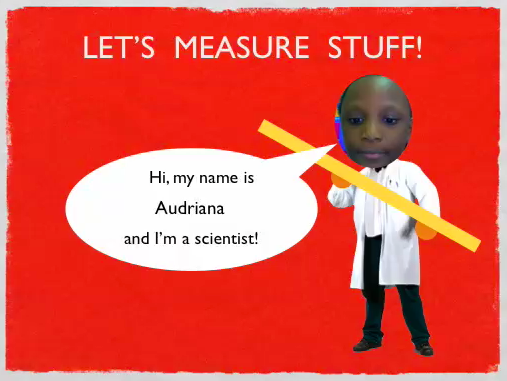
First graders at Chamberlayne Elementary have been learning about the scientific method, and specifically, measurement using standard and nonstandard units (SOL1.1e). So today we made Keynotes where they measured objects with squares (nonstandard unit for length) and circles (nonstandard unit for mass). I gave them a template and a folder of pictures of objects they could choose from. You can download all the files by clicking here. To make themselves look like a scientist on the front page, the students took their photo in PhotoBooth and dragged it onto the scientist’s head. They they dragged photos of objects onto the other slides and measured them using the shapes tool. The directions are on the template. You can see a sample by clicking here.


Photo Booth Tutorial

Last week I taught a workshop on using technology with social studies, and since then I’ve gotten several emails with questions about using Photo Booth. Photo Booth is a great program for teaching social studies in particular because students can put themselves into a historical picture using screenshots and backgrounds. However, it can be confusing. So I created a video and a handout that you can find by clicking here. Each step of the process is broken down into short 2-3 minute video segments so you can just watch the part that you need. I’ve also included several student samples showing how Photo Booth can be used effectively to teach content and assess learning. You may want to click the photobooth tag over on the right of this blog to read more about the various projects. Let me know if you have any questions, and if you teach a lesson using Photo Booth share it with me!


3rd Grade Energy & the Environment

Earth Day is coming up, and third graders at Trevvett elementary are working on special projects about the sources of energy and the environment (SOL3.10). They will be using a combination of PhotoBooth, Keynote, and iMovie to create their projects. I’ll put up the link when they are done, but I wanted to share the resources with you now. I gave them a folder of pictures to use with examples of the different types of energy sources as well as examples of recycling, conservation, and pollution. You can download the folder by clicking here. I also created a special site for their research with lots of great links to interactive webpages about energy and the environment. If you’d like to show your students what happens in a real recycling facility right here in Virginia, take a look at the Trekkers podcast! Here are a couple of examples of what the students are doing: Water Pollution Video, Land Pollution Video.


Kindergarten Coins Video

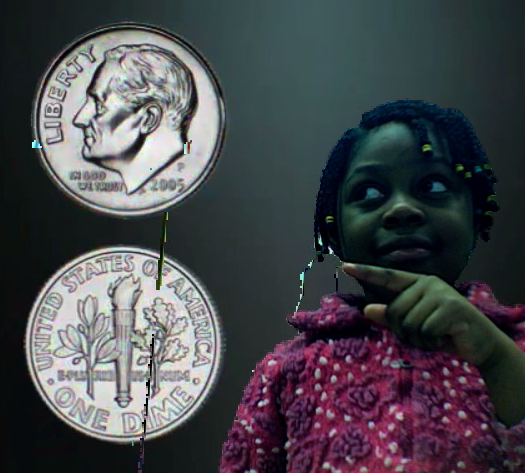
Today kindergarten students at Holladay created videos about coins (K.7) using Photo Booth. I gave them an animated video created in Keynote that they had to drag into the PhotoBooth background. Then they recorded themselves identifying the coins and telling how much each was worth as it appeared behind them. You can see a student sample by clicking here. You can download the files I used by clicking here. Included in the folder is another Keynote where your students can identify the coins without using Photo Booth. I’ve also included the link to a website I created with more money games I found online. Take a look at it by clicking here, and let me know if you find any more you’d like me to add.


Kindergarten Life Cycle Movies

Kindergarten students at Holladay have been learning all about the frog and butterfly life cycles. We used Photobooth and Keynote animations to create some cool life cycle movies. First the students chose a special effect in Photobooth and filmed themselves describing the steps in either the frog or the butterfly life cycle (they could choose which one they wanted). Then we dragged the movie from Photobooth into Keynote (be sure to save your work at this step). Next the students dragged the correct pictures of each step into the animation wheel. On the second slide they had to put the stages in order and label them. Finally the students clicked the play button and watched their movies. You can download the template and pictures to use by clicking here. Take a look at a student sample for a frog life cycle and a butterfly life cycle.


4th Grade Famous People Videos

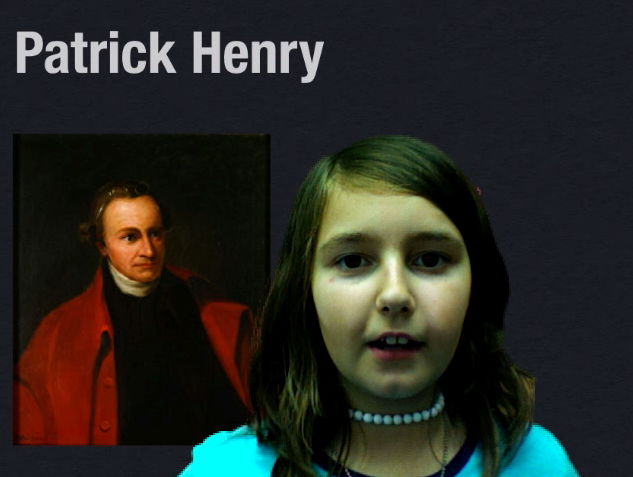
Sometimes teachers ask me to come into their classrooms to teach a lesson so they can learn more about a new program or project. Other times teachers may be comfortable teaching the lesson but they need my help in gathering materials. That’s what two fourth grade teachers at Holladay asked me to do this week. They already knew how to make PhotoBooth movies, but they wanted backgrounds with the famous Americans (VS.5b) Washington, Jefferson, Henry, and Lafayette. So I created those in Keynote and took screenshots of them. You can download the backgrounds by clicking here. Then the teachers assigned each of their students one of the famous people, and they had to film themselves talking about the important facts. It’s a great way to do an oral report, and since it’s recorded, students can watch it over again for review. You can see a couple of examples by clicking here and here.


2nd Grade Life Cycle Movies

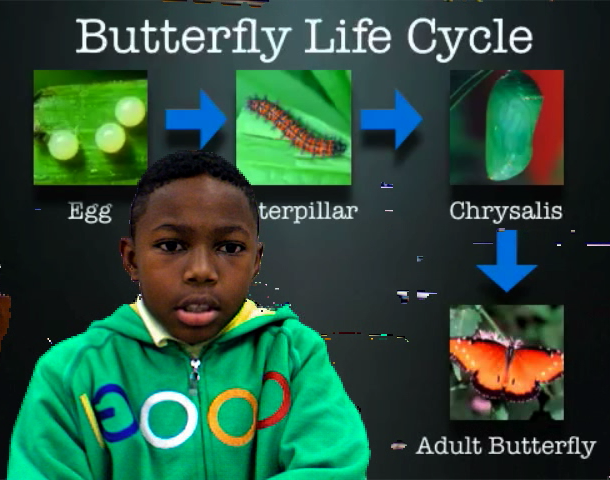
Second Graders at Laburnum have been learning about the butterfly and frog life cycles. They wanted to make movies about the life cycles and have them animate behind them as they talked about the different stages. So I created a template in Keynote for the frog and the butterfly, then exported them as videos. The students dropped the videos into PhotoBooth backgrounds and then filmed themselves describing the stages. The results were pretty cool. You can see one student example by clicking here. You can download the templates by clicking here. One thing I learned though, I may need to slow down the animations as you can see here.