
1st Grade Animated Graphs with ActiVotes
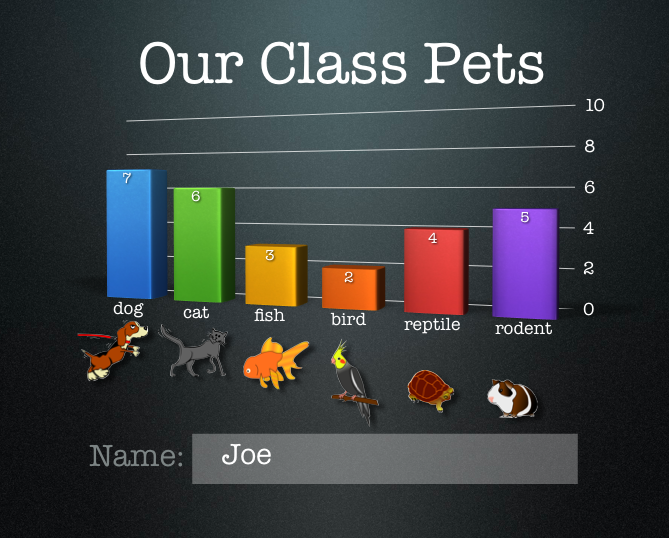 First graders at Holladay created animated graphs about their pets today. First we used the ActiVotes to collect the data. I’ve explained how to use the ActiVotes without a Promethean board on my blog here, They are a great way to get instant responses from all your students and to review graphing. Once the students voted on their pets they opened a Keynote template that you can download by clicking here. The students entered the data through the Inspector (they clicked Chart Inspector > Edit Data) and the graph automatically appeared. The reason I wanted to do it in a Keynote rather than Numbers is because in Keynote there is a special animation for graphs called 3-D Grow. It’s really cool. You can see it in action by clicking here. I also like Keynote because you can click Themes and the graph changes along with the theme. You can see how the slides look different in the Animoto video below. By the way, Animoto is a great way to present photos on your website.