
3rd Grade Famous Americans Podcast
Posted in 3rd Grade, Social Studies
 Third graders have been studying famous Americans (SOL 3.11), so to show off what they have learned, they created podcasts using GarageBand. I created a template and gave them a folder of pictures to use which you can download by clicking here. First I showed them how to drag the pictures from the folder to the podcast track. Next the students recorded their voices on the vocal track. They explained why each American was important. Finally we added music using the song library included in GarageBand. The results turned out great. Take a look at a couple of student samples by clicking here and here.

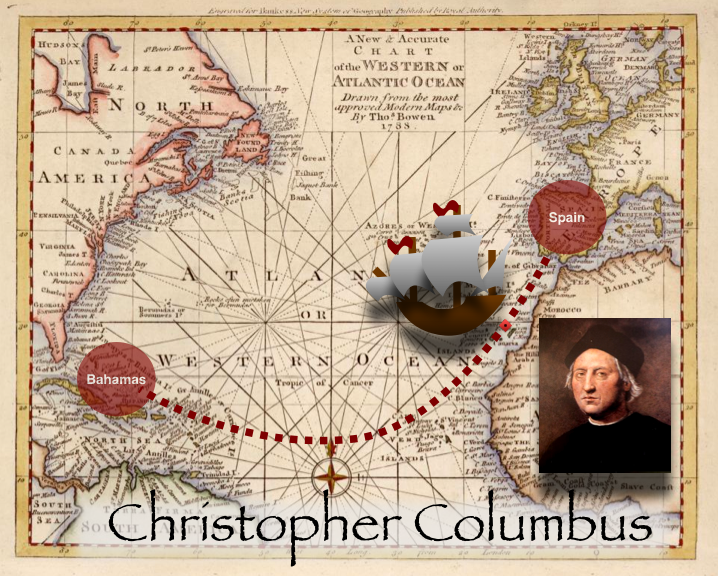
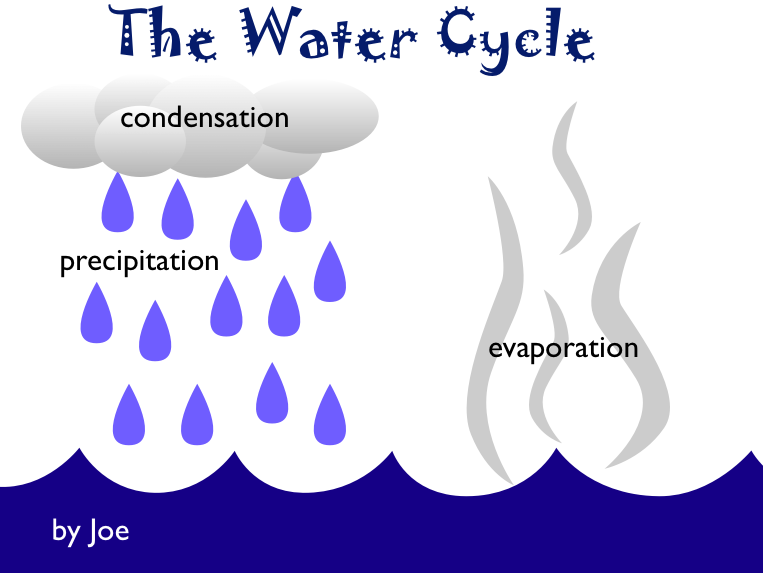

 Third graders are currently studying ancient Greece (SOL 3.1), so we have been making comic books about Greece using Comic Life. It’s a lot more fun to study a comic than a regular study guide! I give them a template to help them get started and a folder of pictures to use. There are photos of the Parthenon, grapes, olives, Greek hillsides, ships, maps, pottery, the Olympics, and other elements of life in ancient Greece. You can download the template and all the files by clicking
  Third graders at Holladay are learning all about habitats (SOL 3.5), and they are sharing their knowledge with videos that look like they are actually IN the habitat they are talking about. They are doing this with the special “green screen” feature on PhotoBooth. I’ve used this before with
  I know many of you have created classroom websites in iWeb this year, and that is fantastic! If you haven’t created one yet, or if you’d just like some inspiration, check out
  Third graders at Chamberlayne are creating Mystery Animal Keynotes. They chose an animal to research and are using the facts they find to create a type of “Guess Who?” game. I provided them with a folder of pictures to use, a Keynote template, and a robot that digitizes the picture of their animal to make it a mystery. Each slide in the slideshow gives a fact until you reach the last slide and the digitized picture fades into the real picture revealing the answer. If you’d like to see a sample, click
  Ms. Stewart, 3rd Grade teacher at Holladay, found a creative way to share a fund raising project with the staff at her school – she created a podcast in GarageBand. In the video she uses photos, voiceovers, and animal sound effects to show teachers how to collect money for Maymont’s Animal Appreciation Program. You can see how much more effective this is than simply sending an email or making an announcement. Emily, thanks for going above and beyond the call of duty for the sake of Maymont’s animals! You can take a look at her podcast by clicking