Category: 3rd Grade

3rd Grade Basic Rights Comic
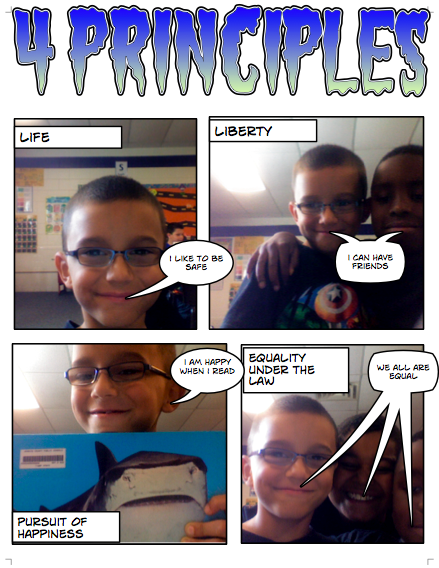
Third graders at Holladay Elementary have been learning about the four basic principles of a democracy: life, liberty, the pursuit of happiness, and equality under the law (SOL 3.11a). Today they tried to think of ways to convey those principles in a comic. They had to use the camera feature and compose pictures with their friends. They could use props they found in the classroom as well. Since these are very abstract ideas, they had to really think and be creative! Some students even drew their pictures and photographed them, like this student. I showed them how they could change the style of just about anything in their comics – the text, the colors, and the pictures. The projects turned out great, and afterwards, the students seemed to have a much better grasp of the four basic principles.


3rd Grade “Guess Who” Game

Today third graders at Laburnum Elementary created their own class “Guess Who” game to learn more about each other. First I gave them a Pages template that you can download by clicking here. It includes some bookmarks and links so that viewers can click and see the answer. Once students opened the template, they added a title using the Styles button. Next they typed four our five sentences about themselves. They could write about their family members, friends, pets, favorite foods, sports, etc. Then they took their picture using Photo Booth and uploaded it to a cool site called PicMonkey. PicMonkey is great because you can add cool effects to photos for free without having to register. We picked the Pixelate filter to make the picture extremely difficult to identify. I helped them take a screenshot of their pixellated photo and add it to the document. Then we added their real photo to the bottom of the document with their names. So when viewers tried to guess who it was based on the written clues and the scrambled picture, they could click on a link to reveal the true identity of the student. You can see how it works with this sample, and if you’d like to see them all, I converted them into an online flipbook that you can view here.


3rd Grade Explorer Websites

Third graders at Holladay Elementary have been studying the explorers (SOL3.3) so today they chose an explorer and used CheckThis to create their own website about him. First they typed in the facts that they had gathered from their research. Then I showed them how to add a picture of the explorer and a map of his route. They also created a poll question for other students to answer to make their website more interactive. After they published their sites, I gathered the URLs together into one GoogleDoc so that the students (and their parents) could look at each others’ sites, answer each others’ questions, and review the explorers in a fun, motivating way. We did all that in just under an hour! You can too! Go ahead and check out some of their websites. Be sure to leave a comment and “Like” their pages. Let me know if you’d like to create websites with your students. I’d be happy to show you how.


Online Resources for Music Month (and More!)

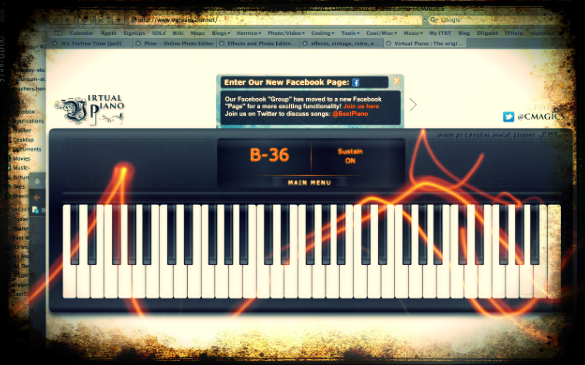
March is Music Month at Laburnum Elementary and Ms. Allison is always eager to try new things. So I set up a website for her of interactive links that range from letting students play a virtual keyboard to learning about the different instruments in the symphony and much more! I worked with her today during a couple of her classes, and then she went on to use the site in all her other classes. The great thing about online resources is that the students can use them at home too. I’ve compiled a more extensive list of resources for a workshop I conducted for elementary and secondary art and music teachers. Many of these web tools can be used by regular classroom teachers as well, such as recording an mp3 or painting a picture. I made a page of Art Resources and Music Resources. There’s plenty to keep you and your students busily creating for months! (The picture used in this post was of an online keyboard funkified with Pixlr-o-Matic).


3rd Grade Animal Research Presentations

Third graders at Holladay Elementary have been researching animals for a couple of weeks and today they created Keynotes to present their findings. They chose the animal they wanted to research and were instructed to find information about its adaptations (SOL3.4), food chains (SOL3.5), and habitats (SOL3.6). They could also include any interesting facts that they discovered. When I arrived, they had all their research complete and ready, so I gave them a Keynote template to get them started. You can download it by clicking here. Students added facts and pictures to each slide. I also showed them how to add special effects like transitions and animations. If we had more time we would have recorded a voiceover (if you do this with your class, you might want to try that since it is a great way to develop oral presentation skills). You can see a couple of student samples here: Ashley – Grey Wolf and Stephanie – Horned Lizard.


Tags:


3rd Grade Virtual Tours of Ancient Rome

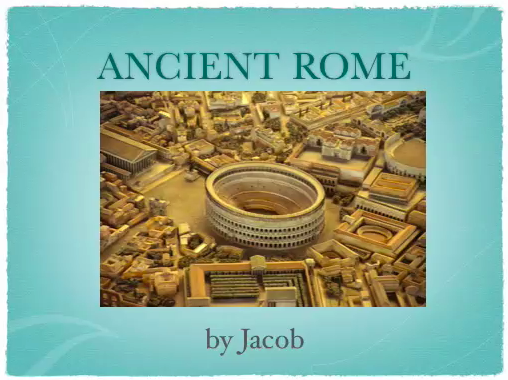
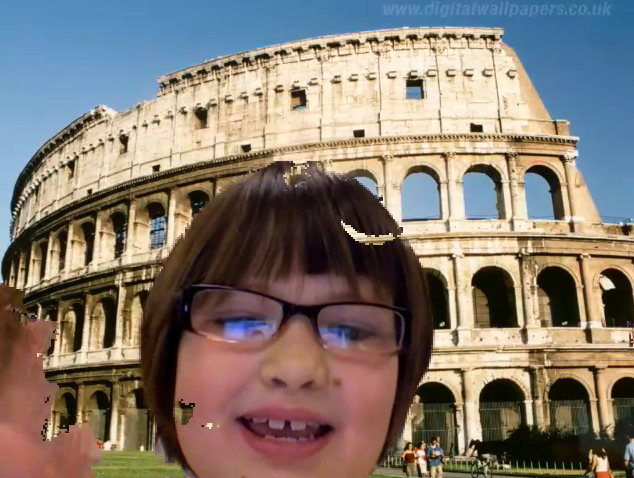
Today third graders at Holladay Elementary created virtual tours of ancient Rome. I gave them a folder of pictures that you can download by clicking here. They chose the picture they wanted to use for the background of their video and researched facts about that place or topic. Some of them chose to write out a script while others improvised with just a few notes. After discussing the importance of speaking clearly with expression, we opened up Photo Booth and I showed them how to add their background picture using the green screen effect. Depending on the background, some videos turned out better than others. You can see a couple of student samples here: The Collosseum and Grapes.


A Military Uniform Inspired by Animals

Did you know that many inventions were inspired by animals? It’s called biomimicry and it’s the basis for this great lesson created by Ms. Gaglio at Chamberlayne Elementary. She had her students create new military uniforms based on animal adaptations. The students created their uniforms using a website called Build Your Wild Self. Then they wrote persuasive letters explaining why their uniform was the best and should be purchased by the military. You can check out her blog here and you can download her lesson plan and rubric here. I took her idea and taught it to the 3rd graders at Laburnum Elementary today. They had a great time inventing their uniforms! We used Comic Life to add a description of the various parts and explain how each one would help a soldier survive. Finally we posted our pictures to a really cool, easy-to-use online photo sharing site called Comemories. You can see our online gallery (and even add your own) by clicking here.


3rd Grade Volume Pixie

Sometimes it is difficult for 3rd graders to visualize the hidden blocks in many volume problems. That’s why it’s important to practice this skill using actual blocks. The next best thing is to use virtual blocks on the computer. Today in Ms. Hill’s class at Pinchbeck Elementary we practiced finding volume using Pixie. In Pixie you can find blocks by going to Stickers, opening the Shapes folder, and then clicking on the Cubes folder. I gave them a template that you can download by clicking here. It has a sample problem with an invisible answer. The students try to figure it out and then they can click on the answer box, change the text color, and see the answer. Next I showed them how to create their own volume problem using the blocks stickers. They entered their answer in the text box and then made it invisible by turning it white. The last step was to find a friend, solve their volume problem, and check the answer by changing the color of the text box. If you’d like to see a sample, click on the picture to view it larger.


Tags:


3rd Grade Ancient Rome Slideshows

Today third grade students at Holladay Elementary created narrated slideshows about ancient Rome (SOL 3.1, 3.4, 3.7, 3.8). I gave them a folder of pictures that you can download by clicking here. The students opened Keynote, chose a theme, and made several slides about different aspects of life in Rome (government, agriculture, art, Colosseum, aqueducts, etc). Each slide just had a picture and a title, and the facts were all conveyed verbally using the record feature. It was a great way to really see what the students have learned. Finally, I showed them how to add transitions and builds to their show and export it as a QuickTime video. You can see a student sample by clicking here.


Tags:


3rd Grade “A Person I Admire” Videos

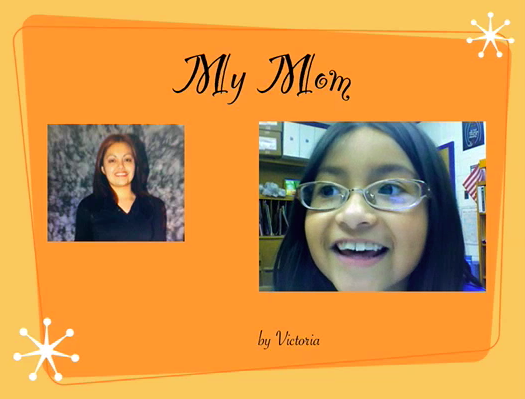
Third grade students in Ms. Cowart’s class at Holladay Elementary have been writing about people they admire. They chose historical figures, athletes, politicians, or even people they know personally. Then they wrote a paragraph explaining why they admire that person with an introduction, supporting details, and a conclusion. Instead of reading their paragraphs to the class, Ms. Cowart asked me to help them create a digital project that can be viewed by the other students and posted online. So we made Keynotes with videos. The Keynotes had just one side with the person’s name and the student’s name. I helped them find pictures online, or if their person wasn’t famous they brought in photographs from home and we used Photo Booth to digitize them. We put the pictures into a Smart Build which is a cool feature of Keynote that makes a slideshow within a slideshow. Next we recorded their video in Photo Booth and added that to the Keynote. Finally we exported the final product as a QuickTime movie. You can see a couple of examples here: John F. Kennedy, Michael Jordan, Helen Keller, and mom!