Category: Language Arts

2nd & 5th Grade Superheroes

superhero1Many schools have a superhero theme this year, and there are lots of cool websites for turning yourself into a superhero. Some of my favorites are: Hero Machine, Marvel Commics, and Heroized. Today 2nd graders in Ms. Becker’s class and 5th graders in Mr. Cangelosi’s class at Davis Elementary turned themselves into superheroes using Pixie and Google slides. First we opened up Pixie and painted a superhero body. Then we used the webcam tool to add our photo to the body. We exported the pictures as PNG images with transparent backgrounds. Next we opened up a Google slides template that I shared on Google classroom. Each student was assigned a slide, and they added a background image. Then they uploaded their superhero picture to their slide. Finally they wrote a sentence or two about their superpower and maybe their weakness (that was optional). Take a look at the Davis superheroes here: Becker and Cangelosi.

1st Grade Memory Walls with Padlet

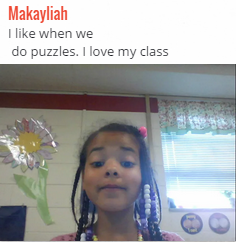
CaptureIt’s getting close to the end of the year, so many classes are recalling the good times they’ve had together. Today First graders at Holladay Elementary created memory walls using Padlet. Padlet is an online bulletin board where students can post notes, pictures, videos, and files. Teachers create accounts, but students don’t need to sign in or anything, so it’s very easy for them to use. We gave the students a link to their teacher’s boards, and all they had to do was double click on the board to create a new post. They typed their name at the top, then they typed a sentence or two about their favorite memory of first grade. Next they used the webcam to take a snapshot of themselves and added that to the note. With Padlet, posts appear on the board immediately, so students can see each other’s work, and even offer helpful suggestions. You can take a look at their memory walls here: Valvoda, French, and Schemmel.


5th Grade Science Video Storyboards

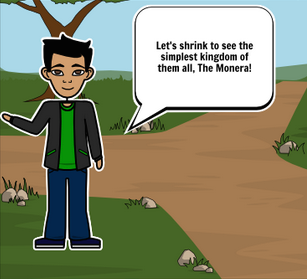
Screen Shot 2015-08-13 at 12.06.40 AMMs. Elsea at Davis Elementary told me about a great project her class was doing here at the end of the year. They were making a student-created science show where they taught a different topic for each episode. She was wondering if I knew of an online tool to help them plan out their videos. I suggested StoryboardThat, and today I went to her class to show them how to use it. First they logged in using their Google accounts and clicked “Create a Storyboard.” They set up a 3×2 panel using the “Add Cells” button at the bottom of the editor. Then they used the “Scenes” tab at the top to add backgrounds, or settings, to each panel. Next they added characters and props using the top toolbar or the search feature. I showed them how to customize the colors, poses, and facial expressions of the characters. Finally they added text bubbles, or “textables,” and typed what each character would say. Now that they had their scripts and scenes planned out, they were ready to record their videos! You can take a look at their storyboards here.


4th Grade Famous Virginians Come to Life!

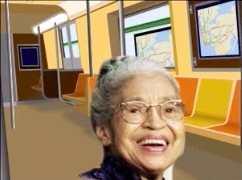
Screen Shot 2015-08-12 at 11.04.38 PMFourth graders at Davis Elementary have been learning about famous Virginians in the 20th century (VS.9d), so today we brought them to life with the magic of technology! First the students decided whether they wanted to work in groups or alone. This project, like any project that uses an online tool, goes a lot smoother if students are working in groups since less computers are using the bandwidth. Once they selected their group, they chose a famous Virginian and found an image of the person online. I explained that they needed a good clear photo of the person’s face looking straight ahead. Next we downloaded a screen recording Chrome extension called Screencastify. We would need this tool in the last step to record our videos. Now we were ready to go to SitePal where the real magic happens. We clicked “Create Your Own” talking avatar and uploaded the image of our famous Virginian. The site guides you through the process of animating the head. Then the students wrote a paragraph in the Text-to-Speech section with facts for the “talking head” to say. They also chose a voice. We used Screencastify to record the videos since there isn’t another way to save them. Finally they posted their videos to Google classroom so they could watch each others’. You can watch them too by clicking here.


1st Grade Spring PowToons

Screen Shot 2015-08-12 at 2.42.19 PMFirst graders at Davis Elementary have been learning about the changes that happen in the weather, plants, animals, and people in the spring (SOL1.7), so today students in Ms. Long’s class created animated spring pictures using PowToon. First we discussed some of the changes that happen, and I showed them a few samples so they would get an idea of how a finished PowToon animation looks. Once they had their ideas, we helped them log into PowToon with their Google accounts and get started. First we changed the background and added text. I showed them how each element has it’s own timeline for when it appears and when it leaves. Next we looked through the various free clipart galleries and added some images that were spring related. The last step was to add a speech bubble and make one of the characters say a sentence about the spring. We copied the links to our finished PowToons and posted them to Google classroom so our classmates could watch our animations. You can see a few samples here.


4th Grade Famous People Predictions

Screen Shot 2015-08-12 at 10.29.39 AMFourth graders have been studying famous Virginians of the 20th century in social studies (VS.9). Making predictions (SOL4.5i) was also an area of weakness on the benchmark tests, so today students in Ms. Anthony’s class created websites where they asked their classmates to predict how a famous Virginian would react in a certain situation based on their character. First each student picked a famous Virginian and did some quick research about him or her using the Internet or their notes. Next we went to CheckThis, and I showed them how to customize the theme, fonts, and colors of their website. They uploaded a photo of their person and typed a few facts, focusing on ones that revealed the person’s character. Then they thought of a new situation for the person and wrote it as a poll question. They also wrote some ways the person might react to the situation for their classmates to choose from and practice making predictions. Finally they posted their websites to Google classroom so their classmates could visit them and vote. You can take a look at a few samples here, and you are welcome to vote as well.


3rd Grade Solar System Soap Operas

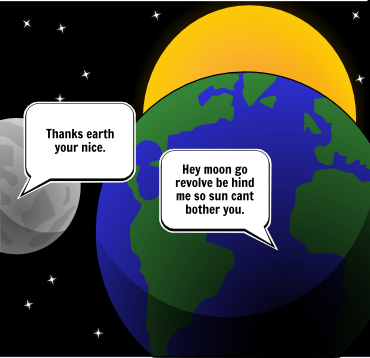
Screen Shot 2015-08-11 at 11.23.26 AMThird graders at Davis Elementary have been learning about the motions of the Earth, sun, and moon (SOL3.8a). They have also been learning how to identify the problem and solution in the stories they read (SOL3.5h). So today students in Ms. Eller’s class wrote solar system soap operas about problems and solutions that the Earth, sun, and moon might have. First we brainstormed some possible problems that they might have if they had personalities and could talk (personification). Next I explained that we would be creating a three-panel comic using StoryboardThat. The first panel would present the problem, the second panel would show them trying to solve the problem, and the last panel would present the solution. We signed into StoryboardThat with our Google accounts, and I showed them how to change the background of each panel using the Scenes tab. Then we added Characters. I explained that they could use the clip art categories to find images or they could search for a specific picture. Finally we used the Textables to create speech bubbles. I pointed out that this was the most important part. They had to be very careful about what they typed in the speech bubbles so that the problem and solution were clear. When they were finished, they pasted the links to their comments in Google classroom with a question for their classmates to answer. You can take a look at their comics here, and read some of the comments.


3rd Grade Educational Coins

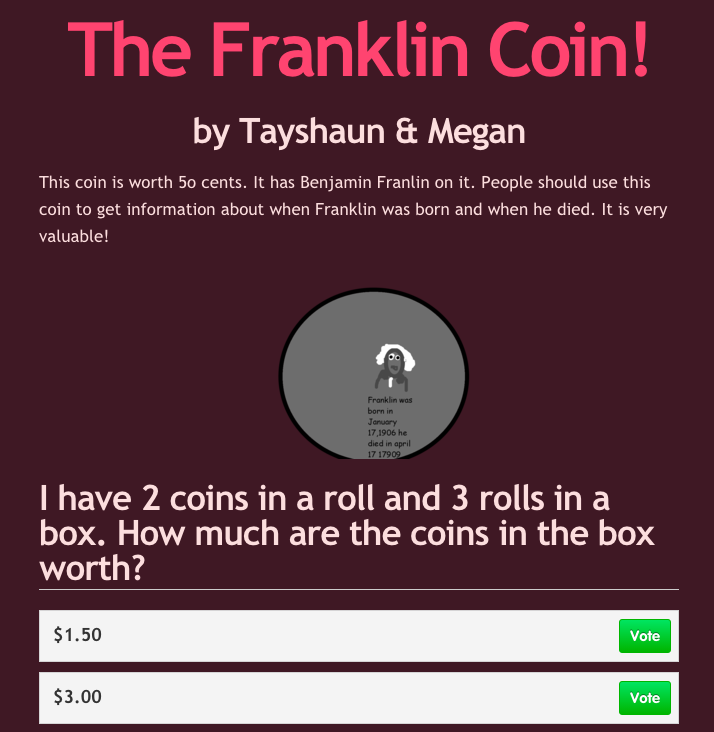
Screen Shot 2015-08-06 at 11.50.28 AMThird graders at Varina have been learning about money and multiplication in math (SOL3.8 & 3.2), so today students in Ms. Leo’s class designed their own educational coins and made up multiplication problems about them for their classmates to solve. First we discussed how the U.S. Mint designs new coins to sell and how, if people don’t like the designs, they won’t buy them. There are thousands of unused dollar coins sitting in vaults because no one wants them. I asked the students to guess the most popular coin (surprisingly, it’s the penny). Since they were also learning about the water cycle in science (SOL3.9), I told them to put something educational on their coins from science (water cycle, plant cycle, frog cycle, butterfly cycle, related to the circle shape of coin) or social studies (Greece, Rome, famous Americans, etc). They could either work with a partner or by themselves. Partners divided up the tasks, so one designed the coin using Pixie and the other designed a website about the coin using CheckThis. The website had to persuade people to buy the coin. Then they made a math multiplication word problems to explain how the coins are packaged and shipped out to banks (rolls of coins in boxes). Their sites were published to the classroom page, but you can take a look at them here.


4th Grade Facts & Opinions About Famous People

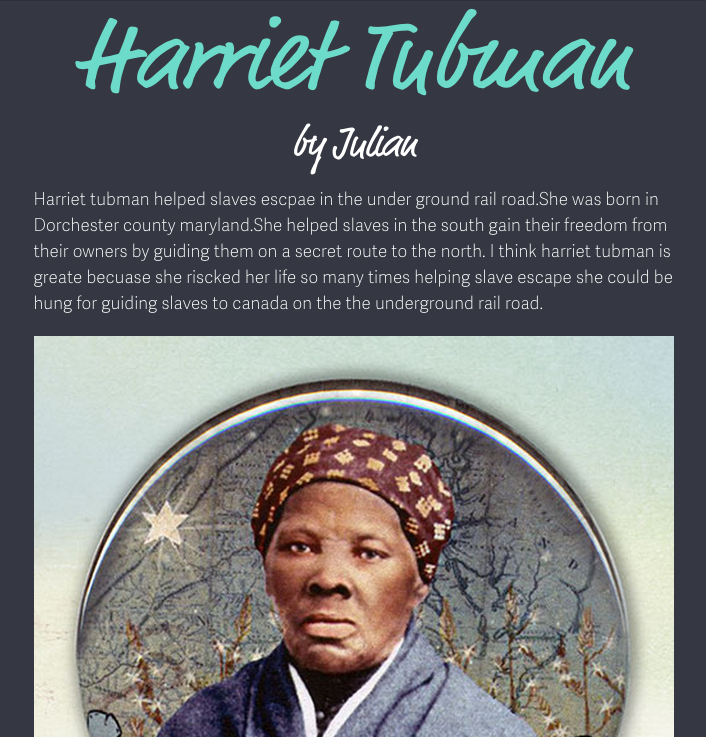
Screen Shot 2015-08-05 at 10.24.53 AMFourth graders at Holladay Elementary have been studying famous Americans from the pre-Civil War time period (VS.7), and their benchmark tests revealed that many of them needed help distinguishing between facts and opinions (SOL4.6h). This is a very important skill, since most propaganda and persuasive articles are a mixture of both facts and opinions. So today we created websites about the famous Americans that included facts and opinions, and our classmates had to decide how we were trying to persuade people to feel about the person. First I asked them to choose a famous American from the pre-Civil War era (John Brown, Harriet Tubman, Abraham Lincoln, or Nat Turner). Next we signed into CheckThis with our Google accounts. I showed them how to change the theme, colors, and fonts of the webpage. They researched their famous person online to gather some facts. Then they wrote a paragraph about him or her and added some opinions of their own. Next they added a photo of the person. Finally, each student wrote a poll question at the bottom of their site, asking their classmates to identify how they were trying to persuade their readers to feel about the famous American. You can take a look at some of their websites here.


5th Grade POV Word Problems

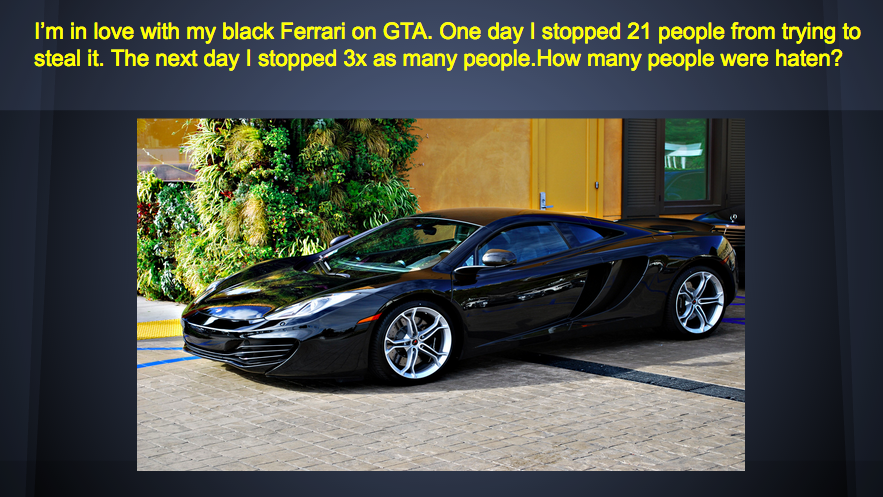
Screen Shot 2015-08-03 at 3.05.34 PMFifth graders at Varina Elementary have been learning about solving multistep word problems (SOL5.4) and identifying the point of view of an author (SOL5.5f). Since those were two areas of need identified on the recent benchmark tests, I wanted to focus on those skills as well as teach the students how to create Google slideshows. So today in Ms. Parker’s class we created word problems that involved identifying the point of view. First we reviewed point of view. I provided a few examples of situations where the author is feeling strong positive or negative emotions, and we discussed the clues. Then I instructed the students to think of a multistep word problem involving an emotional situation. I gave them a blank Google slideshow template in Google classroom and taught them how to choose a theme, add text, change the font, size, and color, and add a picture. We wrote a multistep word problem for our classmates to solve on one slide, then we added another slide for them to identify our point of view. The last step was to add transitions between the slides. Finally we published our slideshows and copied the links to Google classroom so we could solve each others’ problems. You can take a look at their slideshows here. I taught the same lesson with a couple of classes at Holladay the next day, and you can see those here.