Tag: webtools

5th Grade Cell Videos

CaptureFifth graders at Laburnum Elementary have been learning about the parts of a cell (SOL5.5) in science, and they have been working on their oral presentation skills (SOL5.2) and evaluating media messages (SOL5.3) in language arts. So today students in Ms. Satterfield’s class created instructional videos about cells using Pixiclip. Pixiclip is a webtool that allows you to record your webcam as you draw and write on a virtual whiteboard. First I gave the students a brief lesson on how to use the various tools, and we discussed good oral presentation skills, then they were able able to get started right away. As they drew the cell parts they described each one. When their videos were done we shared the links in Google classroom so they could evaluate and comment on each other’s videos. Take a look at some student examples here.



4th Grade Force Storyboards

forceFourth graders at Davis Elementary have been learning about force, motion, and energy in science (SOL4.2) and narrative elements in language arts (SOL4.5). So today students in Ms. Bennett’s class created comics about potential and kinetic energy using StoryboardThat. First they logged into their Google accounts, which allowed them to log into StoryboardThat with just a few clicks. We discussed narrative elements like characters, setting, problem, and solution. I showed them how to add different characters and settings to their comics and customize them. Next we brainstormed different problem-solution situations that would illustrate potential and kinetic energy. We talked about ways to increase potential energy (pulling back, squatting down, rotating, etc). Now the students were ready to create their 3-panel comics showing how a character solved a problem using potential and kinetic energy. When they were finished, they posted the links to their comics on Google classroom so they could see each others’ and add comments. Check out some students examples here.


5th Grade Cell Comparisons

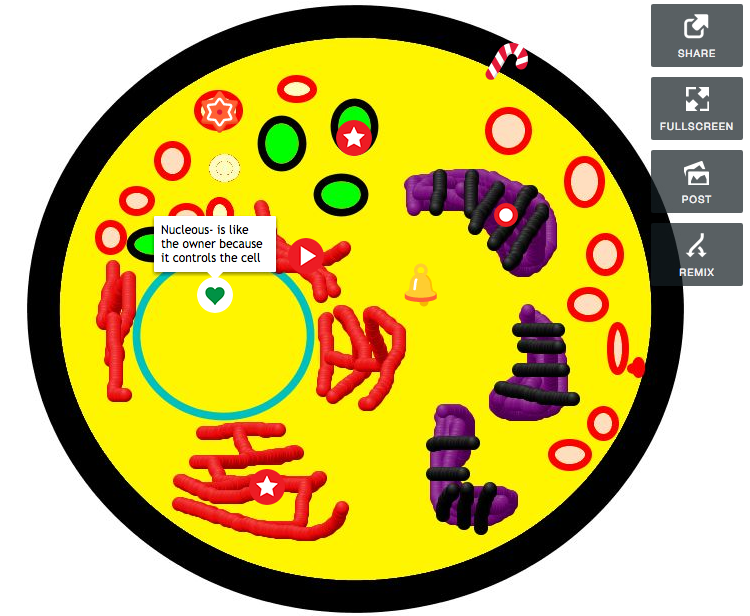
Screen Shot 2015-06-05 at 3.40.13 PMFifth graders at Laburnum Elementary have been learning about cells and various cell structures (SOL5.5a), so today students in Ms. Conway’s and Ms. E.Hall’s classes created interactive cell diagrams using Thinglink. First they chose whether to draw a plant or animal cell, then they used Pixie to illustrate the cell and its parts. Next they logged into Thinglink with their Google account and uploaded their drawings. Instead of just asking the students to label the parts and their functions, we wanted them to do a bit of higher-level thinking. So we instructed them to compare the cell to some other organized entity and its parts, like a school, a team, or a machine. The example I gave them was comparing the cell to a swimming pool. The nucleus is like the lifeguard because they tell everything in the cell what to do. The cytoplasm is like the water in the pool because it contains all the objects in the cell. The mitochondria are like the filters because they provide energy and keep things moving in the cell. The cell membrane is like the walls of the pool holding it all together. The students got very creative with their comparisons. You can take a look at examples from each class here.


3rd Grade Multiplication Comics

Screen Shot 2015-06-03 at 1.46.26 PMThird graders at Holladay Elementary have been learning how to multiply (SOL3.5), so today students in Ms. Marion’s class created multiplication comics using StoryboardThat. First we signed into our Google accounts, and then we were able to quickly sign into StoryboardThat using the Google button. I showed them how to change the setting for each panel and how to customize the characters. I instructed them to create a short story where multiplication was used. We reviewed that multiplication involves equal groups and then gave some examples. After the students created their pictures, they added text bubbles to explain the math. We posted our finished comics to Google classroom so we could see each others’. I also posted some of them here for you to see.


4th Grade Pixiclip Videos

Screen Shot 2015-06-01 at 10.21.20 AMFourth graders at Varina Elementary have been learning how to multiply 2-digit numbers (SOL4.4b), so today students in Ms. Burcham’s class created their own “how-to” videos explaining how they do it. As students create their videos, they have to break the process down into steps and explain each step. Not only is this valuable for the students, but it also helps the teacher see how the students are thinking each step of the way. They can identify exactly where in the problem solving process misunderstandings occur. Another benefit of creating “how-to” videos is that students can go back to the videos later if they need a quick review. We used a webtool called Pixiclip to record our videos. It’s a great tool that doesn’t require a login. You can record audio or video and you can draw, type, or upload files on a virtual whiteboard. First the students created their own multiplication problem to solve. I encouraged them to challenge themselves though, and not make it a simple problem. Next they chose the strategy they would use to solve it and recorded their steps. Those who finished early went on to make videos showing where the different people groups settled in Virginia (VS.4b), since they are studying colonial times in Social Studies. I gave them a map to use to save some time. We posted all our links to Google classroom, but you can see some of their videos by clicking here.


2nd Grade Animal Videos

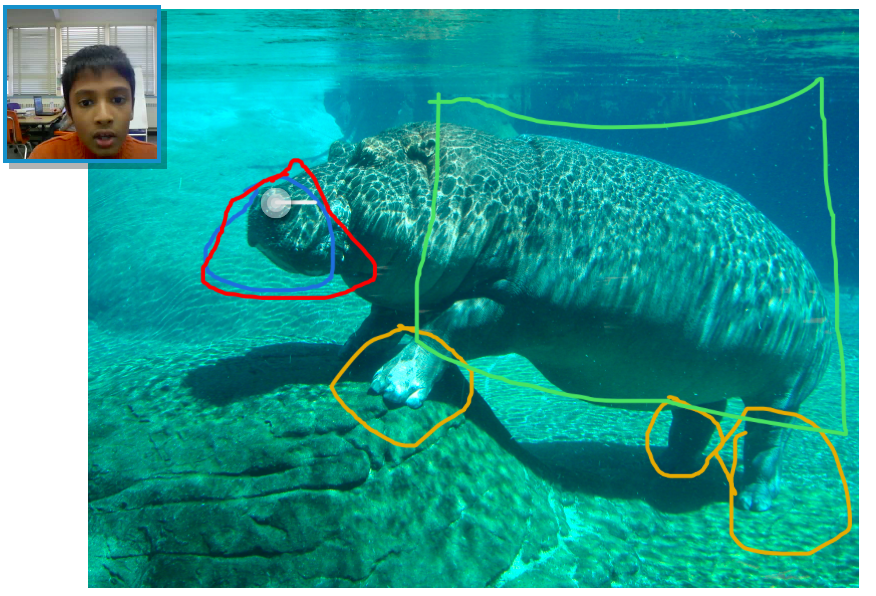
Screen Shot 2015-05-29 at 1.33.54 PMSecond graders at Davis Elementary have been learning about living systems (SOL2.5) and how animals’ adaptations help them survive, so today students in Ms. Jefferson’s class created animal videos using Pixiclip. Pixieclip is an online whiteboard where you can draw, type, or upload photos, and it records your webcam so you can explain what you are doing. The students first chose an animal they were interested in learning more about. We did some quick online research to identify the animal’s special features that help it survive. We also downloaded a photo of our animal. Next we went to Pixiclip and uploaded the photo. There are 3 choices: start doodling (no audio or video), add audio message, or add video message. I explained that they could choose to make an audio or video message, depending on if they wanted to be filmed. They dragged their photo to the whiteboard which triggers the recording to start. Then the students used the pen tool to circle special features on their animals and explained the function of each one. When they were finished, they posted their links to the Google classroom page so they could watch each others’ videos. I posted a few to a Google doc that you can see here.


5th Grade Northeastern State Comparisons

Screen Shot 2015-05-21 at 10.37.30 AMFifth graders at Davis Elementary have been learning about the northeastern region of the United States (NE1.1, NE2.2b). Their benchmark tests also revealed that they need extra practice with collecting, organizing, and interpreting data (Math SOL5.15). So today students in Ms. Elsea’s class gathered data about the northeastern states and presented their information with infographics. First, I instructed the students to choose two northeastern states to compare. We used Measure of America to get data about the population, education, economics, health, or whatever topic the students wanted to compare for their two states. Next we went to Piktochart to make our infographics. I showed them how to change the background and choose a font and color scheme. I encouraged them to use just a few colors and to be consistent with the colors across all the graphics and text. One of the first graphics we added was a map showing our two states. Then we added a pie chart comparing the data we had gathered, and I showed them how to add clip art that related to their data. Some students were able to add several graphics. Finally, we copied the links to our infographics, and posted them to our Google classroom page so we could see each others’ presentations. Take a look at some of them here.


2nd Grade American Indian Problems & Solutions

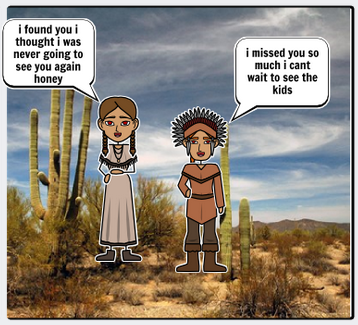
Screen Shot 2015-05-08 at 1.58.37 PMSecond graders at Holladay Elementary have been learning about the Powhatan, Lakota, and Pueblo Indian tribes in Social Studies (SOL2.2), and they’ve been learning how to identify the problem and solution in fictional texts in Language Arts (SOL2.8f). So today students in Ms. Coyle’s and Gardner’s classes created comics about the American Indians and included a problem and solution. First I posted a link to StoryboardThat on their classroom page and instructed them to choose an Indian tribe for their story. Next we discussed problems that the various Indian tribes might have. The students mentioned sickness, war, weather, drought, animals, and more. They had lots of ideas! As the students thought of a problem and solution for their story, I instructed them to look at the different Scenes and find a good setting for the tribe they selected. The “US History” tab has examples of longhouses, tipis, and multi-storied terraced buildings. The “Outdoor” tab has examples of woodlands, grasslands, and deserts. Then I showed them how to find American Indian characters under the “1600s to 1800s” tab and how to customize their skin, hair, eye color, facial expressions, and poses. After the students had their drawings in place, they added speech bubbles and typed sentences explaining the problem and solution. Finally they posted the links to their comics on the Google Classroom page with a question for their classmates to answer. You can take a look at some examples here.


4th Grade Earth Motion Animations

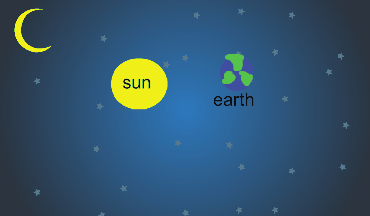
Screen Shot 2015-05-08 at 10.11.53 AMFourth graders at Davis Elementary have been learning about the motions of the Earth in science (SOL4.8) so today students in Ms. Bennett’s class created animations showing how the Earth revolves around the sun. I posted a link to ABCYa! Animate on their Google classroom page and showed them how to draw the first image using a space background and two circle shapes for the sun and Earth. We discussed the relative size of the circles (SOL4.8d) and which direction the Earth moves around the Sun–it’s counterclockwise (SOL4.8a). Then I showed them how to label the objects with text boxes and group them so they move together. Next we used the copy cat button to make a copy of our image, and we moved the Earth a little bit. We continued making copies and moving the Earth gradually until we had one revolution. We set the animation to loop and then published it as a .gif file. The students posted their finished animations to the classroom page and I gathered them together here. You can also see examples from Ms. Lara’s class at Holladay Elementary here.


3rd Grade Greece & Rome Comics

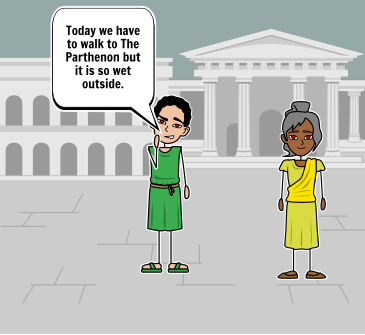
Screen Shot 2015-05-06 at 3.46.05 PMThird graders at Holladay have been studying ancient Greece & Rome in social studies (SOL3.1,3.4,3.7), and they have been learning about narrative elements such as characters, setting, problem, and solution in language arts (SOL3.5). So today students in Ms. Middleton’s class created Greece & Rome comics that included those narrative elements. First they chose whether to make a comic about ancient Greece or ancient Rome, and I introduced them to a cool website for making comics online called StoryboardThat. Each of them logged in with their Google accounts and chose a blank template with three panels. I explained that the first panel would be the problem, the middle panel would show the characters trying to solve the problem, and the last panel would be the solution. Now the students had to start brainstorming problems that people in ancient Greece or Rome would face. They had lots of good ideas relating to the occupations people had like famines for farmers, storms for traders, and battles for soldiers. Next we discussed what kinds of settings would be appropriate. They pointed out that Greece and Rome had hills, farmland, and both were located near the sea. I showed them how to pick a setting from the Scenes library that would be good for ancient Greece or Rome (HINT: look under the Historical or Outdoor tabs). I also showed them how to find appropriate characters by looking under the Historical tab. Finally I demonstrated how to change the colors and poses for the characters and how to add speech bubbles. The students spent the rest of the time creating their comics with narrative elements. We posted the finished comics to the classroom page, and you can take a look at some of them here.