
4th Grade Class eBook
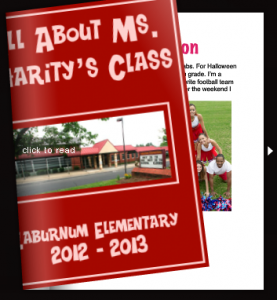 Today 4th graders in Ms. Charity’s class at Laburnum Elementary created their own class eBook. You can create one fairly easily with your class as well! The cool thing about eBooks is that they can be read by anyone on almost any platform (computers, iPods, iPads, etc), and all you need is a word processing program (such as Word or Pages) and an Internet connection. We used Pages for this project. The students first typed a paragraph about themselves. I showed them how to change the font, size, and color of the title. You usually want to keep the main text in a common font because some devices will not display strange fonts correctly. Then they added a photo of themselves using PhotoBooth and searched the Internet for a picture of something else they had written about in their paragraph (which they highlighted in bold text). In order to publish their writings as an eBook, it must be a PDF document. So I combined them into one Pages document and saved it as a PDF (go to Print > PDF > Save as PDF). Then I uploaded it to FlipSnack which is a webtool for making eBooks or flipbooks. Flipsnack converts it into an online book that can be read anywhere and even embedded on a webpage (as you can see below)