Category: 2nd Grade

2nd Grade American Indian Websites
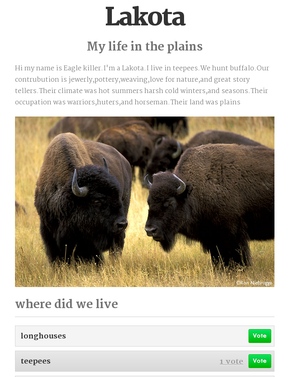
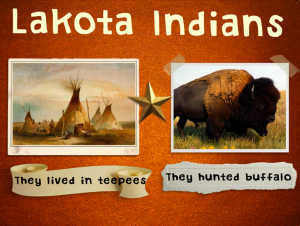
IndianSiteSecond graders at Laburnum Elementary are currently reviewing the American Indian tribes they’ve been studying for the past several weeks (Powhatan, Lakota, and Pueblo). So to help them review, they made websites today using CheckThis. CheckThis is a great way for elementary students to create websites because it doesn’t require a login, and adding new parts is as simple as clicking a button. To get them started brainstorming ideas, each child chose a tribe and pretended that they lived in the tribe. They gave themselves a name and an occupation and thought about what their lives would be like. Then we went to CheckThis and started writing. They wrote about where they lived, what they ate, what the land and climate were like, and any other creative ideas they wanted to add. Next we got a picture to embed. We discussed good search terms that would get the best picture (“lakota indian” would get more results than just typing “indian”). Finally, I showed them how to add a poll question that would help the reader review the American Indians. I posted all the links to a Google Doc that you can see here.
2nd Grade Winter Writing & Editing

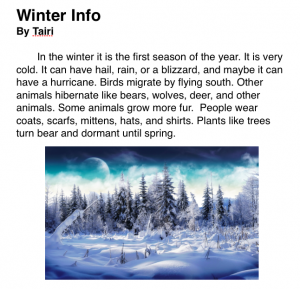
Picture 2Now that we are back from vacation, many classes are writing about the winter. Pages is our Mac word processing program, and I like to make sure that all the students know how to use it. So today I was teaching a 2nd grade class how to write about winter in Pages. The teacher wanted them to include facts about the winter that they have been learning about. So first we reviewed the weather and how plants, animals, and people adapt to the changes. Then we opened Pages and I showed them how to use the Style button to add a title and a subtitle (for their name). Using the Style button is a lot quicker than changing the font and size manually because once you hit Return, it goes back to the regular style. I instructed the students to write as much as they could in the alloted time. Then we did a Google image search to find a winter picture, and they dragged it to their document. We didn’t publish this writing assignment since several students didn’t finish, but there are many options for publishing. You could combine them all into one document, print it as a PDF, and create an online flipbook using sites like Youblisher or Flipsnack. You could also do all the writing online using sites like Instablogg or Google Docs. You could even have students print their stories as individual PDFs and drop them into your DropBox account using sites like DropItToMe. Then you could transfer them to your Public Folder and send the links out that way. I also recently found a cool webtool for editing online writing without messing up the original. Using Markup you can draw and write on any webpage just by clicking on a bookmarklet that you drag to your bookmarks bar. When you are finished, it gives you a new separate link with all your edits. I used it to edit one of today’s writing assignments so you could see an example here.


2nd Grade Indian Animations

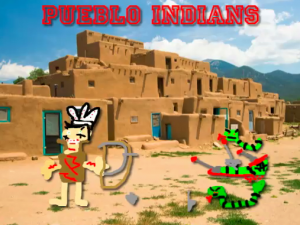
Picture 2Second graders in Ms. Marable’s class at Laburnum Elementary made animations about the different Indian tribes using Keynote today. First each student selected a tribe: Lakota, Powhatan, or Lakota. Then they opened up Keynote and did a Google image search for a picture of the region occupied by their tribe. I showed them how to drag the image into Keynote and resize it so it took up the whole background. Next they opened Pixie and drew a picture of an Indian from their tribe, a typical home, and an animal from that region. They exported their pictures as PNG files with a transparent background, and I helped them cut the pictures apart so they were separate. They dragged their pictures to the Keynote and added animations using the Build Inspector. Finally they recorded a narration explaining how their American Indian tribe lived. I exported those as QuickTime videos. You can see a few student examples here: Powhatan, Pueblo, Lakota.


2nd Grade Beeclip Indian Posters

Picture 5Second graders at Laburnum Elementary have been studying the different American Indian tribes (SOL 2.2 & 2.4). So today they chose a tribe and made an online poster using a cool free site called Beeclip (although it was just updated to Biteslide). First I showed them how to select a background from the side menu. Then we added a title using the text button. They wrote the name of their tribe, and I showed them how to change the font, size, and color. Next we used the built-in safe image search to find pictures about the tribes. We discussed various search terms they could use to find specific photos. After dragging their pictures onto the poster, I showed them how to add frames and stickers for decoration. Some of the stickers could even be written on using a text box. Since you can’t save your posters without an account, we clicked the full screen button and took a screenshot. Then we saved those to our folders. The only problem with that is they can’t go back later and edit their work. I took all their screenshots and uploaded them to a CoMemories gallery that you can see by clicking here.


2nd Grade Erosion Plans

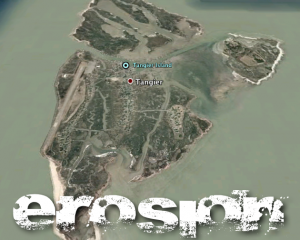
Picture 4Second graders at Laburnum Elementary have been studying weathering and erosion (SOL2.7). They have also been learning about ways to prevent erosion (SOL2.8). So today I showed them a real life example of where erosion is causing serious problems right here in Virginia. We opened Google Earth and I guided them to find Tangier Island. We zoomed in and I told them to look for evidences of erosion. They were able to spot them quickly. I had traveled with the Virginia Trekkers to Tangier Island and met with the mayor there, so I was able to share with the students some of the concerns he has about controlling the erosion. I asked them to come up with a plan to prevent erosion on Tangier Island based on what they had learned. They were going to present their plan using Garage Band. First we took a screenshot of the erosion on Tangier Island from Google Earth. I showed them how to drag the picture into Garage Band. Next the students recorded their voices explaining their plan. Finally we added some music and sound effects (such as waves and other water sounds). We exported their podcasts as QuickTime videos. You can see two student examples here and here.


2nd Grade Pixie Community Map

mapSecond graders at Holladay Elementary have been learning all about maps and cardinal directions so today they put their knowledge to use and created a map in Pixie complete with a compass rose, symbols, and a key. I showed them how to use stickers for the symbols and then shrink them to fit in the legend. We used the paint tool to add other features like rivers, lakes, and roads. Next they added their own photo using the built-in webcam and narrated a tour of their community using the recording tool. In the recording I asked them to give the cardinal directions for the various places of interest such as, “We have cattle farms in the southwestern region of our community.” Their projects turned out great, and the teacher was really able to see how well her students understood the maps concepts. You can see a student sample by clicking here.


Tags:


2nd Grade Change Over Time Comic

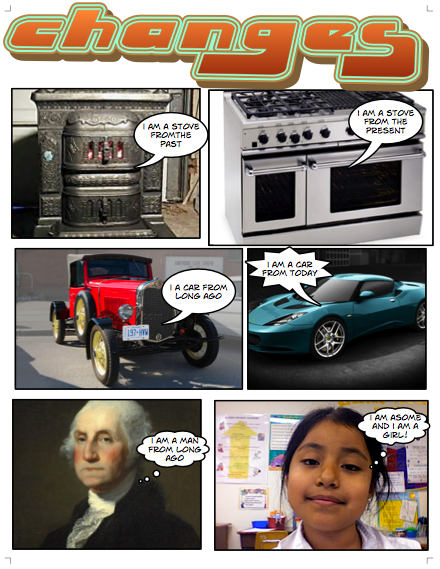
Today 2nd graders at Chamberlayne Elementary made comics about how communities change over time (SOL 2.3). They created this comic from scratch using Comic Life, so there’s no template to download, but you can download the folder of pictures we used by clicking here. It has over 75 photos of cars, houses, and tools from the past and present. First the students set up their comics with six panels. Then they searched for pictures that showed what life was like in the past. They dragged those photos into their comic and looked for corresponding pictures from present day life to put in the opposite panel. They also added a famous American from the past and a photo of themselves in the present. I showed them how they could change the style of the photos to look more “comic-like.” Finally they added labels and speech bubbles to explain how things have changed. You can see a student sample by clicking on the photo.


2nd Grade Time & Money

Sometimes the students really surprise me with how much they can accomplish during an hour’s lesson! Today Ms. Ambrose’s second graders at Holladay Elementary did an impressive job with the multi-step task that we gave them! We wanted to create a review for time and money, which were two skills they needed additional practice with. But instead of creating the review ourselves, we let the students create it. First they had to decide if they wanted to make a money problem or a time problem. Then they opened Pixie and created their problem using the stickers. We exported their pictures and uploaded them to a cool photo sharing site called CoMemories. I like it for elementary students because there’s no login. They just drag their picture right onto the website. We needed the pictures to be online so we could embed them on a CheckThis webpage. You can see their gallery of pictures here. The students clicked on their picture and copied the URL. Then they pasted the link into their CheckThis webpage and wrote a poll question about the picture for their classmates to answer. I put all their URLs onto a GoogleDoc that you can see here. Now they have a great way to review time and money, using questions they created!


Online Resources for Music Month (and More!)

March is Music Month at Laburnum Elementary and Ms. Allison is always eager to try new things. So I set up a website for her of interactive links that range from letting students play a virtual keyboard to learning about the different instruments in the symphony and much more! I worked with her today during a couple of her classes, and then she went on to use the site in all her other classes. The great thing about online resources is that the students can use them at home too. I’ve compiled a more extensive list of resources for a workshop I conducted for elementary and secondary art and music teachers. Many of these web tools can be used by regular classroom teachers as well, such as recording an mp3 or painting a picture. I made a page of Art Resources and Music Resources. There’s plenty to keep you and your students busily creating for months! (The picture used in this post was of an online keyboard funkified with Pixlr-o-Matic).


2nd Grade Winter Adaptation Ads

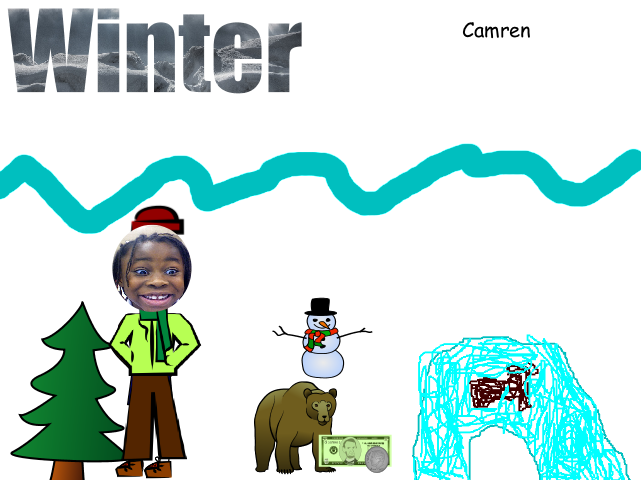
Today 2nd graders at Laburnum Elementary made Winter Adaptation Ads. I gave them a Pixie template that you can download by clicking here. They decided which character they wanted to be and dressed the character up for winter. Next they chose an animal that has some sort of winter adaptation such as hibernation or migration. They had to create a product to sell that animal in order to help them survive the winter and/or make their adaptation easier. They drew the object using the paint tools and showed the price using the money stickers. Finally they recorded their voice selling the product like a commercial. The results were very creative (and you can tell these students have seen plenty of commercials). Here are a few student samples:
Lucy – extra wings for geese to migrate
Gabrielle – charity caves for bears to hibernate
Dominique – jet packs for bears to get to their caves faster (he’s quite a salesman!)


Tags: