Category: Language Arts

5th Grade Northeast Region Thinglinks

Screen Shot 2015-08-03 at 11.16.05 AMFifth graders at Davis Elementary have been learning about the northeast region of the United States (NE1.2, NE2.2), and they have been learning how to write to inform (SOL5.7). So today, students in Ms. Bailey’s class created interactive Thinglink maps highlighting some of the interesting places in each state. First we needed to get a map of the northeast region. I gave them a link to Google maps and showed them how to choose either the standard view or a satellite image (click the box in the bottom left corner). Once they had the map centered on the northeast region, I showed them how to take a screenshot using the Snipping Tool. Then we went to Thinglink and logged in with our Google accounts. The students uploaded their map and added hotspots to different cities in the northeast region that they had been researching. For each hotspot, I taught them how to customize the icon, upload an image, and write an informative paragraph about the place of interest. We only had time to do one or two places, but Ms. Bailey continued the project with her class, and they were able to add several more on their own. You can see their final projects here.


5th Grade Elements Websites

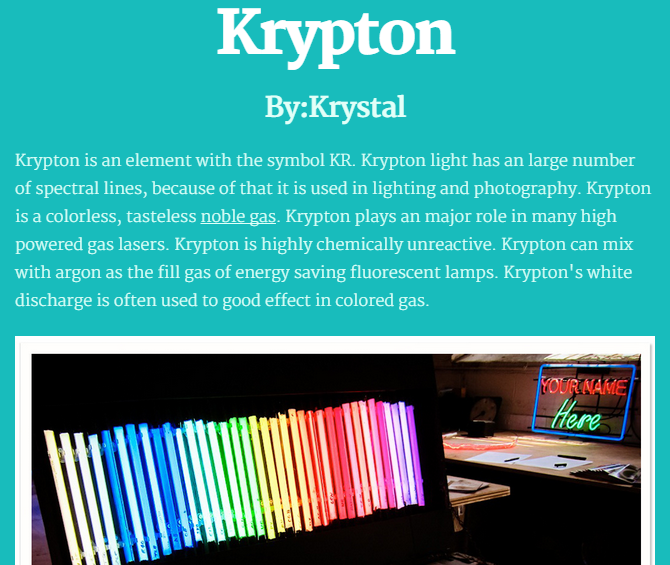
KrystalFifth graders at Varina Elementary have been learning about the elements in science (SOL5.4c) and cause-effect relationships in reading (SOL5.5j), so today we created cause-effect elements websites in Ms. Long’s class. First the students chose an element that they were interested in learning more about using the Interactive Table of Elements (other good resources are The Picture Periodic Table and the Simplified Periodic Table). I gave them some time to research their element and take a few notes. We reviewed plagiarism and copyright and discussed the importance of putting the knowledge they gained in their own words. Next we went to CheckThis, and I taught them how to use that tool to create their own website about the element. The students could change the fonts and colors and add pictures. They also needed to add an interactive poll question about a cause-effect relationship involving their element. We discussed cause-effect words they could use like “why” and “because” and “what would happen if…?” For example, we discovered that my sample element, aluminum, is used to build space ships, and we we asked ourselves why? We discovered that the cause was the lightness of aluminum. The students did a great job on their elements websites. If you’d like to see their sites and answer their cause-effect questions, click here.


5th Grade Cell Videos

CaptureFifth graders at Laburnum Elementary have been learning about the parts of a cell (SOL5.5) in science, and they have been working on their oral presentation skills (SOL5.2) and evaluating media messages (SOL5.3) in language arts. So today students in Ms. Satterfield’s class created instructional videos about cells using Pixiclip. Pixiclip is a webtool that allows you to record your webcam as you draw and write on a virtual whiteboard. First I gave the students a brief lesson on how to use the various tools, and we discussed good oral presentation skills, then they were able able to get started right away. As they drew the cell parts they described each one. When their videos were done we shared the links in Google classroom so they could evaluate and comment on each other’s videos. Take a look at some student examples here.


1st Grade Compound Words & Shapes

Screen Shot 2015-06-23 at 7.46.08 AMFirst graders at Laburnum Elementary have been learning about compound words (SOL1.6g) in language arts, and they’ve been studying shapes (SOL1.13) in math. So today students in Ms. Schumacher’s class created their first Google documents using compound words about shapes. We helped them log into their Google accounts and into Google classroom where I posted a blank template as an assignment. I showed them how to choose a font, size, and color, as well as how to type capitals and periods. Next we brainstormed some compound words that were shapes (pancake, football, bookmark, sunflower, hamburger, blueberry, cheesecake, bathtub, corndog, breadstick, watermelon, notebook, blacktop, etc). I instructed them to type a complete sentence using a compound work and a second sentence identifying its shape. When they were finished with their sentences I showed them how to add an image using the Google image search. We posted the links to their documents on Google classroom so they could read at each others’ sentences. You can read a few samples here.


4th Grade Force Storyboards

forceFourth graders at Davis Elementary have been learning about force, motion, and energy in science (SOL4.2) and narrative elements in language arts (SOL4.5). So today students in Ms. Bennett’s class created comics about potential and kinetic energy using StoryboardThat. First they logged into their Google accounts, which allowed them to log into StoryboardThat with just a few clicks. We discussed narrative elements like characters, setting, problem, and solution. I showed them how to add different characters and settings to their comics and customize them. Next we brainstormed different problem-solution situations that would illustrate potential and kinetic energy. We talked about ways to increase potential energy (pulling back, squatting down, rotating, etc). Now the students were ready to create their 3-panel comics showing how a character solved a problem using potential and kinetic energy. When they were finished, they posted the links to their comics on Google classroom so they could see each others’ and add comments. Check out some students examples here.


Kindergarteners Can Google!

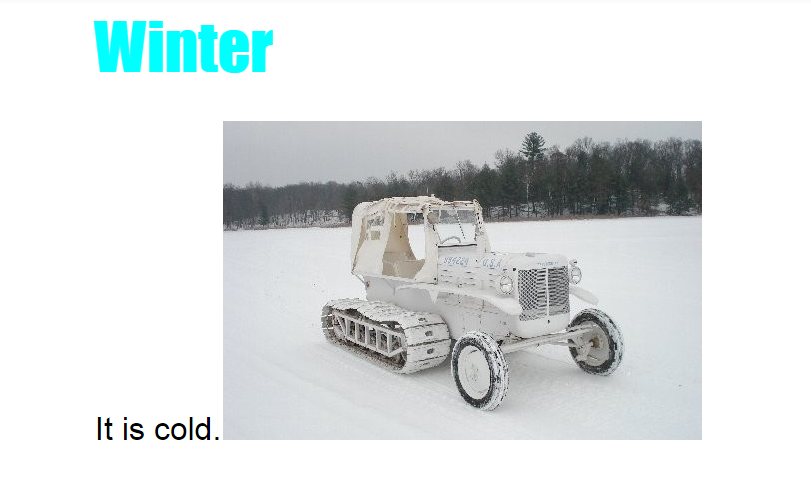
AlanThis year, with the transition to Dell and the focus on using Google apps, it’s been a challenge for the very young students to just log into their Google accounts. But today, kindergarteners in Ms. Brown’s class at Holladay Elementary showed that they were ready to create on the computers! We helped them log into their Google accounts and got them set up with Google classroom. I gave them an assignment to write about winter using Google Docs. They opened the blank template, and I showed them how to change the font, size, and color of the title. Next we practiced writing one complete sentence with a capital (using Shift) and a period. Finally I showed them how to do a Google image search for a winter picture. We posted their documents on Google classroom so they could read each others’ stories. I was impressed with how well they did! Take a look at their writing here.


5th Grade Facts and Opinions

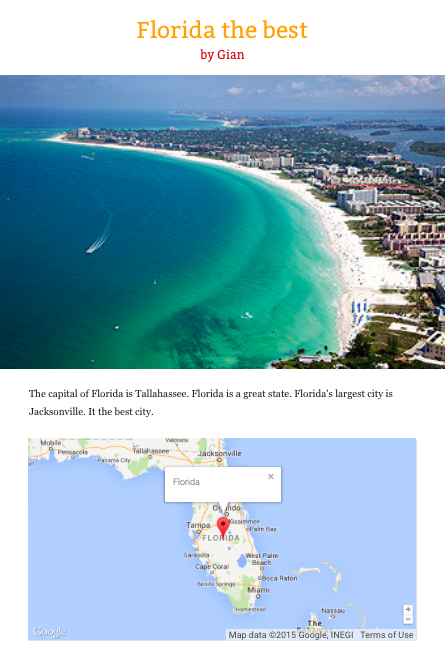
Screen Shot 2015-05-13 at 2.24.28 PMFifth graders at Holladay Elementary have been learning about the states in the southeastern region of the United States (SE2.2b,c), so today students in Ms. Filer’s class created websites about a southeastern state of their choice. Since they had recently completed their benchmark tests, I was looking at the data, and I noticed that many fifth graders had a hard time identifying the point of view of the author and distinguishing between facts and opinions (SOL 5.5f, 5.6i). So I wanted to include those skills in my lesson as well. First we talked about point of view and how to identify the author’s point of view. Did the author have a positive or negative view of the topic they were writing about? Since our websites would be about a place, we looked at some online reviews for a local place, the Lewis Ginter Botanical Gardens. It was fairly easy to identify the author’s point of view by the words they used. Clearly some people enjoyed the gardens, while others did not. Next we practiced identifying facts and opinions in the reviews. I pointed out that usually a review could be considered more reliable if it included facts, instead of just opinions. We discussed where we should go to get the most reliable facts. Would the Botanical Gardens website be the most reliable, or could it be biased? I explained that the students would be creating a website about a southeastern state, and they would have to include facts and opinions, so it would be best if they had actually been to that state. I pointed out that the reader should be able to identify your point of view and tell whether you had positive or negative feelings about the state. The students could research their state using books or websites, and we used Tackk to create our websites. Tackk allows them to add text, maps, and photos of their state. After creating their websites, they posted the links on Google classroom with a question for their classmates to identify the facts, opinions, and viewpoint. Take a look at some samples here. This lesson was also submitted to Henrico21, so if you’d like to see the complete lesson plan, click here.


2nd Grade American Indian Problems & Solutions

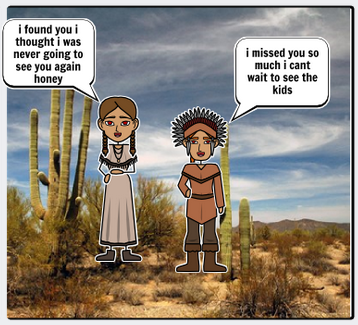
Screen Shot 2015-05-08 at 1.58.37 PMSecond graders at Holladay Elementary have been learning about the Powhatan, Lakota, and Pueblo Indian tribes in Social Studies (SOL2.2), and they’ve been learning how to identify the problem and solution in fictional texts in Language Arts (SOL2.8f). So today students in Ms. Coyle’s and Gardner’s classes created comics about the American Indians and included a problem and solution. First I posted a link to StoryboardThat on their classroom page and instructed them to choose an Indian tribe for their story. Next we discussed problems that the various Indian tribes might have. The students mentioned sickness, war, weather, drought, animals, and more. They had lots of ideas! As the students thought of a problem and solution for their story, I instructed them to look at the different Scenes and find a good setting for the tribe they selected. The “US History” tab has examples of longhouses, tipis, and multi-storied terraced buildings. The “Outdoor” tab has examples of woodlands, grasslands, and deserts. Then I showed them how to find American Indian characters under the “1600s to 1800s” tab and how to customize their skin, hair, eye color, facial expressions, and poses. After the students had their drawings in place, they added speech bubbles and typed sentences explaining the problem and solution. Finally they posted the links to their comics on the Google Classroom page with a question for their classmates to answer. You can take a look at some examples here.


3rd Grade Greece & Rome Comics

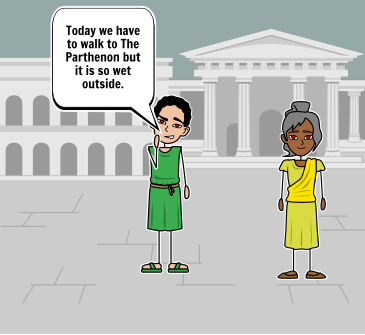
Screen Shot 2015-05-06 at 3.46.05 PMThird graders at Holladay have been studying ancient Greece & Rome in social studies (SOL3.1,3.4,3.7), and they have been learning about narrative elements such as characters, setting, problem, and solution in language arts (SOL3.5). So today students in Ms. Middleton’s class created Greece & Rome comics that included those narrative elements. First they chose whether to make a comic about ancient Greece or ancient Rome, and I introduced them to a cool website for making comics online called StoryboardThat. Each of them logged in with their Google accounts and chose a blank template with three panels. I explained that the first panel would be the problem, the middle panel would show the characters trying to solve the problem, and the last panel would be the solution. Now the students had to start brainstorming problems that people in ancient Greece or Rome would face. They had lots of good ideas relating to the occupations people had like famines for farmers, storms for traders, and battles for soldiers. Next we discussed what kinds of settings would be appropriate. They pointed out that Greece and Rome had hills, farmland, and both were located near the sea. I showed them how to pick a setting from the Scenes library that would be good for ancient Greece or Rome (HINT: look under the Historical or Outdoor tabs). I also showed them how to find appropriate characters by looking under the Historical tab. Finally I demonstrated how to change the colors and poses for the characters and how to add speech bubbles. The students spent the rest of the time creating their comics with narrative elements. We posted the finished comics to the classroom page, and you can take a look at some of them here.


1st Grade Turkey Stories

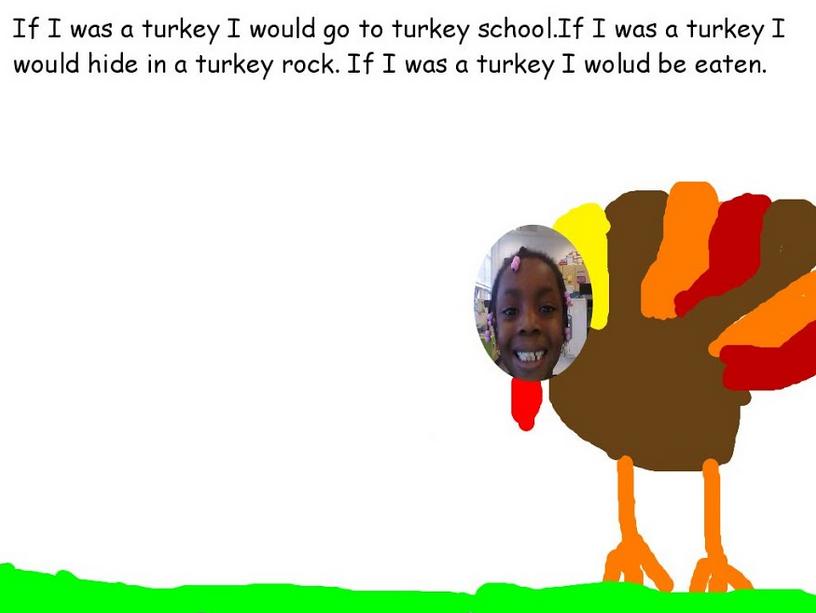
karenThanksgiving is coming up, and 1st graders in Ms. Tyler’s class at Laburnum Elementary have been practicing their new writing skills by writing about what they would do if they were a turkey. They had already written their stories out on paper, and today they wanted to publish them. We used Pixie because it not only has some turkey clip art, but the students could also paint their own turkeys if they wanted. First they typed their sentences out, which was a lot of work for 1st graders this early in the year! Next they added a turkey picture and put a photo of their face on the turkey’s head. Finally we exported the Pixie documents to JPEG files so we could post them on our Google classroom page. I also posted them here so you could see them.


Tags: