Tag: websites

Back To School Rules
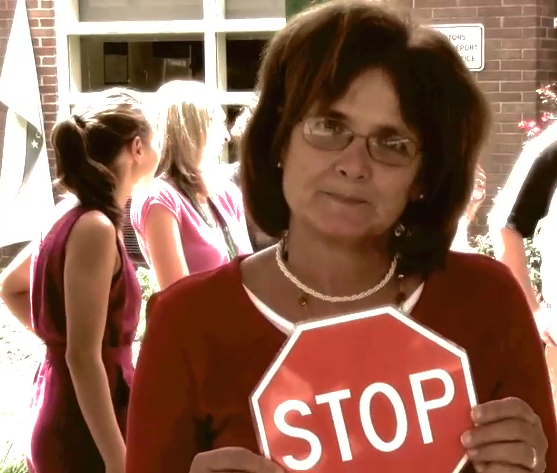
At Chamberlayne Elementary we created a “Back To School Rules” video with student volunteers acting out appropriate and inappropriate behaviors for the bus, classroom, hallway, cafeteria, playground, and gym. The inappropriate behaviors are portrayed as negatively as possible (black and white, really bad music) while the appropriate behaviors are shown in color with upbeat music. There is also a place to stop the video after each inappropriate behavior so teachers can hold a discussion with their students. You can check out the video by clicking here. This would be a great idea for you to do in your own class. Students could film themselves using PhotoBooth or the iPad (in K and 1st) showing correct and incorrect behaviors. Let me know if you’d like me to help with something like this.

We Have the Winners!

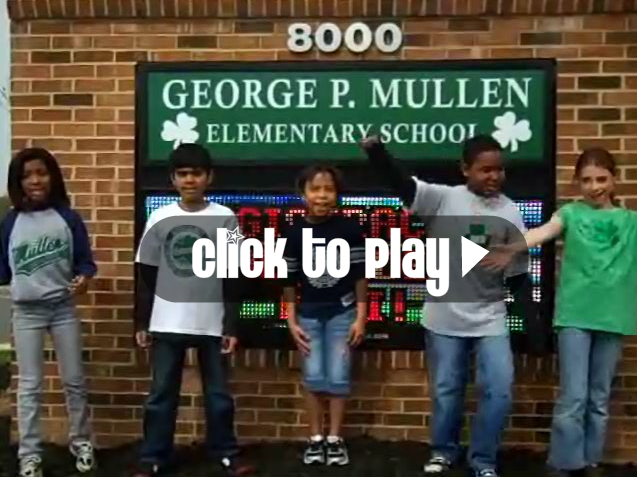
This is the second year that the Virginia Trekkers have had a video contest. If your class creates an educational video about a place in Virginia, they can enter it into our contest and the prize is a DJ party hosted by the Trekkers. This year we had some great entries, and it was difficult to select just one winner… so we picked two. I think you’ll agree that their videos are excellent. Check out The Congressional School of Virginia’s video about historical Alexandria. Below it you’ll see some footage from the DJ Party that we had at their school today. It was a lot of fun! Our other award-winning video was Mullen Elementary’s tour of historical Manassas. We’re going to have our party with them on June 10th, so stay tuned for that! Be sure to enter our video contest next year!


4th Grade Student-Created Website

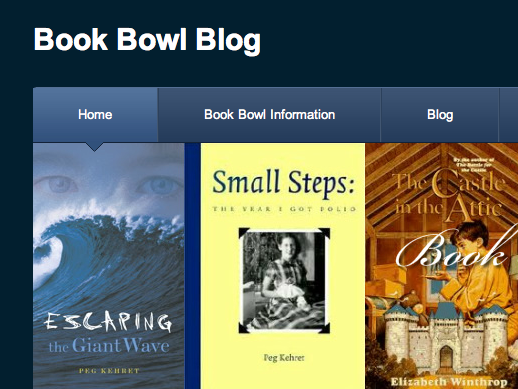
One of the great things about teaching your students to use web tools is that they can use them at home… and many students are very motivated to do just that! I recently showed Mr. Stein’s class at Pinchbeck Elementary how to create websites using Weebly. Today, one of his students, Andrew, came to me proudly showing a website he had created on his own time for the school’s Book Bowl. I was really impressed with all the features he included: a poll, a blog with comments, an embedded slideshow and maps, a downloadable file, and more! Click here to take a look at it (be sure to leave a comment 🙂 [Update: He has continued working on it over the summer. I was showing it off at a teachers’ conference in Philadelphia and I noticed that he had added to it on his vacation… now that’s a motivated student!] If you’d like your students to learn how to create their own websites with Weebly, let me know. You can check out other student Weebly sites on this post.


Spring Break 2011

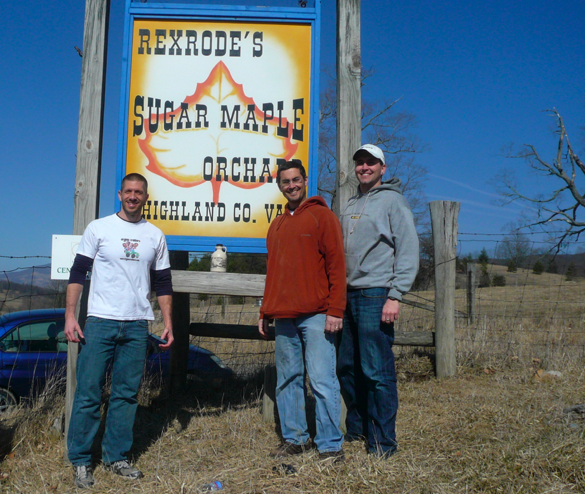
I’ve been busy this spring break with moving, but I was able to upload two new videos to the Virginia Trekkers website. We recently went to the Highland County Maple Festival (March) and made a video about how maple syrup is made. If you are learning about natural resources (SOL 1.8, 2.7, 2,8, 4.8) or even about changing states of matter (evaporation is a big part of the process SOL 2.3, 3.9) you might want to check it out (click here). And earlier this month we traveled up to Manassas to make a video about the Battle of Bull Run (VS.7b). Several teachers have been asking for the Trekkers to film there, so we did! We also met with the fourth grade students at Mullen Elementary in Manassas and included them in our video. Click here to watch it.


Education Day at the Diamond

Today the Virginia Trekkers were invited to Education Day at the Diamond by the Central Virginia Waste Management Authority (CVWMA) to help promote recycling and our recent podcast at the landfill. We had a great time meeting students from all over the Richmond area. Nancy Drumheller, the Public Information Coordinator, had a cool model of a landfill. We spoke with the students and passed out literature. We even got to pose with the Flying Squirrels’ mascot, Nutsy (that’s me dressed up as Recycling Man). If you are learning about recycling and conserving natural resources, be sure to check out our recycling video as well.


4th Grade Moon Phases Websites

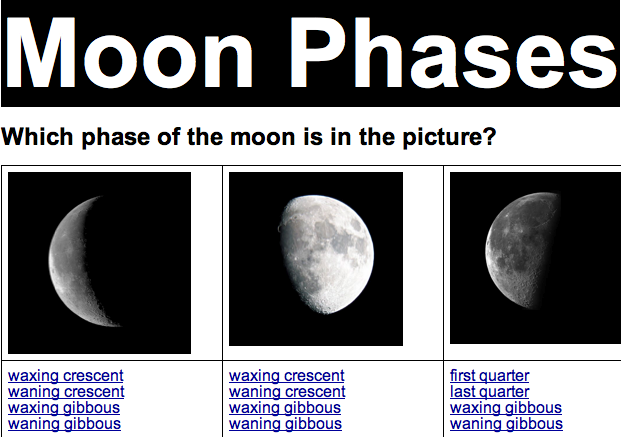
Today fourth grade students at Laburnum Elementary created interactive websites about the phases of the moon using GoogleDocs (SOL4.7b). Each student had to create a multiple choice question about a phase of the moon and make a response so when visitors clicked on an answer they would be taken to a message letting them know if they were right or wrong. I gave them a folder of pictures to use with phases of the moon and happy and sad faces. You can download it by clicking here. Then I taught them how to make the bookmarks and links using a sample website that you can see here. Check out some student examples: Asma, Charles, Milan, Monica, Ramar. Finally, be sure to take a look at my moon website for games and links about the moon.


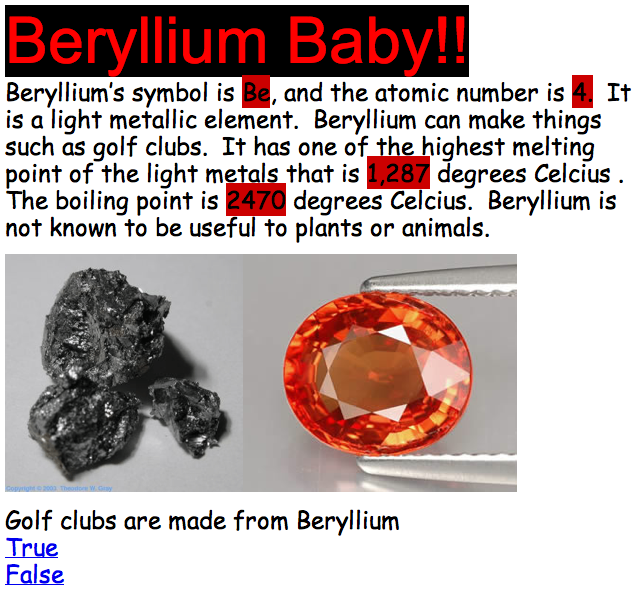
5th Grade Elements Websites

Fifth graders at Chamberlayne Elementary created their own interactive websites about the elements today. Each child was assigned an element from the Table of Elements which they had to research using Wikipedia, an online Periodic Table, and a cool iPad app called The Elements (Chamberlayne has a few iPads). There were certain facts they had to find like the symbol, the atomic number, and whether it was a metal or a nonmetal, but beyond that they could include anything else that they found interesting, as long as they understood it. Then the students created their websites using Google Docs. They included facts and pictures as well as interactive questions that utilized Google’s link and bookmark features. When viewers clicked on an answer to the question, they were told whether they were correct or incorrect. You can see some great samples here:
Michaela – Lithium Is Magnificent
Jenna – Learn About Sodium
Alex – Beryllium Baby!
Kyle – Aluminum
Ramses – Silicon


3rd Grade Mali Song

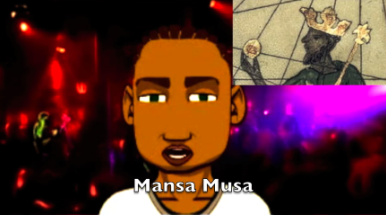
Mali (SOL 3.2) is one of the third grade units that does not have as many resources as other units (although I do have some resources listed here), so it’s a great opportunity to plan some project-based learning lessons! I’ve already described one idea for making a Google slideshow, but here’s another one: make a song about Mali using GarageBand. The griots of Mali were famous for sharing their history through singing and oral storytelling, so why not have your students do the same thing? Your students can research a topic using the resources listed above, then they can write a song to convey the information. They can then record the song in GarageBand and add music to it. If you want, you can even add a video with a real or virtual singer. Your students could film themselves singing in PhotoBooth or create a virtual singer using Voiki or SitePal. They could use a screen capturing tool like ScreenToaster or Screencast-O-Matic to record their virtual singer. You can see a sample “Mali Song” with a virtual singer here and you can download a folder of pictures to use for your project here.


2nd Grade Habitats

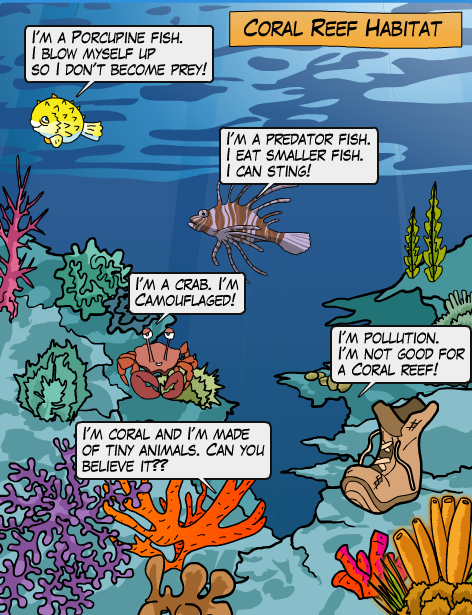
Yesterday I taught a workshop about web publishing. I shared various sites that let students publish books and websites online for free. You can see all the sites by clicking here, but one of my favorite sites from the workshop was Kerpoof. I used it today in 2nd grade at Chamberlayne Elementary for students to create habitat posters (SOL 2.5). If you go to Kerpoof and click “Make a Picture” you will see all the amazing background scenes the students can choose from. There’s pretty much every habitat you can imagine. So the students quickly selected a habitat, then they added in the clip art animals. The students could search for additional pictures and they could even draw their own. Next they added speech bubbles to convey important facts and vocabulary words about their habitat. You can see a sample by clicking on the picture to make it larger. You might also want to check out my list of Habitat Websites here.


5th Grade Plate Tectonics

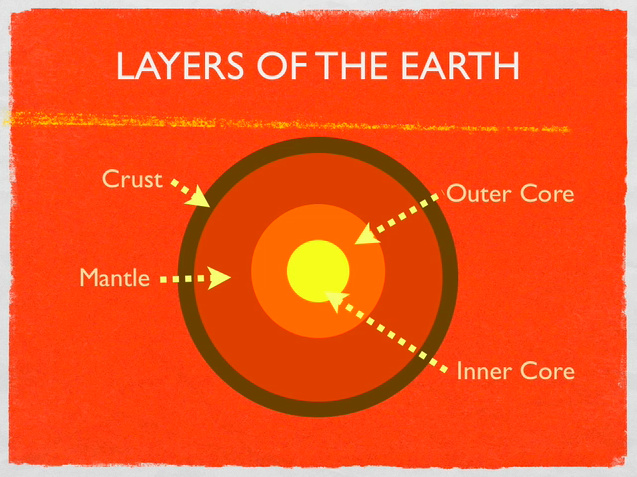
Today 5th graders at Holladay Elementary made animated Keynotes to explain plate tectonics (SOL 5.7). Using the Builds feature in the Inspector, the students were able to demonstrate the different motions of the Earth’s crust (divergent, convergent, and transform boundaries). They also enjoyed using the Flame Effect to describe volcanoes around the Ring of Fire. You can check out a sample video by clicking here. To get them started, I gave them a template and a folder of pictures to use that you can download by clicking here. Inside the folder are cool photos of volcanoes and earthquakes, links to websites, and various diagrams. You might also want to check out this blog post and this website for additional volcano resources.