Tag: websites

The Virginia Trekkers are Heading to California!
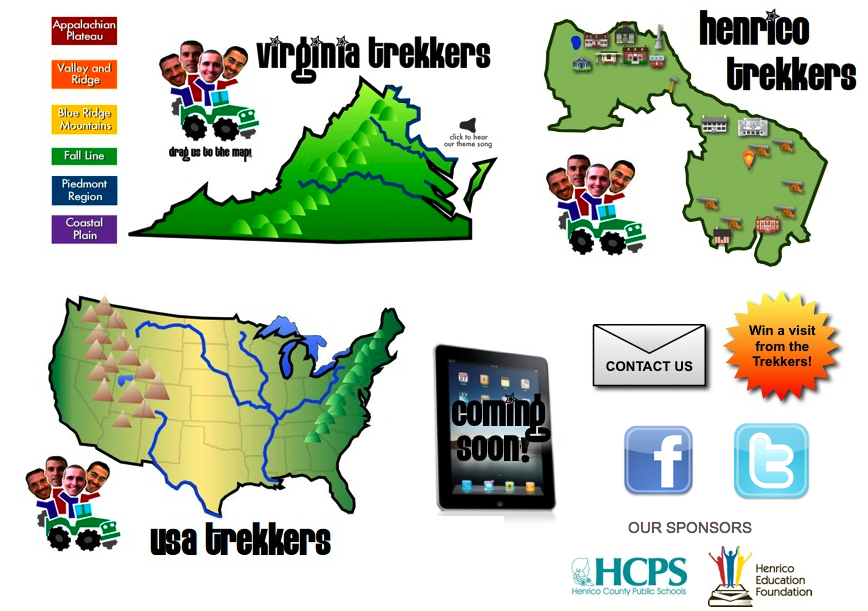
Fifth graders are now required to learn about the fifty states, so the Virginia Trekkers have decided to venture beyond the borders of our state to make videos about the other states as well. We have already been to eleven other states including New York, Florida, Missouri, Kansas, and Colorado. You can see those videos on our newly updated USA Trekkers page. However, all that travel costs money, so we applied for a grant from the Henrico Education Foundation (HEF), and they were generous enough to fund a trip out to California for the annual ISTE Conference in San Diego (June 24-27). So our plan is to leave June 19th and drive through Tennessee, Arkansas, Oklahoma, Texas, New Mexico, Arizona, and Nevada, finally arriving in California five days later in time for the conference. Some of the cool stuff we’ll film along the way: the Mississippi River, a full-size replica of the Parthenon, the Petrified Forest, Pueblo Ruins, Meteor Crater, and the Grand Canyon! So stay tuned because we’ll have lots of video resources for you to use in your classroom next school year. Have a great summer!


2012 Video Contest Winners!

Each year the Virginia Trekkers have a video contest where students create their own Trekker video about sites of historical significance near their home town. We got some great submissions this year, but the winners for 2012 were from Lovettsville Elementary in Loudon County. They did a fantastic job filming about their German heritage. They even had their own “Lovettsville Lookouts” tshirts! You can see their winning submission here. Today we drove up there to present them with their reward… a dance party! It was a lot of fun, and we captured all their crazy dance moves on film! If you would like to enter our contest for 2013, you can download the application here. While we up in that part of Virginia, we also filmed at Harpers Ferry (VS.7a) and the George C. Marshall (VS.9b) Center in Leesburg. You can check out that video here. By the way, if you’re ever up in Leesburg, be sure to stop by Mom’s Apple Pie Company. Their homemade pies are amazing!


4th Grade Elapsed Time

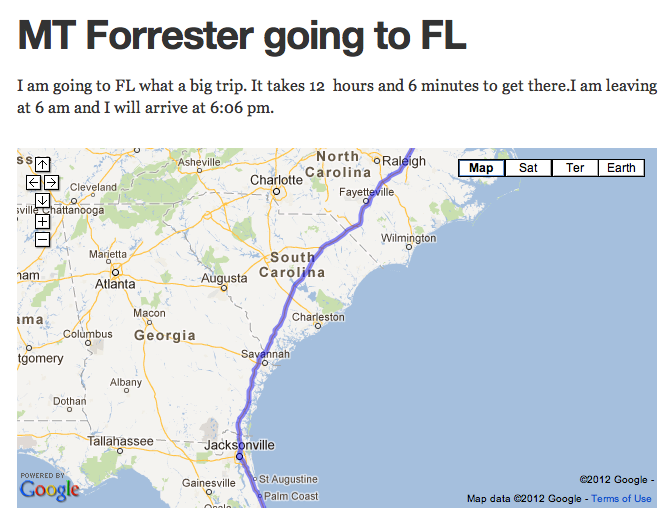
Did you know that tomorrow (April 7th) is International Pillow Fight Day? I wanted to go up to Washington DC to participate, and I used that trip as an example for today’s lesson with Ms. Waggoner’s fourth graders at Chamberlayne Elementary. She wanted her students to gain some real life experience calculating elapsed time. We decided to plan a trip using GoogleMaps. The students would first have to find out how many miles it was and how long it would take to get from Richmond, Virginia to their destination. Once they got that information they had to plan what time they would arrive if they left at a certain time. We published our trips online using CheckThis. The cool thing about using CheckThis is that we could embed the maps that we had created as well as add some pictures and even videos of our destination! I gathered all their URLs into one GoogleDoc that you can checkout here. Take a look at some of their sites and leave a comment if you wish. My site about International Pillow Fight is here (and by the way, I never made it up to DC, but we had our own local Pillow Fight Day right here in Richmond)!


2nd Grade Time & Money

Sometimes the students really surprise me with how much they can accomplish during an hour’s lesson! Today Ms. Ambrose’s second graders at Holladay Elementary did an impressive job with the multi-step task that we gave them! We wanted to create a review for time and money, which were two skills they needed additional practice with. But instead of creating the review ourselves, we let the students create it. First they had to decide if they wanted to make a money problem or a time problem. Then they opened Pixie and created their problem using the stickers. We exported their pictures and uploaded them to a cool photo sharing site called CoMemories. I like it for elementary students because there’s no login. They just drag their picture right onto the website. We needed the pictures to be online so we could embed them on a CheckThis webpage. You can see their gallery of pictures here. The students clicked on their picture and copied the URL. Then they pasted the link into their CheckThis webpage and wrote a poll question about the picture for their classmates to answer. I put all their URLs onto a GoogleDoc that you can see here. Now they have a great way to review time and money, using questions they created!


4th Grade Student-Created Review Questions

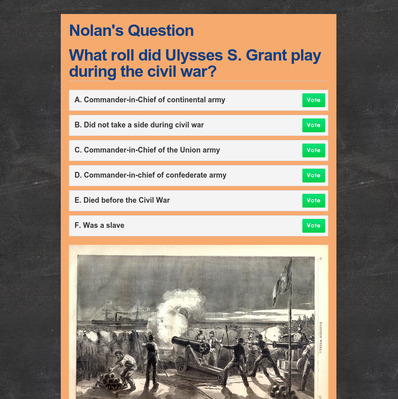
Teachers are always looking for fun, fresh ways to review information with their students. Why not have your students create their own review questions online so that they can review at home? Plus, there’s the built-in motivation of wanting to show off their hard work to each other. That’s what we did today in Ms. Basham’s 4th grade class at Johnson Elementary. We discussed how to create good questions and answer choices (like on a test). We practiced using the ActiVotes (clickers) with some sample online multiple choice answers (students had to make up the questions). You can generate a large number of questions when you only display the answer choices like this, and you get instant feedback from the clickers. If you would like a brief tutorial on using the ActiVotes click here. Once the students understood how to create good questions, I showed them how to make a webpage using CheckThis. They added a title, a picture, and a poll question (so students would have to vote on the answers). I gathered all the URLs into a GoogleDoc so they could visit each others’ websites at home for additional review. The teacher can also use the websites for more ActiVote questions and even share them with her team!


3rd Grade Explorer Websites

Third graders at Holladay Elementary have been studying the explorers (SOL3.3) so today they chose an explorer and used CheckThis to create their own website about him. First they typed in the facts that they had gathered from their research. Then I showed them how to add a picture of the explorer and a map of his route. They also created a poll question for other students to answer to make their website more interactive. After they published their sites, I gathered the URLs together into one GoogleDoc so that the students (and their parents) could look at each others’ sites, answer each others’ questions, and review the explorers in a fun, motivating way. We did all that in just under an hour! You can too! Go ahead and check out some of their websites. Be sure to leave a comment and “Like” their pages. Let me know if you’d like to create websites with your students. I’d be happy to show you how.


Online Resources for Music Month (and More!)

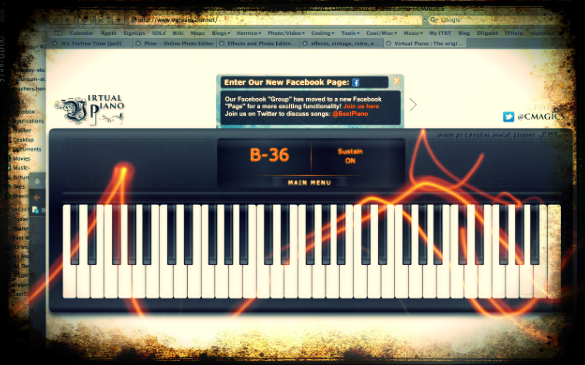
March is Music Month at Laburnum Elementary and Ms. Allison is always eager to try new things. So I set up a website for her of interactive links that range from letting students play a virtual keyboard to learning about the different instruments in the symphony and much more! I worked with her today during a couple of her classes, and then she went on to use the site in all her other classes. The great thing about online resources is that the students can use them at home too. I’ve compiled a more extensive list of resources for a workshop I conducted for elementary and secondary art and music teachers. Many of these web tools can be used by regular classroom teachers as well, such as recording an mp3 or painting a picture. I made a page of Art Resources and Music Resources. There’s plenty to keep you and your students busily creating for months! (The picture used in this post was of an online keyboard funkified with Pixlr-o-Matic).


Even Kindergarteners Can Make a Website!

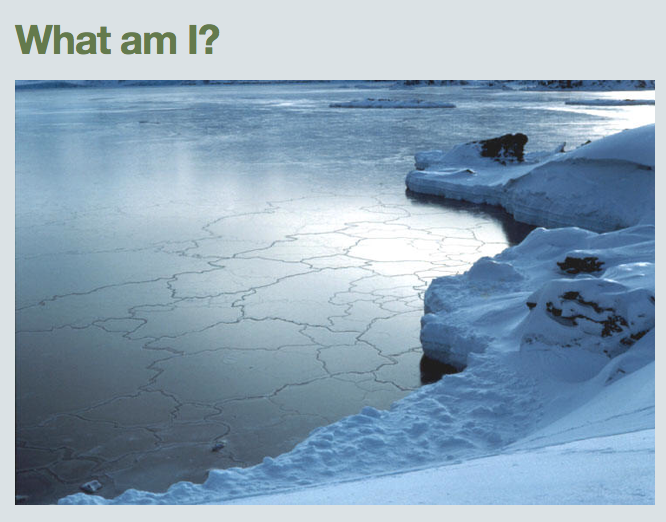
I was really excited to try out a new site called CheckThis that allows you to create a simple webpage in just a few easy steps. So today at Holladay, I tried it with Ms. Brown’s kindergarten class… and they were able to do it! Yep, kindergarteners created their own websites today! They were studying the states of water (SOL K.5) so that’s what we made our websites about. I showed them how to add a title, embed a photo of one of the states of water (solid, liquid, or gas), and then add a question in the form of a poll. Once they created their sites, I put them all on a GoogleDoc so that they could look at each others’ webpages and answer each others’ questions. Go ahead and check them out, take their polls, and maybe even leave a comment! It was a great way for students to review the information as well as publish their work online so they could continue their review at home. To showcase all the cool things that CheckThis can do, I created a site about Mali with an embedded video, map, picture, weblink, and poll.


2nd Grade Fossils

Today 2nd Graders in Ms. Stewart’s class at Laburnum Elementary made Keynotes about fossils (SOL 2.5). Since this was their first time using Keynote, I wanted to teach them some of the special features of making a slideshow like how to play it back and how to add photos, transitions, and animations. So I gave them a template and a folder of pictures that you can download by clicking here. First I played the sample which you can see by clicking here. Then I showed them how to add the photos and animations to each of their own slides. A good idea would have been to allow the students to record a voiceover for their slideshow, but we didn’t have time to do that. You could also instruct your students to do their own research. I have created a page of great interactive fossil links here.


Henrico Trekkers

The Virginia Trekkers have been working hard all summer to create a website for 5th Grade Henrico Studies. It’s finally finished and you can check it out by clicking here. We have a total of 21 videos from different places around the county of historical or geographical significance. Each short video (1-2 minutes) is accompanied by additional written information and links for more research. There is an interactive Flash map as well as a Google Map that you can embed on your website or download to view in Google Earth with pushpins marking the important spots. We will continue to add to the site throughout the year. You could even have your own students create videos about Henrico County and submit them to the Trekkers. We’ll be posting some of them on our website!