
4th Force and Motion Keynote
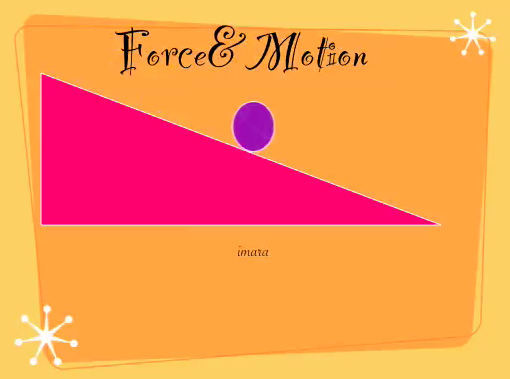 Technology projects can sometimes be short and quick. For example, these fourth graders created simple animations to show the difference between potential and kinetic energy (SOL 4.2d). All we did was open Keynote, choose a theme, type our title, and add two shapes, a triangle and a circle. Next we made the triangle look like a ramp by stretching the corners and placed the circle at the top of the ramp. We added motion to the circle by going to the Inspector, clicking the Build tab (yellow diamond), and choosing Actions > Move. After making it move from the top to the bottom of the ramp, we were ready to record our voices using the Audio button in the Document Inspector (white sheet of paper). It only took about 20 minutes to do and the results were great. This student even said it was the best thing she’d ever done! Take a look at a couple of other student samples by clicking here and here.