
5th Grade Kingdoms Keynote
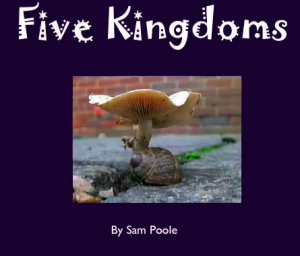 Fifth graders at Laburnum are studying the five kingdoms (SOL 5.5b) and they wanted to make Keynotes. But they have been using Keynote since second grade with me, so today I taught them a special feature they had never used before (and maybe you haven’t either). It’s called Smart Builds, and it’s the button that looks like a Magic Hat in the tool bar. It adds a very cool effect to pictures that you can check out by clicking here. I gave the students a Keynote template to get them started and I also gave them a folder of pictures for each kingdom (moneran, protist, fungi, plants, and animals). You can download the files by clicking here. There is a slide for each kingdom. The students can change the fonts and background color as they wish. Then they type three facts about each kingdom like in the sample. Finally they drop six or more pictures into the Smart Build box and like magic, the effect is automatically created. When they finish the students can add voiceovers or music to their show. I’ll be sure to post the link when they are done so you can take a look at them.