1st Grade Matter
embedded by Embedded Video
Miss Feaver’s & Miss Aveson’s (3.22.10) students demonstrated their knowledge about matter by making an animated Keynote. You can grab this awesome activity on Virtual Share.
embedded by Embedded Video
Miss Feaver’s & Miss Aveson’s (3.22.10) students demonstrated their knowledge about matter by making an animated Keynote. You can grab this awesome activity on Virtual Share.
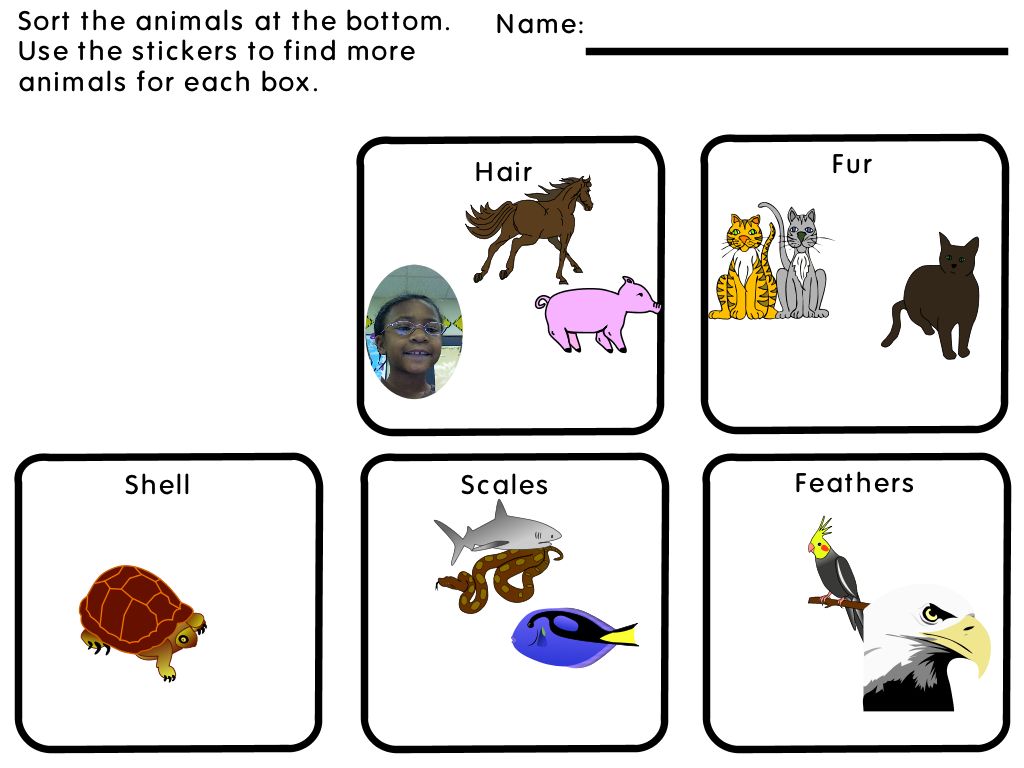
First graders at Mehfoud have lots of ways to show what they know about animals. Check out the Pixie covering sort and the Animal database. These kids do a great job!
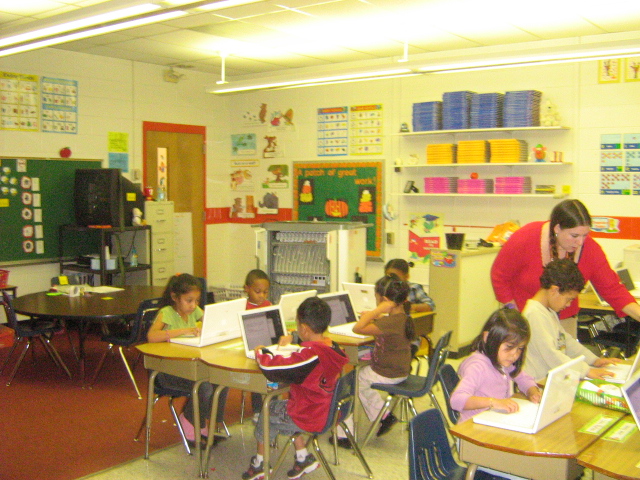
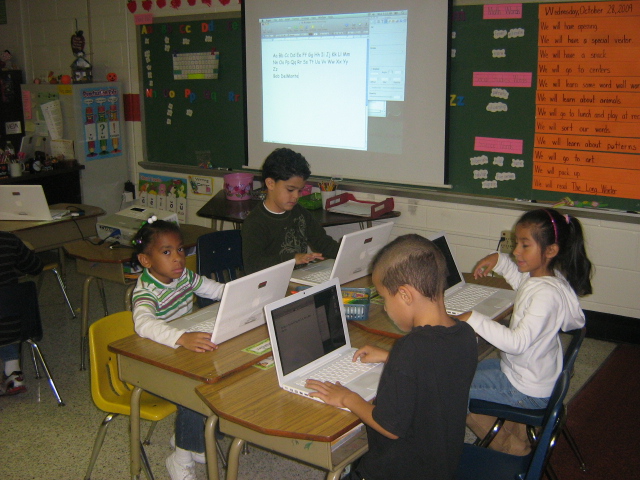
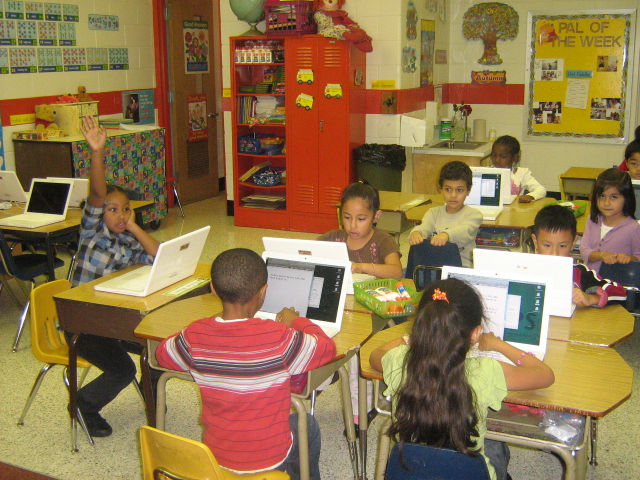
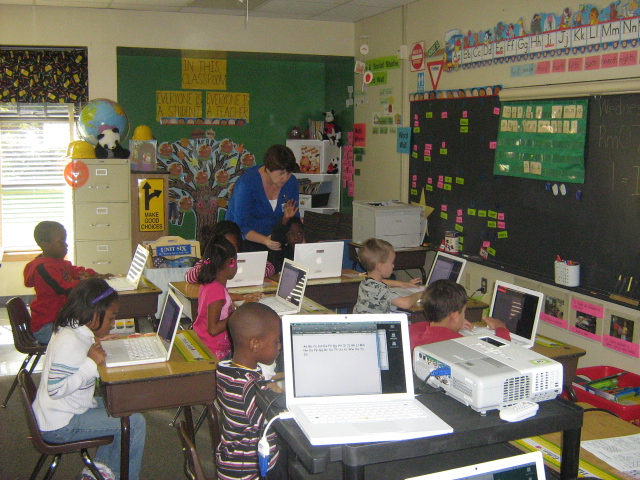
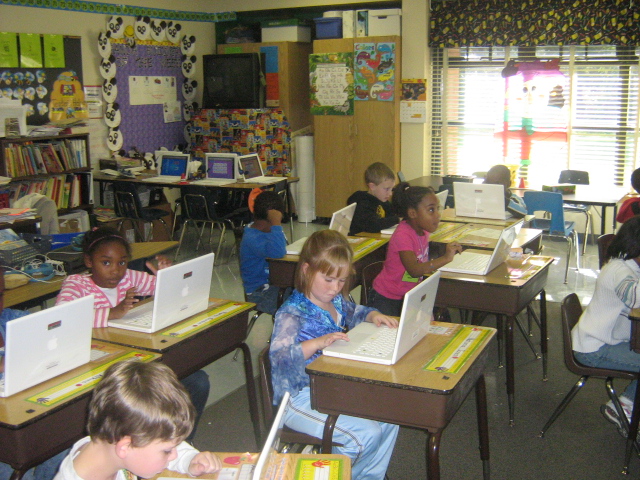
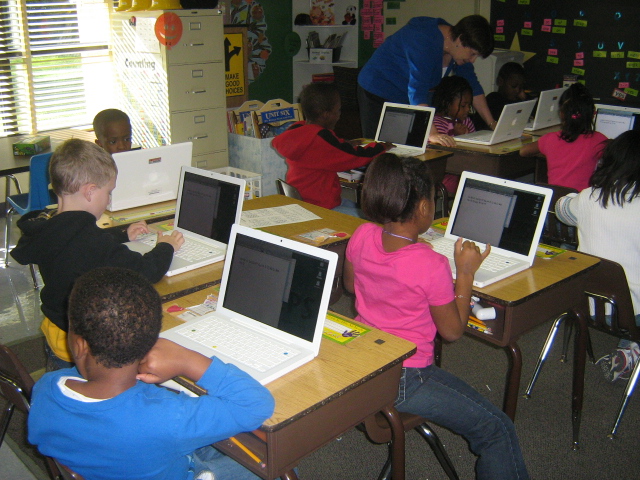
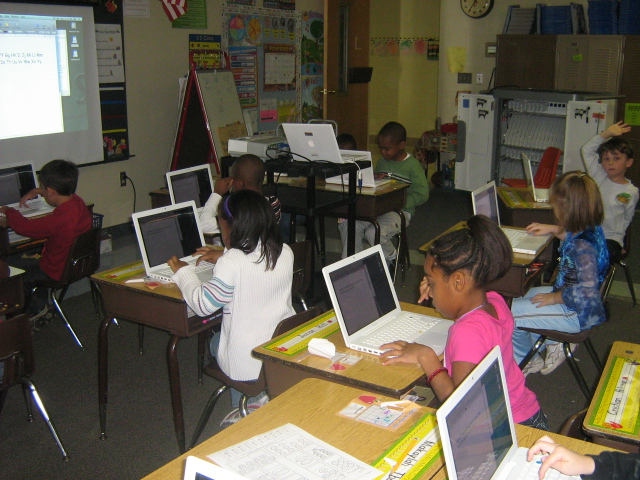
Ms. Hall’s and Ms. Gabrual’s first grade students get to work learning keyboarding skills!
11/30/09 Mrs. Baldwin’s and Mrs. Garrison’s students get in on the keyboarding fun.
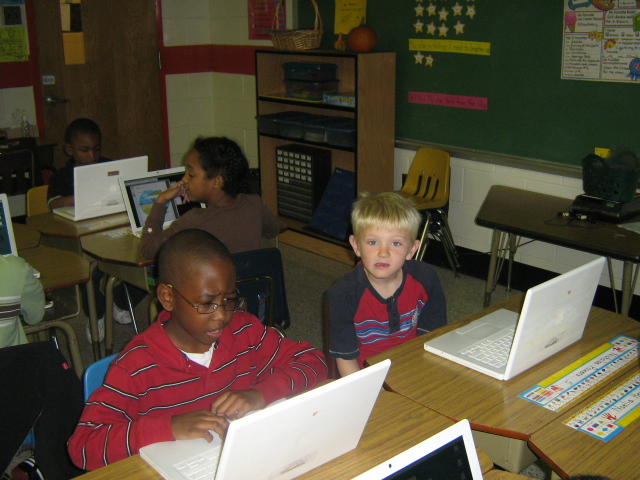
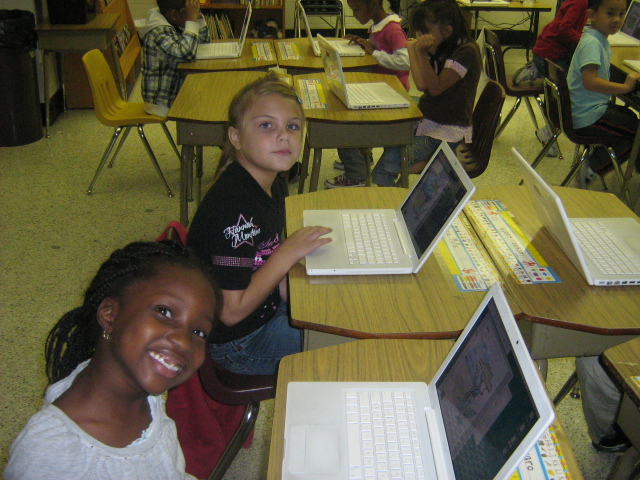
12/10/09 Keyboarding instruction continues to make its way through KG and 1st grade. Mrs. Davidson’s and Mrs. Morrison’s students do an excellent job! That shift key can be tricky.
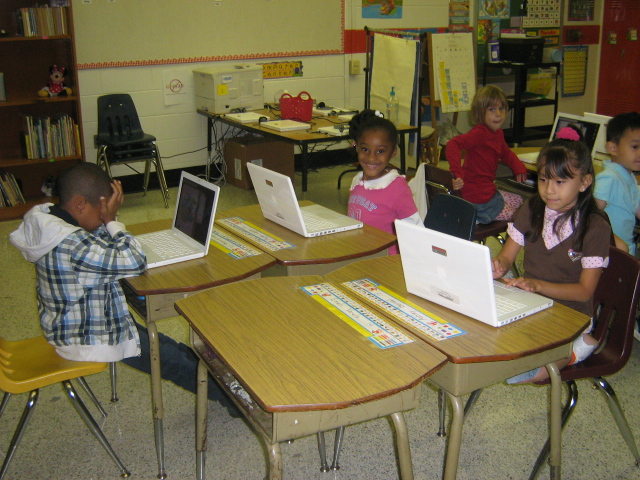
1/5/10 Mrs. Garbett’s kindergarten works hard to learn the special keys on their computers.
1/11/10 Mrs. McKenzie’s and Mr. Everett’s kindergartners finally get their chance to shine with keyboarding!
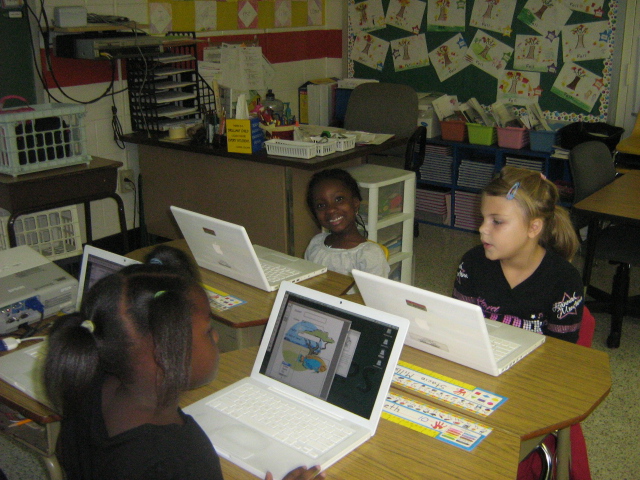
1/21/10 Mrs. Slimak’s kindergartners work really hard at using their keyboards!
1/27/10 Mrs. Corbin’s students let their fingers fly as the work their way through the keys!
Mrs. Davidson’s 1st grade students investigate the habitats, characteristics, and body coverings of various animals.
embedded by Embedded Video
Kindergarten and 1st grade students in Mrs. Robbins’s, Miss Dyal’s, Mrs. Stumbo’s, and Mrs. Carlsen’s classrooms did an excellent job learning a few of the important keys on the keyboard!
10/26/09 Mrs. Stumbo’s and Miss McNulty’s students flex their fingers to improve their keyboarding skills.
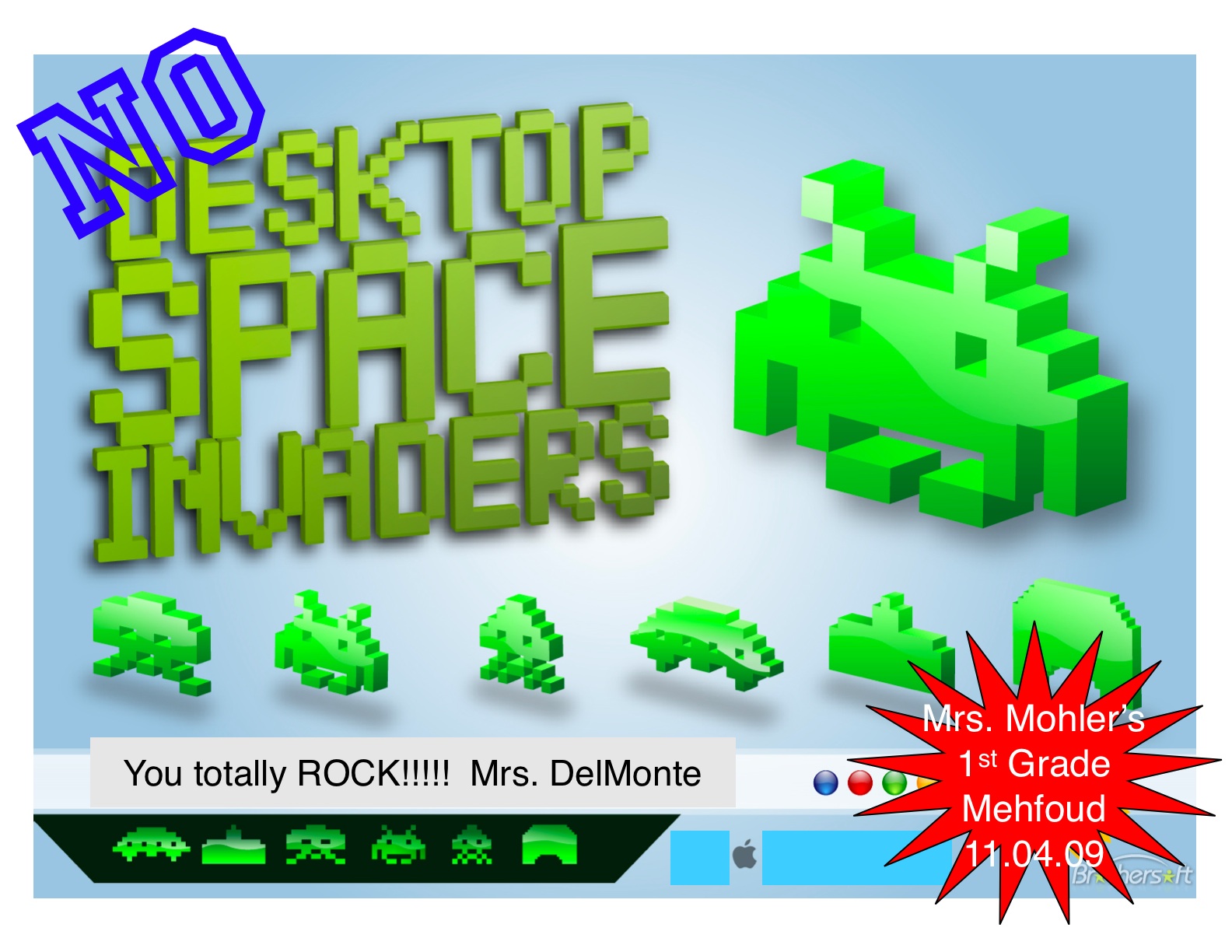
11/4/09 Keyboarding work continues at Mehfoud. Mrs. Coons’s and Mrs. Mohler’s students learned about the special keys used when typing. WOW– Mrs. Mohler’s students are the first class to have no SPACE INVADERS! Every student remembered to put just one space in between their words as they typed! Congratulations!
11/9/09 Mrs. Schliessmann’s, Mrs. Wagner’s, and Mrs. Towery’s students did a great job learning keyboarding skills!
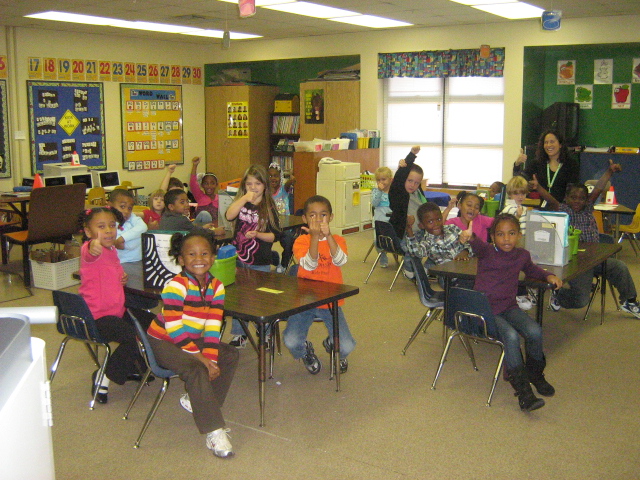
11/19/09 Mrs. Cloney’s 1st grade students let their fingers do the walking as they learn the fine art of keyboarding!
All K-5 teachers have been tasked with keeping a teacher technology portfolio each 9 weeks marking period. Some great questions have come about as a result. Attached you will find two documents that will assist you in your quest for completion of the portfolio. The first is a handout created by David Clough, a fellow ITRT. It will let you know the capabilities of 10 of our most popular programs. The second document is a program list that mirrors the teacher documentation form. Here you will find a list of each program that can be used to fulfill requirements listed on the documentation page, a ‘Cheat Sheet’ if you will. Please feel free to share these documents with your teammates and friends from other HCPS schools.
First grade students in Mrs. Feaver’s and Mrs. Kendrick’s first grade classes worked really hard to learn Pixie and show what they know about animal coverings. Click here to download the activity!
As we go into the new school year, it is always good to refresh yourself with the latest changes in job requirements. The Acceptable Use Policy is not new, however in this fast paced, 21st Century world certain pertinent details have been added and modified to account for the quickly changing digital world. As a HCPS employee, it is your responsibility to be aware of the policies you are expected to adhere to each year. In an effort to make this process easier, I have made a pdf of newest version of the AUP for download. If you would like to read the document online, click the link below and you will be directed to the county page for Policies and Regulations. Click on 4) Personnel and scroll down to R4-06-013.